In the world we live in today everything is moving fast with technology and computers. So it is very important to move your work to the cloud. This helps you save money and work from home. If you are moving your desktop or old systems to the cloud you need to do it in a way. This way you do not have a lot of problems. You get the most out of it. vDeskWorks has a tool that makes this move easy. They give you a place to work on your computer from any device. vDeskWorks and their DaaS platform make it simple to get a desktop that is secure. You can get to your desktop, from any device when you use vDeskWorks.
Understanding Cloud Migration Types and Approaches
Cloud migration is a deal. It can mean taking the way out with rehosting, which is like lifting and shifting things to the cloud for a quick fix.. You can try replatforming, which is making a few small changes to get things working a little better.. If you really want to get the most out of the cloud you have to refactor, which means making big changes to get all the benefits of being in the cloud.
There are a lot of things you can move to the cloud like taking the workspaces that are currently on your own premises and moving them to cloud desktops. You can also take applications. Move them to environments that can handle a lot of users.. You can take physical servers and turn them into virtual infrastructure.. If you have old legacy systems you can update them to modern setups.
Cloud migration also gives you options, like hybrid and multi-cloud which're good because they give you flexibility. This means you can use Cloud migration like moving to the cloud in a way that works best for you and your needs.
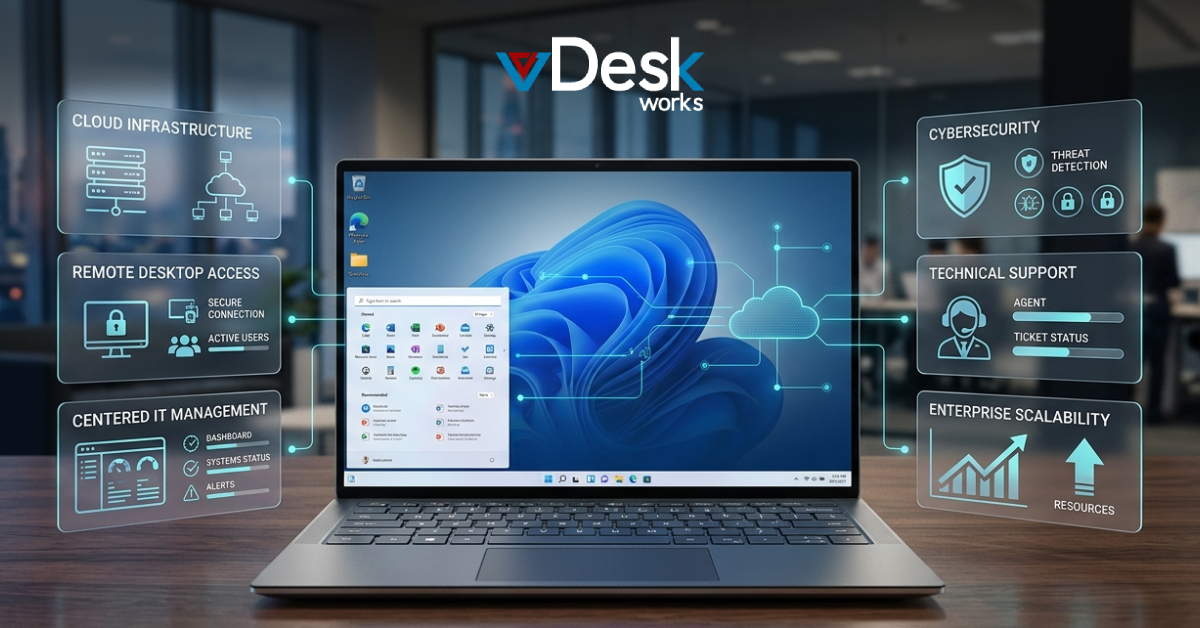
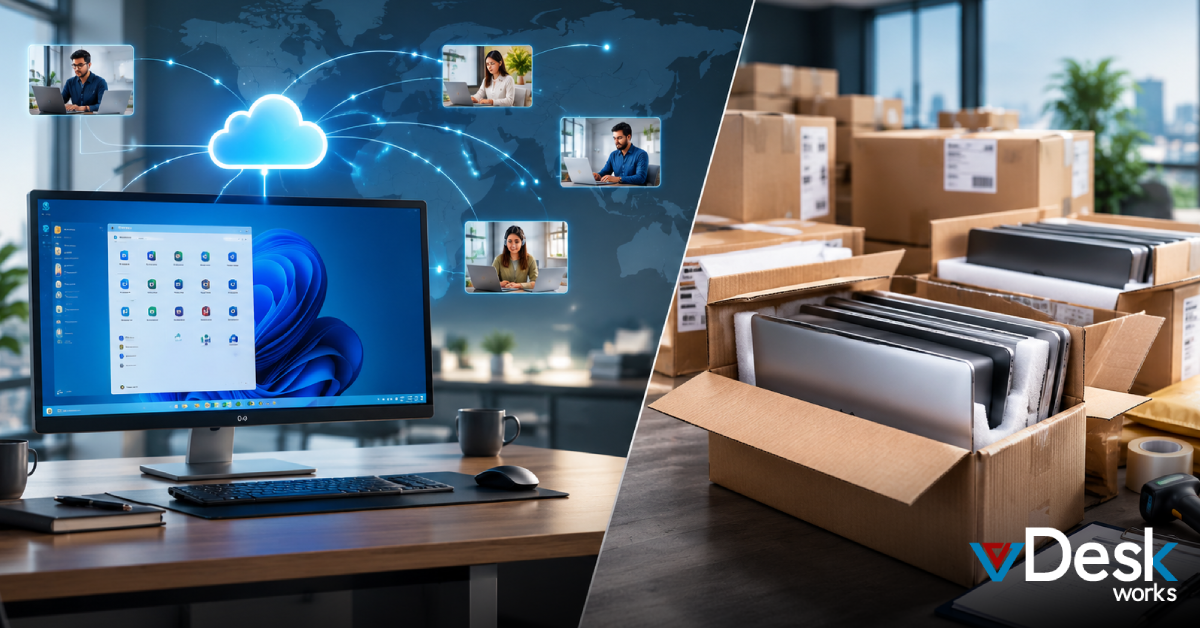
vDeskWorks is really good at helping people move their desktops to the cloud. It makes it easy to switch from having everything on your computers at the office to using virtual desktops that are hosted online. vDeskWorks has some features that make this process simple. You can manage everything from one place. You can also add power to your system right away if you need it.. You can use it with either Azure or AWS which means you are not stuck with just one company. This makes it easy to switch to the cloud without causing a lot of problems. vDeskWorks and its features like management and instant scalability make it a great choice for desktop-centric migrations, to the cloud.
Key Benefits of Migrating to Cloud with vDeskWorks
Cloud adoption is a way to save money on capital expenses because you only pay for what you use. This means you do not have to spend a lot of money on hardware. You do not have to worry about maintaining it. Cloud adoption is also very good for teams that are growing because it makes it easy to add space when you need it.
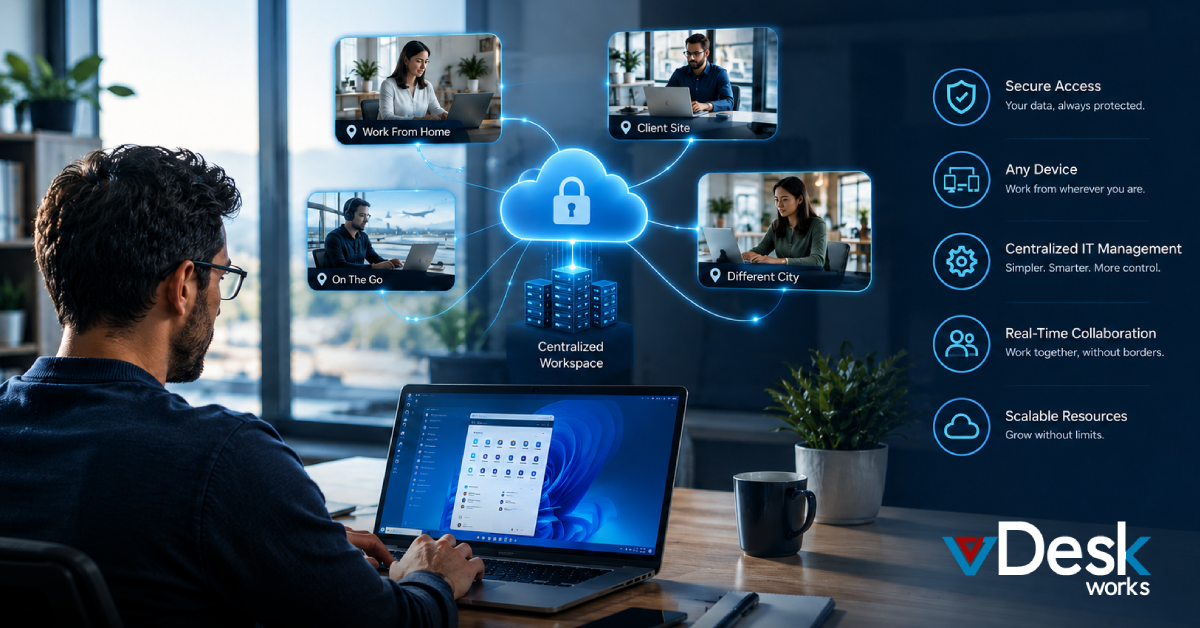
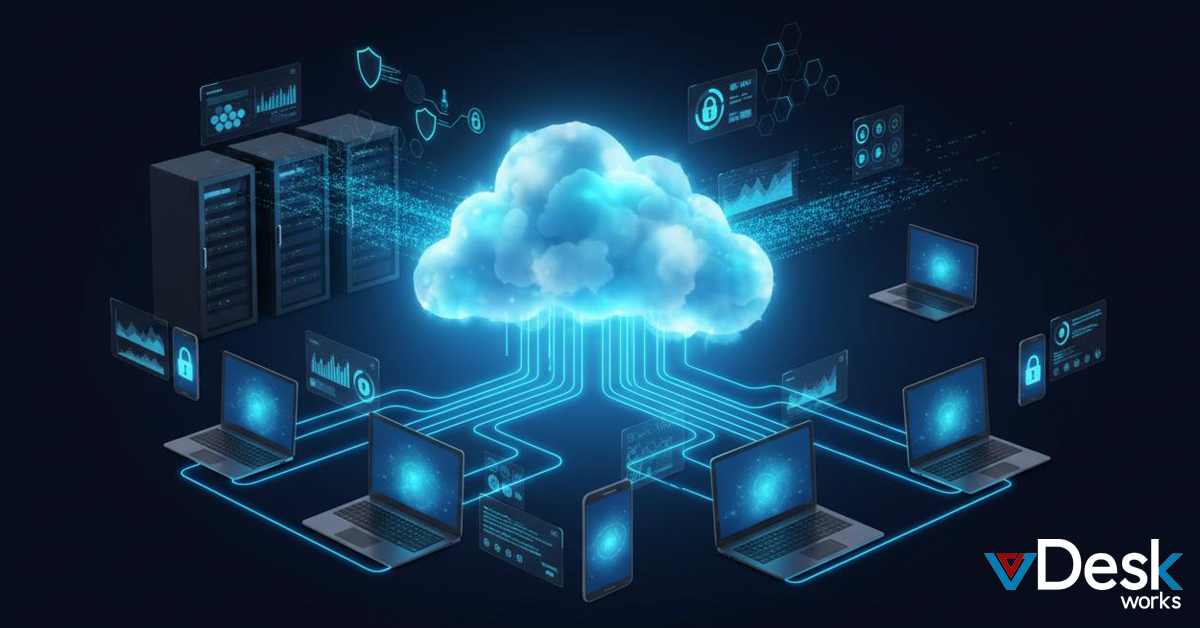
The Cloud is available from anywhere in the world so you can get to your information from any place. This makes it very easy to work with people in locations. Cloud adoption also helps to keep your information safe in case something bad happens to your systems. It does this by saving your information and switching to a backup system if something goes wrong.
Cloud adoption is also very safe because it uses encryption to protect your information. It also uses something called Multi Factor Authentication or MFA for short to make sure that only the right people can get to your information. This helps to keep your information safe. It also helps you to follow the rules that you need to follow, like the rules, for PCI and HIPAA which are rules that people have to follow when they are working with Cloud adoption.
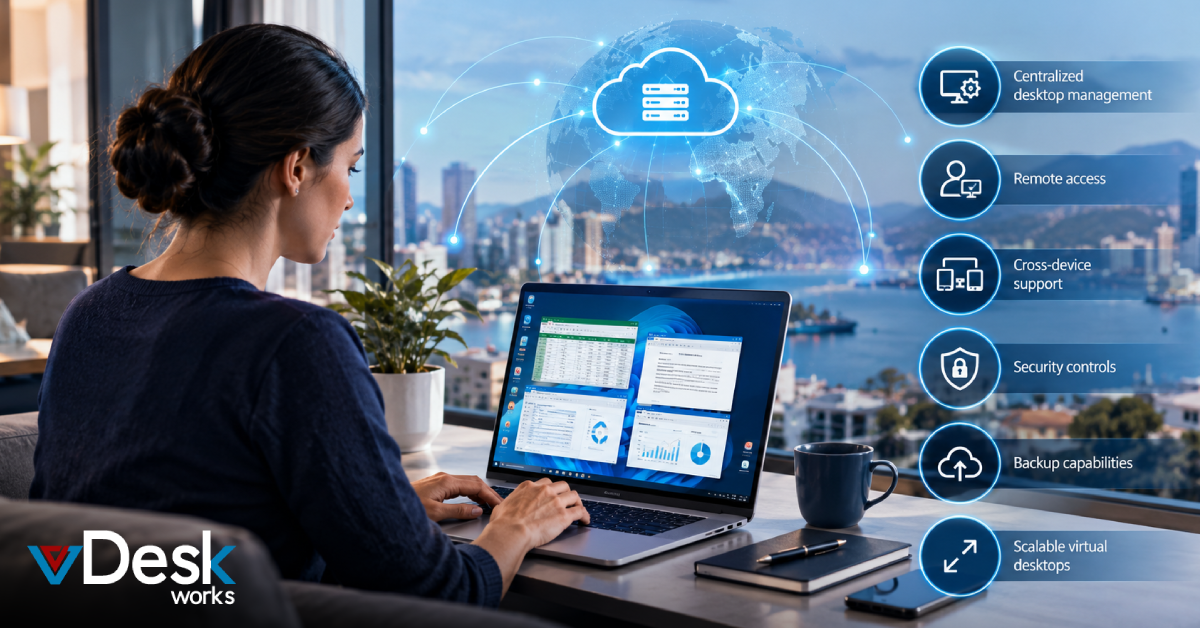
vDeskWorks makes these things even better. You can use desktops that are powered by GPU for apps that need a lot of power. It also automatically deletes sessions that are not being used to make things more secure. You can get to it from any device like a PC, a Mac or a mobile phone using a web browser. All of your data is stored in the cloud so you do not have to worry about storing it on your device. Businesses can save money on IT costs use computers again and let people use their own devices for work while still making sure everything is safe and secure. vDeskWorks helps businesses do all of these things easily.
Step-by-Step Cloud Migration Process
Start with preparation: assess your current infrastructure, inventory assets, prioritize workloads, and plan risks like downtime or compatibility. Choose your strategy—phased for minimal impact.
Execute migration: transfer data and apps using vDeskWorks' intuitive wizards for publishing desktops/apps, supporting physical machine mounting or shared file access without full data copying. Test thoroughly for performance and user experience.
After we move everything we need to make sure things are working well. We do this by making sure we have the amount of resources by keeping an eye on things with dashboards by keeping costs under control with billing that is based on how much we use things and by always making sure we have backups and snapshots. vDeskWorks helps us with this by making sure work is spread out evenly by automating tasks, with PowerShell by letting us help people remotely and by using Azure to protect us from disasters and get us up and running quickly.
Overcoming Common Challenges with vDeskWorks
We have to deal with a lot of challenges when it comes to security vulnerabilities and downtime and legacy compatibility and cost overruns. These things happen all the time.
To make things better we can use encryption to keep our information safe. We can also do phased rollouts, which means we do things a little at a time.
And if something goes wrong we need to have rollback plans in place so we can go back, to how things were
We should also use expert tools to help us with security vulnerabilities and downtime and legacy compatibility and cost overruns.
vDeskWorks tackles these problems directly. It uses rotating IPs and malware protection to guard against threats. This helps to keep vDeskWorks safe. vDeskWorks also has high-availability hosting. This prevents disruptions to vDeskWorks.
vDeskWorks is compatible with different platforms. This means it can handle legacy apps.
The pricing for vDeskWorks is based on what you use. This helps you avoid paying much for vDeskWorks.
vDeskWorks has features, like monitoring and alerts. It also has compliance features. All these features help ensure the long-term success of vDeskWorks.
Ready to future-proof your workspace? Partner with vDeskWorks at www.vDeskWorks.com for assisted, hassle-free cloud migration to secure, scalable virtual desktops.
 Emma Carson