Information technology blind spots in workspaces can cost you a lot of time. They can also make it hard to keep employees. They can even make people not trust you. That is why you need to learn about these 8 information technology spots, in virtual workspaces.
Cloud PC deployments are wasting a lot of time because the employees have to spend a lot of time trying to fix the problems. Cloud PC deployments are also burning out the IT professionals because they have to work hard.. Cloud PC deployments are making the employees not trust the company tools. They are using their own devices instead because the company tools are not very good.
In this post we will look at eight problems with Virtual PC and Cloud PC systems. We will tell you how to fix these problems. We got this information from companies that use these systems. We will give you steps to make your Virtual PC and Cloud PC systems work better and be more secure. Virtual PC and Cloud PC systems can have problems that you do not know about. We want to help you find these problems with your PC and Cloud PC systems. Let us start looking at these problems, with PC and Cloud PC systems.
1. Treating Virtual Infrastructure Like Legacy Hardware
Your Virtual PC setup is not a bunch of computers online, it is the main part of how your company works quickly. But a lot of teams use PC environments in a really old way: they only fix things when they break, they do not have enough power and nobody pays attention to them until they stop working.
You should get someone who really knows what they are doing like the people at vDeskWorks to take a look at things. They can do an audit that's fair and honest. The good thing about vDeskWorks is that their system can handle a lot of desktops at the same time. This is called high-density VDI. They can even give each user up to 2GB of video RAM which's a lot. This means that vDeskWorks can really help with high-density VDI and give users the video RAM they need up to 2GB, per user.
2. Overlooking Data Governance in Cloud PCs
Data moves around easily in PC environments. This is a problem because it is not controlled. People keep files in PC environments that are not secure. They also move information to their own computer drives. This means they are missing out on chances to use Artificial Intelligence to get ideas from the data. At the time they are making it easy for hackers to get into the system. This is an issue that can cause a lot of trouble with following the rules and it turns your Cloud PC into a big problem.
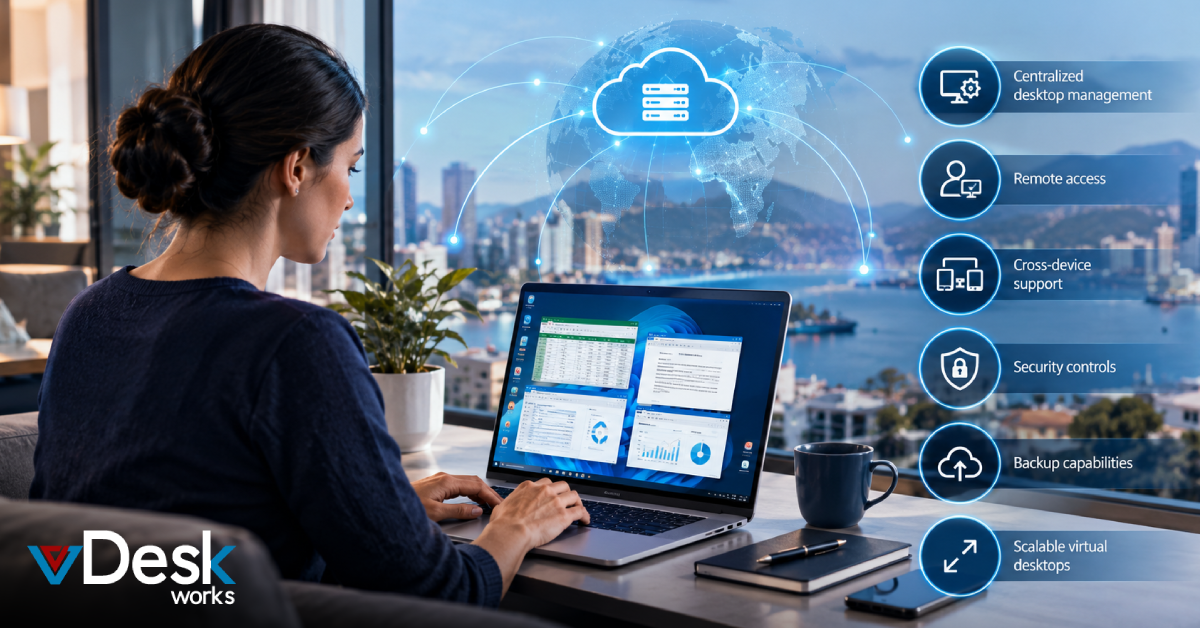
You should work with vDeskWorks. They have a good system that keeps all your information in one place. This system is very secure because it has encryption built into it. This makes it safe to use their software services. vDeskWorks is a choice for this. Their system is what you need for software services.
3. Viewing AI Integration as a Virtual Desktop Add-On
Artificial Intelligence is not something that is going to happen tomorrow. It is already being used in PC tools. These tools use Artificial Intelligence to adjust the resources they need or to predict when they need maintenance. If you do not pay attention to Artificial Intelligence it can start to have an impact on your Cloud PC without you even realizing it. This can lead to costs or decisions that are not fair. A lot of people, in charge of IT think Artificial Intelligence is not being used much in virtual environments right now but actually it is being used more than they think. According to Deloitte 70 percent of IT leaders do not understand how much Artificial Intelligence is already being used in these environments.
4. Ignoring Shadow Apps in Virtual Sessions
Employees are not people who cause trouble. They are people who think of ideas. They use apps that they are not supposed to use when they work on their computers online. They do this because they need to find ways to work together quickly. If you just say this is a thing you will not understand what people need to do their jobs. This can cause problems with security and people will use many different tools. Employees are really innovators who use these apps to get their work done like using collaboration tools when they need to work with others.
You want to know what you can do. Well there are a lot of things that you can do. For example you can try something like a hobby or a sport. You can also learn something like a language or a skill. The things that you can do are really endless. You can do anything that you set your mind to, like traveling to places or trying new foods. The important thing is to do what makes you happy and to have fun with the things that you do. We should ask people who use computers what programs they use on them and why they use those programs. This will help us figure out ways that our programs can work together with the programs they are already using on their computers. Use vDeskWorks' virtual desktop solutions for endpoint visibility to monitor shadow tools.
5. Confusing Virtual PC Migration with True Cloud Optimization
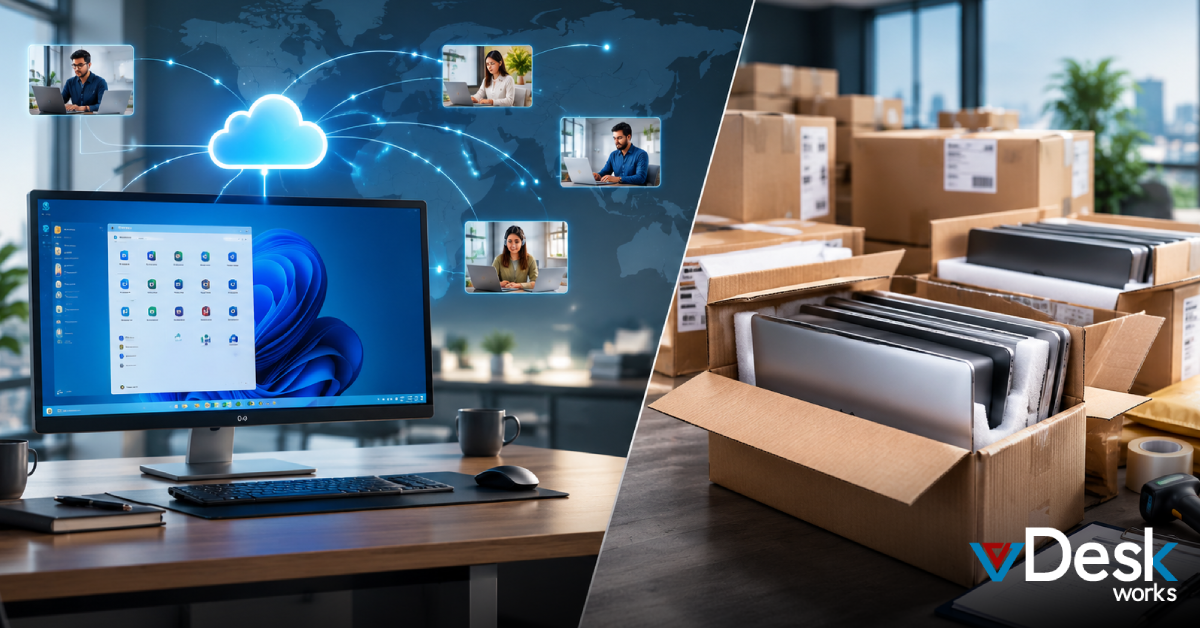
Moving desktops to Cloud PC seems like an idea but it also brings old problems with it. You will still have bills and poor scalability. Nothing really changes. If your Virtual PC feels old and outdated even though it is in the cloud you are not the one who thinks that. A lot of people have this problem. In fact IDC found that fifty five percent of the time moving to the cloud does not even save people money. This is what happens when you just take your desktop and put it in the cloud without making any other changes. Your Cloud PC is still basically the old thing, just, in a different place.
Work with vDeskWorks to make moving to Cloud PC easy. They only give you what you need. You pay for what you use with their model. This way you do not have to pay for things you do not need. vDeskWorks is a choice for Cloud PC migration because they make it simple.
6. Allowing VDI Tool Proliferation to Explode
When departments start using Virtual PC tools things can get really messy. We see a lot of licenses and security issues that are not consistent. This can cause a lot of problems for the IT team. A lot of companies have to deal with, than 50 Virtual PC instances according to McKinsey. This can increase their budget by 30 percent. Virtual PC tools are supposed to make things easier. When companies have so many Virtual PC instances it can be hard to manage them.
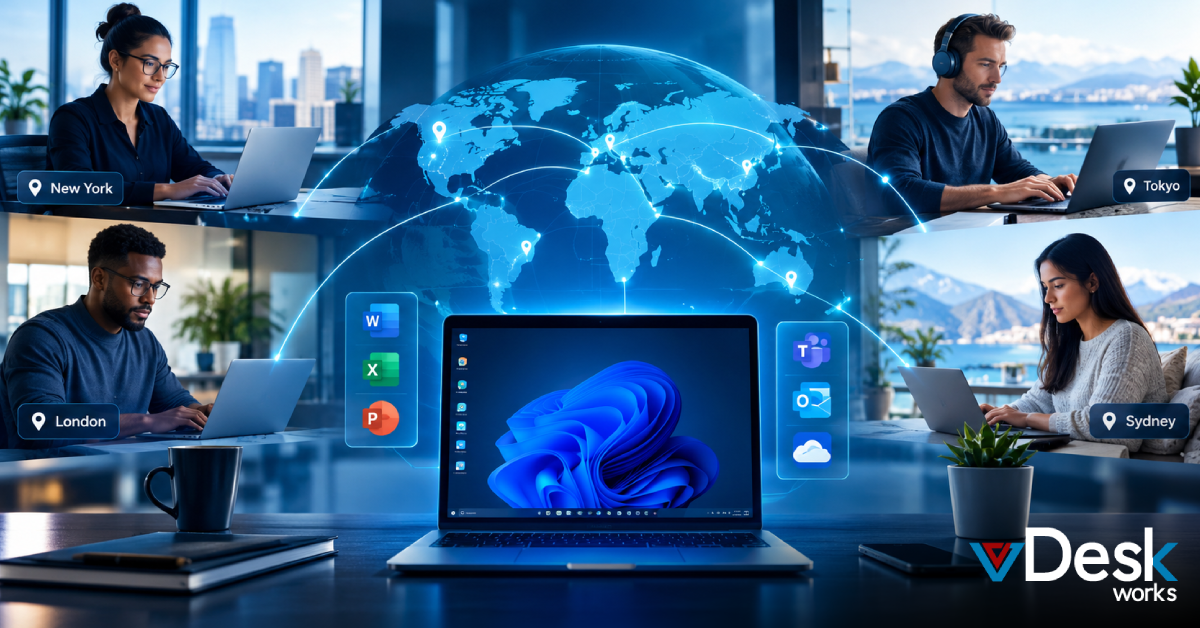
You can put everything in one place with vDeskWorks DaaS. This is a way to manage all your devices from one spot. vDeskWorks DaaS helps you do that by making it easy to keep track of everything. You can manage all your devices with vDeskWorks DaaS.
7. Recruiting IT Talent Without Virtual Alignment
Use the managed services from vDeskWorks to take care of the operations so your team is free to do other things. This means vDeskWorks will handle the vDeskWorks operations after the setup, which is often called Day 2 operations so your team does not have to worry about the vDeskWorks operations.
8. Neglecting User Experience in Cloud PC Deployments
When we are talking about worlds, Virtual PC is what decides if employees really trust the system. If the sessions are slow or if people have time logging in then they are not going to get much work done and they are going to leave their jobs. If you do not pay attention to Digital Employee Experience then your Cloud PC is going to be something that drives people away.
Ready to Illuminate Your Virtual Workspace?
Finding these problems is the thing you need to do. Fixing them is where vDeskWorks really does a job. We are the leader in Virtual PC and Cloud PC. We have helped thousands of people use DaaS on any device they want. This makes it easier for them to get work done. It makes things simpler, for the IT people.
 Jerry Clark