As organizations continue embracing hybrid work models, global teams, cloud infrastructure, and virtual desktop environments, IT support has become more critical than ever before. Employees now work from corporate offices, home offices, client locations, and mobile devices across multiple time zones. This distributed workforce creates new challenges for technical support teams responsible for maintaining productivity, security, and system availability.
vDeskWorks delivers advanced Remote Assistance and Session Shadowing capabilities that empower IT teams to resolve issues faster, support users more effectively, and maintain operational continuity across the enterprise.
The Evolution of IT Support in the Digital Workplace
Modern Businesses Demand Instant Support
The digital workplace has dramatically changed how organizations operate. Employees depend on cloud applications, virtual desktops, collaboration platforms, and remote access technologies to perform their daily responsibilities. When technical issues occur, even minor disruptions can result in lost productivity, delayed projects, frustrated employees, and dissatisfied customers. Modern organizations therefore require support systems capable of providing immediate assistance without geographical limitations.
Remote Assistance solutions have become a foundational component of modern IT service delivery because they enable technicians to diagnose and resolve issues in real time.
What are Remote Assistance and Session Shadowing?
Understanding Remote Assistance
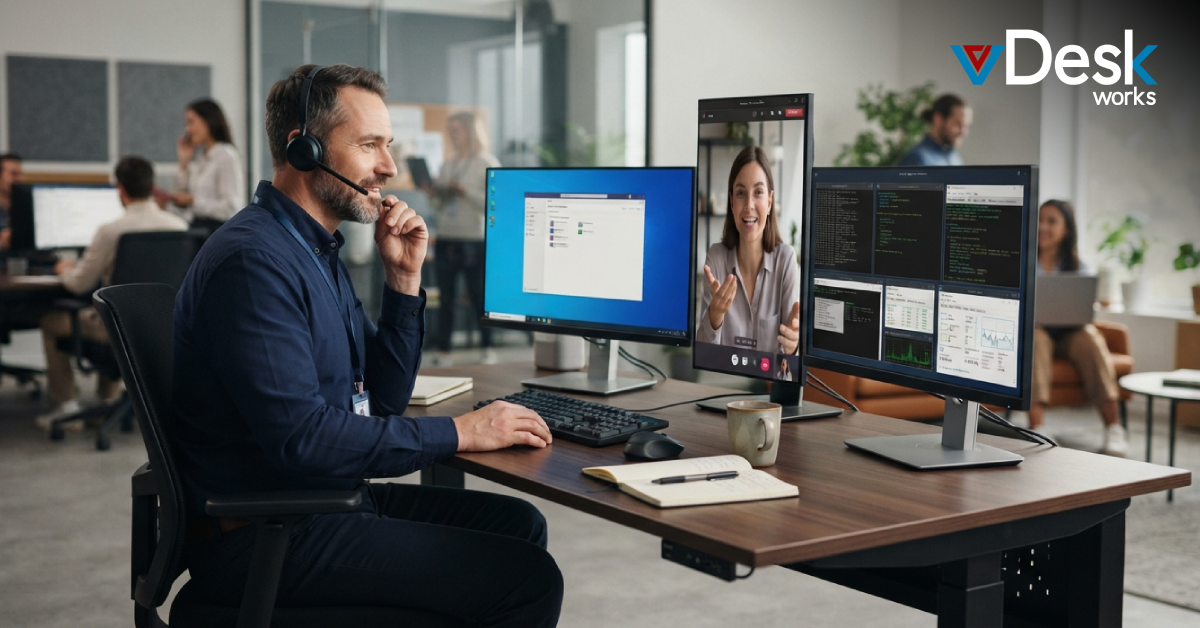
Remote Assistance is a collaborative support session that allows a technician to securely connect to a user's desktop environment with the user's permission. During the session, both the technician and employee can view and interact with the same screen.
This enables support teams to:
- Troubleshoot software issues
- Configure applications
- Resolve user errors
- Provide live guidance
- Improve problem resolution speed
The collaborative nature of Remote Assistance creates a more efficient support experience while reducing misunderstandings.
Understanding Session Shadowing
Session Shadowing provides administrators with the ability to monitor, observe, or take control of active user sessions when necessary. Unlike traditional support interactions, Session Shadowing allows IT professionals to:
- Observe user activity
- Investigate technical issues
- Monitor application performance
- Assist users without requiring lengthy explanations
- Improve compliance monitoring
This capability is particularly valuable within virtual desktop and remote desktop environments.
Why Businesses Depend on Remote Support Technologies
The Rise of Distributed Workforces
Today's workforce is more geographically dispersed than ever before. Employees expect uninterrupted access to business systems regardless of their location.
As a result, organizations require support tools capable of delivering:
- Instant issue resolution
- Remote troubleshooting
- Secure user assistance
- Centralized support management
- Consistent service delivery
Remote Assistance technologies have become essential for maintaining workforce productivity.
Eliminating Geographic Barriers
Organizations no longer need dedicated support personnel in every office location. Centralized IT teams can aid users anywhere in the world through secure remote support environments.
This significantly reduces operational costs while improving service quality.
How vDeskWorks Simplifies Remote Assistance and Session Management
Intelligent Support from Anywhere
vDeskWorks provides administrators with powerful Remote Assistance and Session Shadowing tools that simplify user support while maintaining security and control.
Administrators can:
- View active user sessions
- Take remote control with permission
- Troubleshoot application issues
- Assist with configurations
- Resolve technical problems quickly
The result is a faster, more efficient support process that minimizes downtime.
Real-Time User Collaboration
Because both administrators and users share the same display environment, communication becomes more effective. Issues can be identified visually rather than relying on lengthy descriptions or screenshots.
This dramatically improves first-contact resolution rates.
Accelerating IT Issue Resolution and Reducing Downtime
Faster Diagnosis Leads to Faster Recovery
Traditional troubleshooting often involves multiple emails, calls, screenshots, and lengthy explanations. Remote Assistance eliminates these inefficiencies by allowing technicians to immediately see and interact with the affected environment.
Benefits include:
- Faster issue identification
- Reduced troubleshooting time
- Lower support costs
- Improved employee productivity
- Minimized operational disruption
Keeping Business Operations Running Smoothly
When employees encounter technical problems, every minute of downtime impacts productivity. Remote support enables organizations to restore operations quickly and efficiently.
Supporting Hybrid and Global Workforces
Delivering Consistent Support Worldwide
As businesses expand globally, supporting employees across multiple regions becomes increasingly complex. vDeskWorks provides centralized support capabilities that allow organizations to:
- Assist remote workers
- Support international offices
- Manage virtual desktop environments
- Maintain consistent service standards
This ensures employees receive the same level of support regardless of location.
Eliminating the Need for Multiple IT Teams
Organizations can reduce infrastructure and staffing costs by managing support services through a centralized platform instead of maintaining separate teams for each office.
Enhancing Employee Training Through Live Collaboration
Turning Support into Learning Opportunities
Remote Assistance is not limited to troubleshooting. It also serves as a valuable training and mentoring tool. Support personnel can guide employees through:
- New software implementations
- System configurations
- Workflow processes
- Business applications
- Productivity tools
This hands-on learning approach improves knowledge retention and user confidence.
Supporting Employee Development
Live collaboration enables employees to learn directly from experts while solving real-world challenges in their working environment.
Centralized Technical Support Across Multiple Locations
A Unified Support Infrastructure
One of the greatest advantages of vDeskWorks is its ability to centralize support operations across all locations.
Organizations gain:
- Simplified management
- Standardized support processes
- Consistent service delivery
- Improved operational efficiency
This centralized model supports business growth while reducing complexity.
Multi-Channel Support for Faster Problem Resolution
Flexible Communication Options
vDeskWorks offers multiple support channels to accommodate different business requirements.
Users can receive assistance through:
- Phone support
- Live chat
- Email support
- Ticketing systems
This flexibility ensures employees can access help using their preferred communication method.
Faster Response Times
Well-structured support workflows enable quicker response and resolution times, helping businesses maintain operational continuity.
Why vDeskWorks Is Leading the Future of Remote Desktop Support
A Complete Support Ecosystem
vDeskWorks combines Remote Assistance, Session Shadowing, centralized support management, secure connectivity, and enterprise-grade controls within a unified platform.
Organizations benefit from:
- Faster issue resolution
- Improved employee experience
- Reduced support costs
- Enhanced security
- Greater operational efficiency
As businesses continue embracing cloud computing, virtualization, and hybrid work models, these capabilities become increasingly valuable.
Conclusion
vDeskWorks Remote Assistance and Session Shadowing provide the visibility, control, and flexibility required to support modern digital workplaces. By accelerating issue resolution, enhancing security, improving user experiences, and supporting global workforces, these capabilities help organizations maintain productivity while simplifying IT operations.
 Emma Carson