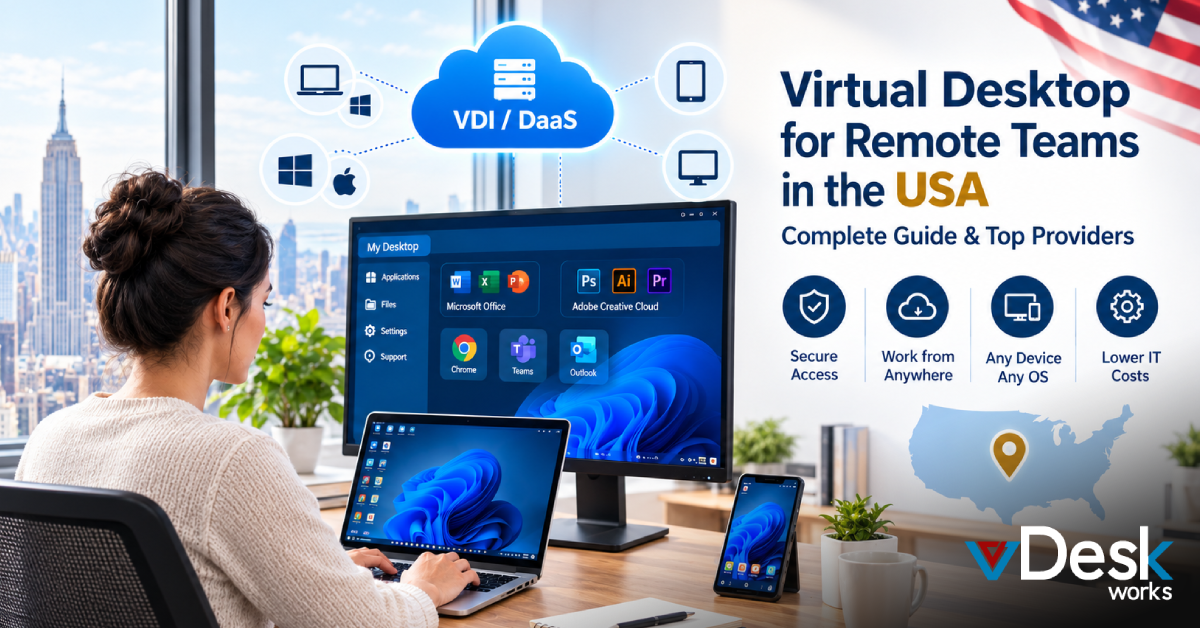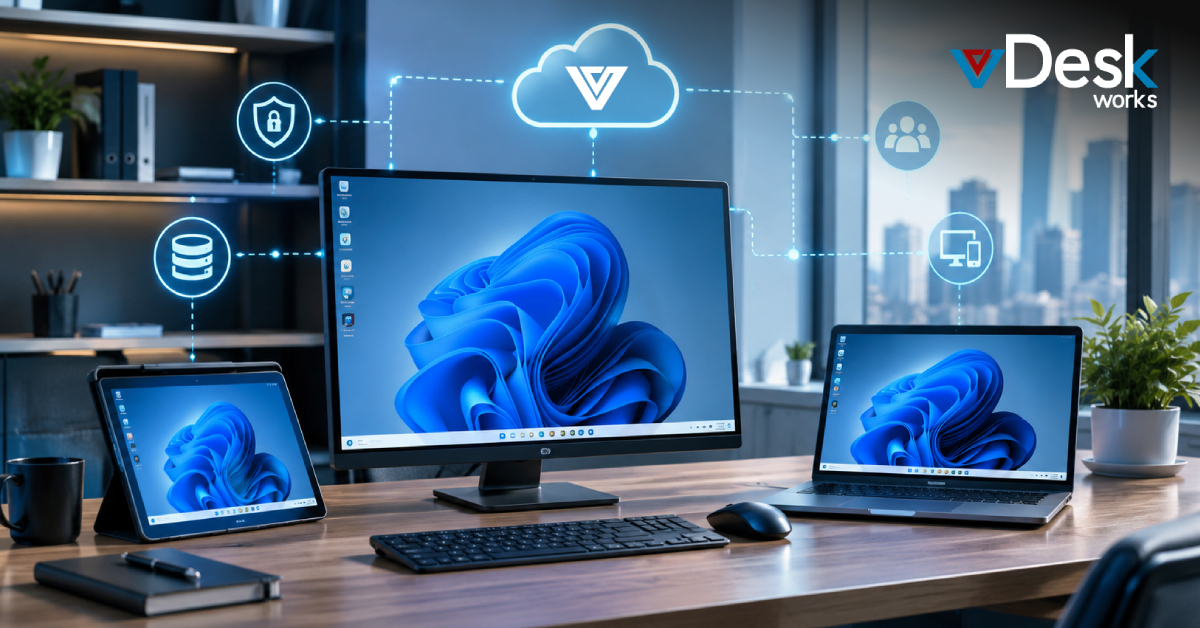
Cloud Desktop solutions have transformed the way businesses operate, offering flexibility, remote access, and scalability. However, not all cloud desktop platforms are fully optimized to meet modern business expectations.
Many traditional or early-stage cloud desktop environments still have gaps in usability, automation, and overall user experience. Understanding these limitations is important for businesses looking to adopt the right Cloud Desktop solution.
Common Limitations in Traditional Cloud Desktop Environments
While Cloud Desktop technology continues to evolve, users often encounter challenges related to complexity, cost, and performance. These limitations can impact productivity and increase the burden on IT teams.
One of the most commonly reported concerns is the dependency on complex infrastructure setups. Some platforms require multiple directory services and synchronization processes, making deployment difficult, especially for small and mid-sized businesses.
Complexity in Identity and Access Management
Many Cloud Desktop environments still rely on layered identity systems that require integration between different directory services. This adds complexity to user management and increases operational overhead.
Businesses often prefer simpler authentication systems that allow seamless access without requiring extensive configuration. The lack of streamlined identity management can slow down adoption and create friction for end users.
Lack of Native Auto-Scaling
Scalability is one of the biggest advantages of Cloud Desktop, but not all solutions implement it efficiently. In some cases, auto-scaling features require manual scripts or additional virtual machines to function properly.
This not only increases costs but also adds complexity to system management. Organizations expect built-in, automated scaling that adjusts resources dynamically without manual intervention.
Inefficient User Access and Integration
Another limitation in some Cloud Desktop platforms is the lack of seamless integration with existing tools and portals. Users may need to access multiple interfaces to launch applications or desktops, which reduces efficiency.
Modern businesses expect a unified experience where all applications and desktops are accessible through a single interface, improving usability and productivity.
Incomplete Single Sign-On (SSO) Experience
Single Sign-On is a critical feature for modern IT environments, but not all Cloud Desktop solutions deliver a truly seamless SSO experience. In some cases, users are required to log in multiple times to access their desktops and applications.
This creates unnecessary friction and reduces the overall user experience. A true Cloud Desktop solution should provide secure, one-time authentication across all services.
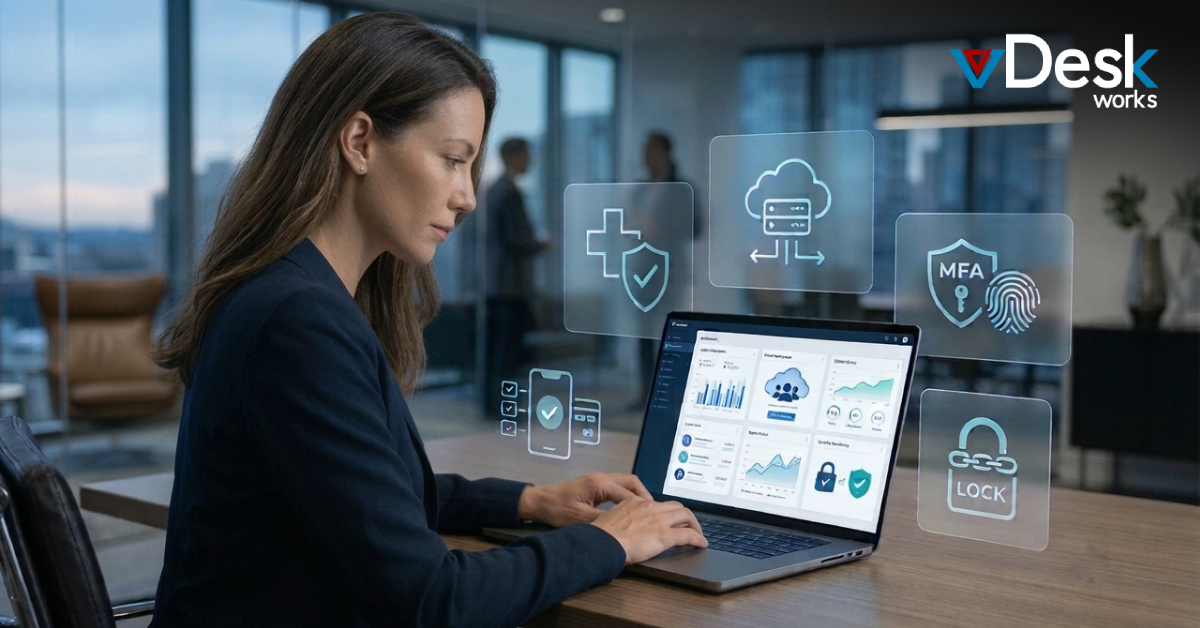
Limited Support for Passwordless Authentication
As security standards evolve, businesses are moving toward passwordless authentication methods. However, many traditional Cloud Desktop platforms still rely heavily on password-based systems.
The lack of support for modern authentication methods such as hardware keys or biometric login can be a significant drawback for organizations focused on security and user convenience.
Challenges in Migration and Deployment
Migrating to a Cloud Desktop environment should be straightforward, but in reality, it can be complex. Some platforms lack proper migration tools, making it difficult for businesses to transition large numbers of users.
Manual migration processes can be time-consuming and error-prone, especially for organizations with hundreds or thousands of users.
Performance and Latency Concerns
Performance is a critical factor in Cloud Desktop adoption. In some cases, users experience latency issues due to limited regional infrastructure or poorly optimized systems.
This can result in slower response times and reduced productivity, particularly for businesses operating across different geographic locations.
Why vDeskWorks Cloud Desktop Stands Out
Cloud Desktops by vDeskWorks are designed to address the common limitations found in traditional cloud desktop solutions. By focusing on simplicity, performance, and security, vDeskWorks provides a more streamlined and efficient user experience.
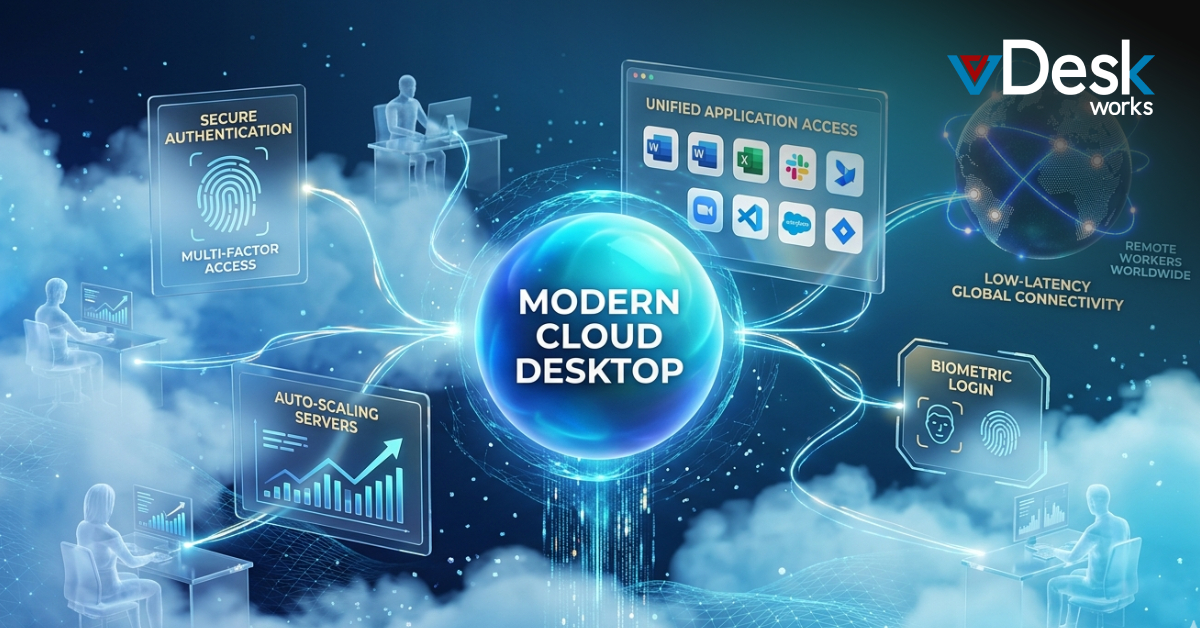
One of the key advantages of vDeskWorks is its simplified deployment process. Businesses can set up and manage their Cloud Desktop environment without dealing with complex infrastructure or multiple directory integrations.
The platform also offers built-in scalability, allowing organizations to adjust resources dynamically without relying on manual scripts or additional systems. This helps reduce operational costs while maintaining optimal performance.
In terms of user experience, vDeskWorks delivers seamless access through a unified interface, eliminating the need for multiple portals. It also supports modern authentication methods, ensuring secure and convenient access for users.
With reliable performance and optimized infrastructure, vDeskWorks minimizes latency issues and provides a consistent experience across locations. This makes it an ideal choice for businesses seeking a dependable Cloud Desktop solution.
Final Words
Cloud Desktop solutions offer immense benefits, but not all platforms are created equal. Many traditional solutions still lack key features such as simplified management, true automation, and seamless user experience.
By understanding these limitations, businesses can make more informed decisions when choosing a Cloud Desktop provider. Solutions like vDeskWorks are helping bridge these gaps, delivering a more modern, efficient, and user-friendly approach to cloud desktops.
 Lauren King