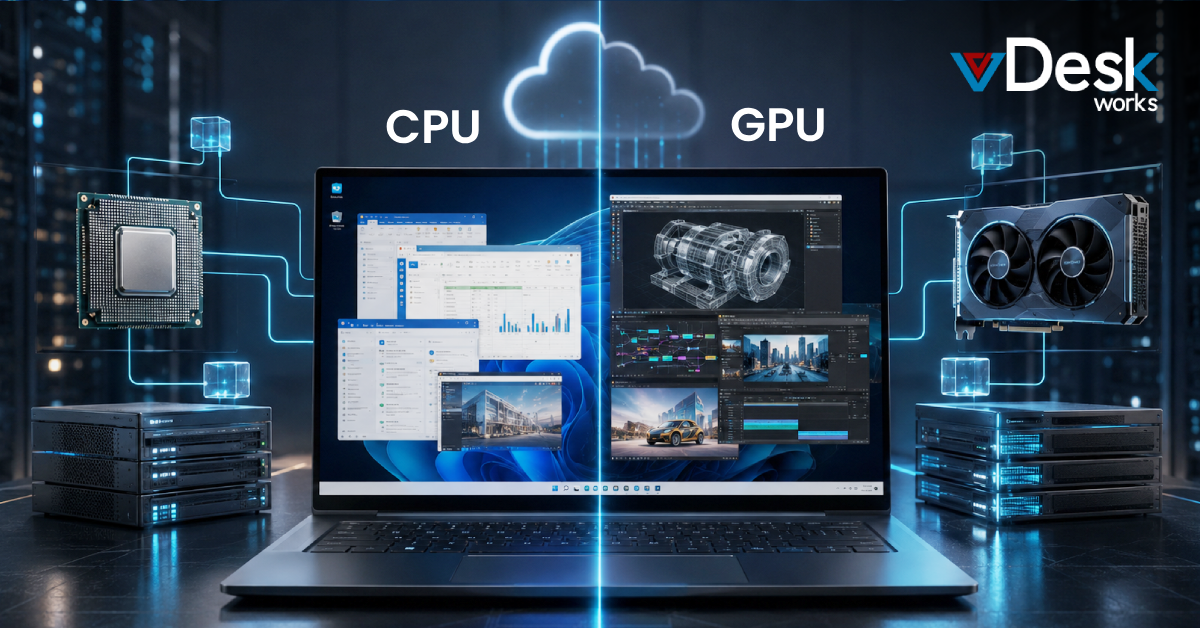
Small and medium enterprises (SMEs) face increasing pressure to optimize their IT infrastructure while controlling costs and maintaining performance. Virtualization has emerged as a powerful solution that enables businesses to maximize hardware utilization, reduce operational expenses, and improve scalability.
By minimizing dependence on physical infrastructure, virtualization allows organizations to streamline operations and deploy services faster. It also simplifies backup and disaster recovery processes, making it an essential strategy for modern businesses.
Today, combining virtualization with solutions like vDeskWorks Cloud PC further enhances flexibility, enabling SMEs to create secure and scalable digital work environments.
Why Virtualization Matters for SMEs?
Virtualization is no longer limited to large enterprises. SMEs can benefit significantly by adopting this technology to improve efficiency and reduce costs.
Key advantages include:
- Reduced hardware dependency
- Virtualization reduces the need for multiple physical servers, lowering maintenance and infrastructure costs.
- Improved resource utilization
- Organizations can maximize the use of existing hardware, ensuring optimal performance and efficiency.
- Enhanced disaster recovery
- Virtual environments make it easier to back up and restore entire systems quickly, minimizing downtime.
- Faster deployment
- New applications and services can be deployed quickly within a virtualized setup.
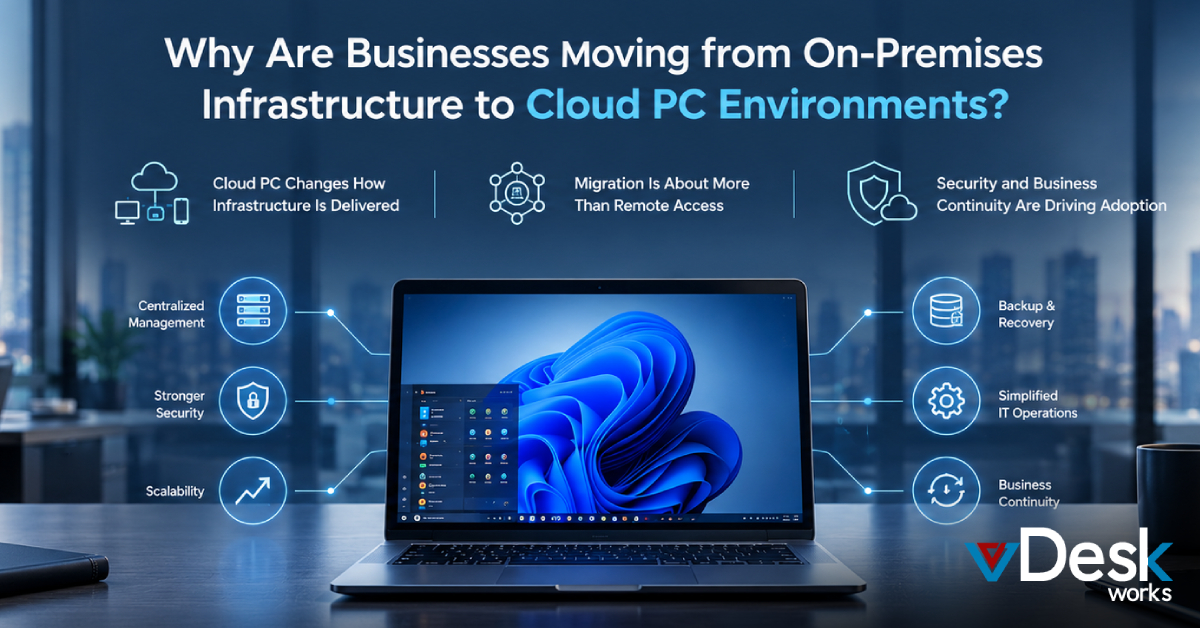
- Integrating a Cloud PC approach allows SMEs to extend these benefits by providing remote access and centralized management.
Virtualization Best Practices
To fully leverage virtualization, SMEs must follow proven best practices that ensure efficiency, scalability, and security.
1. Define Clear Business Objectives
Before implementing virtualization, organizations should identify their goals—whether it's cost reduction, improved scalability, or enhanced disaster recovery.
A well-defined strategy ensures that the virtualization approach aligns with business needs and delivers measurable ROI.
2. Conduct an Infrastructure Assessment
An initial audit helps determine which workloads and applications should be virtualized. Businesses must evaluate their current infrastructure to identify opportunities for consolidation and optimization.
3. Start Small and Scale Gradually
Instead of virtualizing everything at once, SMEs should begin with smaller applications and gradually move to mission-critical systems. This phased approach reduces risks and allows teams to adapt effectively.
A Cloud PC model complements this by enabling incremental scaling without major infrastructure changes.
4. Optimize Existing Resources
One of the biggest advantages of virtualization is the ability to repurpose underutilized servers. SMEs should leverage existing hardware before investing in new equipment to maximize cost savings.
5. Focus on Security and Access Control
Virtual environments introduce new security considerations. Businesses must implement strong access controls, role-based permissions, and regular monitoring to protect their systems.
A centralized Cloud PC environment enhances security by reducing data exposure on local devices and ensuring controlled access.
6. Plan for Scalability
Virtualization should support future growth. SMEs must choose solutions that allow them to scale resources up or down based on demand without significant disruption.
A Cloud PC infrastructure makes this process seamless by offering flexible resource allocation.
7. Implement Backup and Disaster Recovery
A robust backup strategy is essential for any virtualized environment. SMEs should ensure regular backups and test recovery processes to maintain business continuity.
Virtualization simplifies recovery by enabling entire systems to be restored quickly, reducing downtime and operational risks.
The Role of Unified Systems
For maximum efficiency, SMEs should align their server, storage, and network resources into a unified system. This approach improves resource utilization, enhances resilience, and ensures better application availability.
Unified systems also help:
- Reduce total cost of ownership
- Improve operational efficiency
- Increase IT team productivity
- Enable seamless scalability
When combined with vDeskWorks Cloud PC, businesses can create a fully integrated digital workspace that supports modern work environments.
The Role of vDeskWorks Cloud PC
While virtualization provides the foundation, vDeskWorks Cloud PC takes it a step further by delivering secure, centralized, and scalable computing environments.
Key benefits include:
- Centralized management of all virtual environments
- Enhanced security with no local data storage
- Remote accessibility for distributed teams
- Scalable infrastructure that grows with business needs
- By integrating virtualization with a Cloud PC, SMEs can simplify IT operations while improving performance and security.
Conclusion
Virtualization is a game-changer for small and medium enterprises looking to modernize their IT infrastructure. By following best practices and adopting a strategic approach, businesses can unlock significant cost savings, improve efficiency, and enhance resilience.
When combined with solutions like vDeskWorks Cloud PC, virtualization becomes even more powerful—enabling organizations to build secure, scalable, and future-ready digital workspaces.
 Admin
Admin