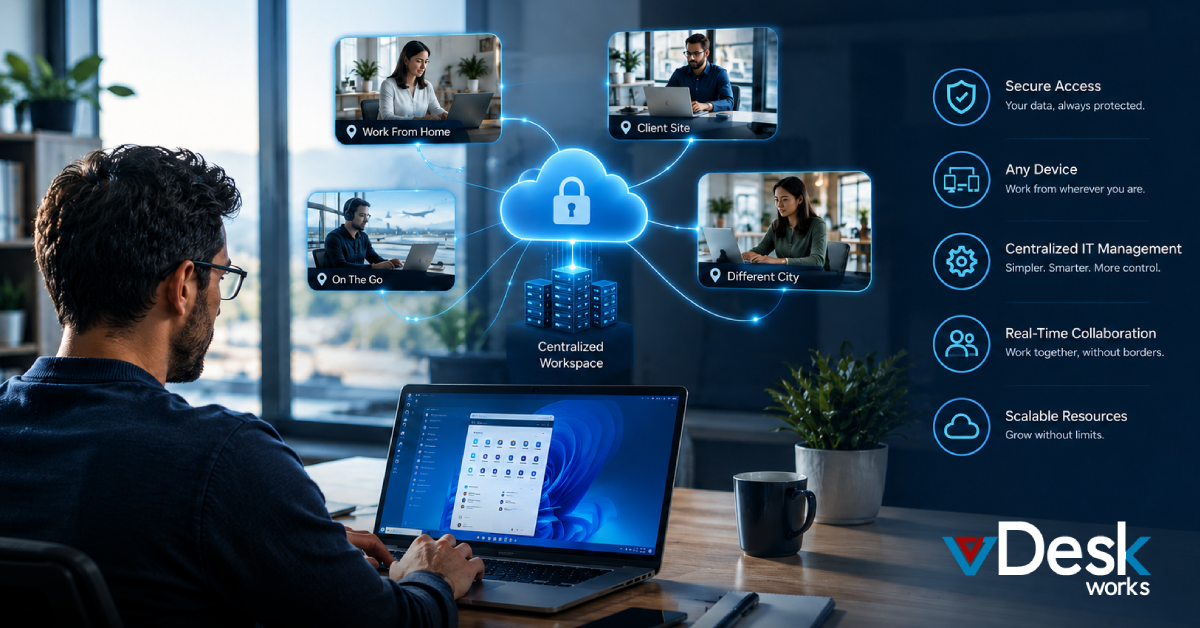
Businesses today are moving away from traditional IT infrastructure. Managing physical hardware is costly, time-consuming, and inefficient—especially in a fast-paced, remote-first world. The smarter approach? Shift to a Cloud Desktop powered by Windows.
A Cloud Desktop eliminates the need for on-premise systems and allows teams to access a full Windows environment from anywhere. Instead of dealing with hardware failures and maintenance, organizations can focus on productivity and growth.
In this blog, we’ll explore why switching to a Windows-based Cloud Desktop is the future of IT management.
The Problem with Managing Physical Hardware
Traditional IT setups rely heavily on physical machines, servers, and constant maintenance. This creates multiple challenges:
- High upfront hardware costs
- Frequent upgrades and repairs
- Security vulnerabilities
- Limited scalability
A Cloud Desktop solves these issues by shifting everything to a centralized cloud infrastructure, removing the dependency on physical devices.
Why Windows Cloud Desktop is the Smarter Choice
1. Familiar Windows Environment
A Windows-based Cloud Desktop provides a familiar interface for employees, reducing the learning curve.
Teams can continue using their preferred Windows applications while benefiting from cloud flexibility.
2. Centralized Management
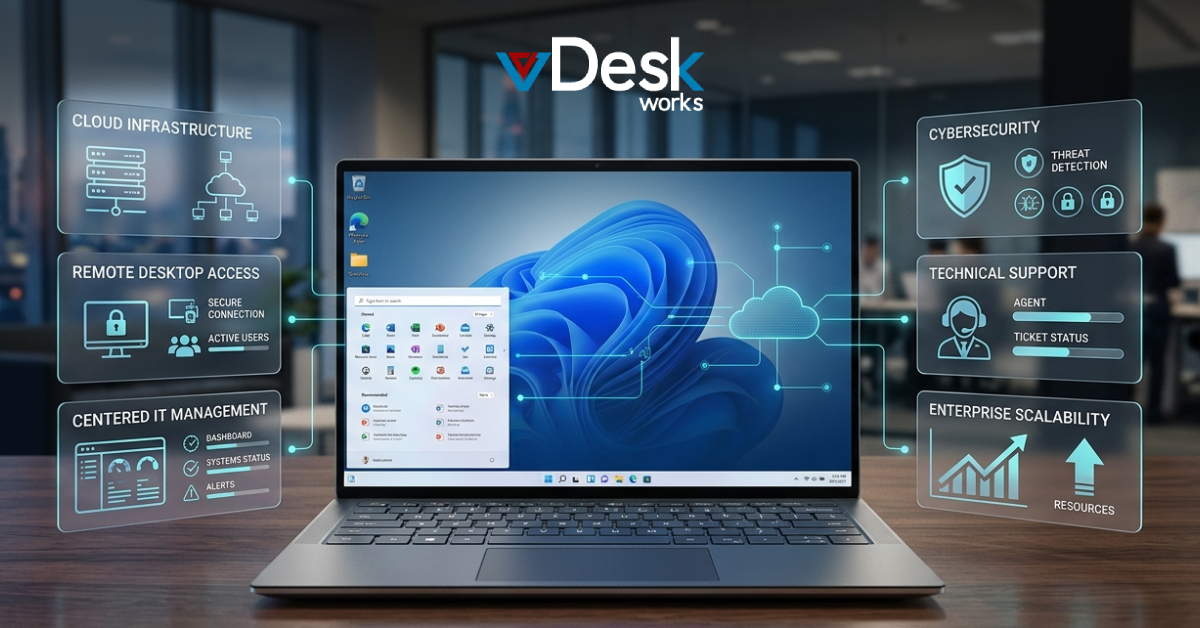
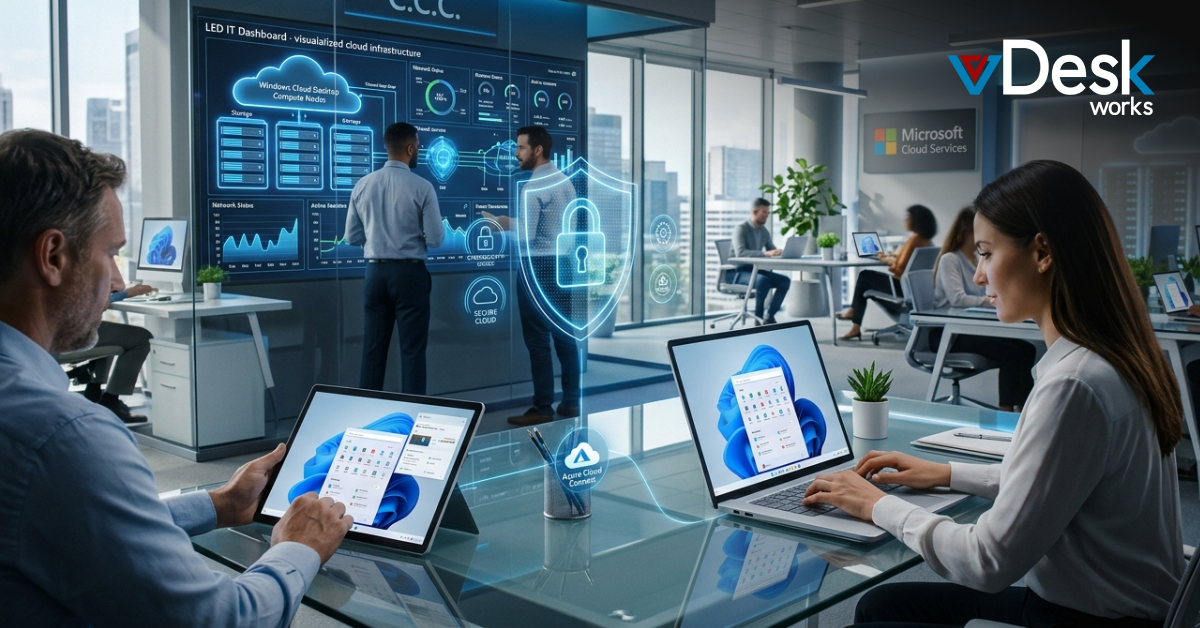
With a Cloud Desktop, IT teams can manage all systems from a single dashboard.
This eliminates the need to physically access devices, making updates, monitoring, and troubleshooting far more efficient.
3. Enhanced Security
A Cloud Desktop keeps all data stored securely in the cloud rather than on local machines.
With built-in encryption, access controls, and monitoring, businesses can significantly reduce security risks.
4. Cost Reduction
Switching to a Cloud Desktop removes the need for expensive hardware investments.
Businesses can adopt a subscription-based model, paying only for what they use while reducing maintenance costs.
5. Scalability and Flexibility
A Cloud Desktop allows organizations to scale up or down instantly based on business needs.
Whether hiring new employees or managing seasonal demand, resources can be adjusted without delays.
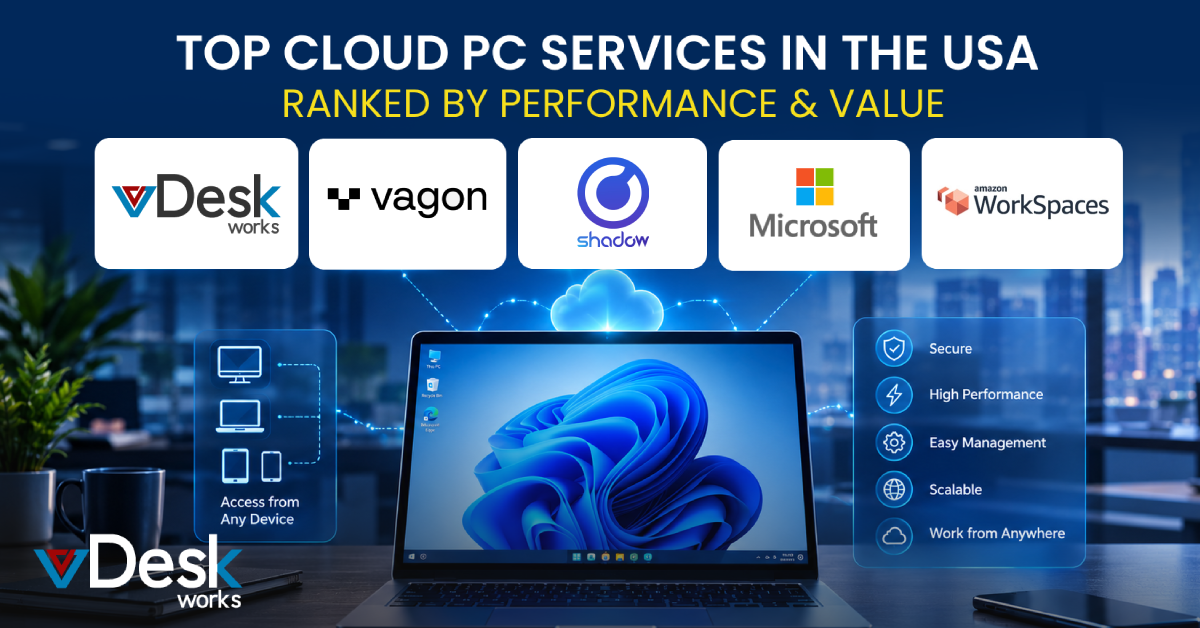
Top 5 Windows Cloud Desktop Solutions (2026)
1. vDeskWorks Cloud Desktop
A powerful Windows-based Cloud Desktop offering high performance, strong security, and easy scalability. Ideal for businesses seeking a reliable and cost-effective solution.
2. Amazon WorkSpaces
A flexible Windows Cloud Desktop platform backed by AWS infrastructure. Great for global teams needing secure and scalable access.
3. Microsoft Azure Virtual Desktop
A native Windows Cloud Desktop solution with deep integration into Microsoft tools. Perfect for organizations using Microsoft ecosystems.
4. Citrix DaaS
An enterprise-grade Windows Cloud Desktop known for advanced virtualization and security features. Best for large-scale deployments.
5. VMware Horizon Cloud
A robust Windows Cloud Desktop platform supporting hybrid environments. Suitable for businesses transitioning from on-premise setups.
vDeskWorks Cloud Desktop: Simplifying Windows IT Management
When it comes to adopting a Windows-based Cloud Desktop, vDeskWorks Cloud Desktop stands out as a smart and future-ready choice.
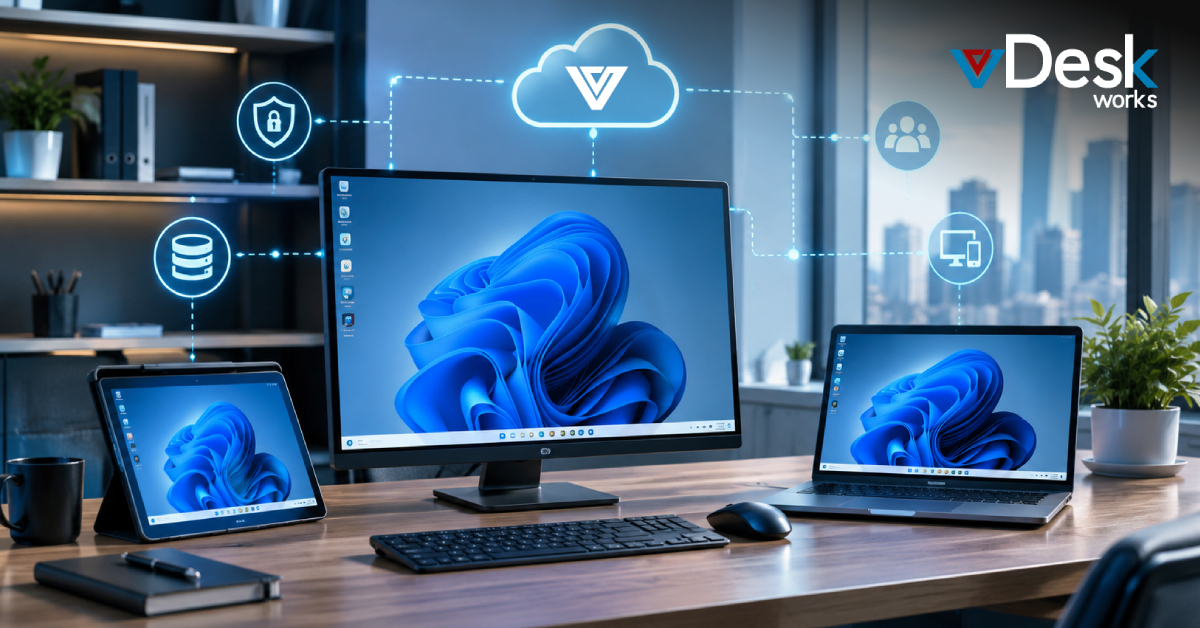
vDeskWorks Cloud Desktop delivers a fully managed Windows environment accessible from anywhere, enabling teams to work securely without relying on physical hardware. It combines performance, security, and ease of use into a single platform.
With vDeskWorks Cloud Desktop, businesses can reduce IT complexity, improve operational efficiency, and ensure seamless scalability. Its centralized management and secure infrastructure make it ideal for modern organizations.
For companies looking to move away from hardware dependency, vDeskWorks Cloud Desktop provides the perfect balance of flexibility and control.
Cloud Desktop vs Traditional IT Infrastructure
Traditional infrastructure requires ongoing investment in hardware and maintenance. In contrast, a Cloud Desktop offers:
- No dependency on physical devices
- Centralized management
- Lower operational costs
- Improved security and compliance
This makes the Cloud Desktop a more efficient and future-proof solution.
Why Cloud Desktop is the Future of Windows Workspaces
As businesses continue to embrace remote and hybrid work, the need for flexible IT solutions is growing.
A Windows-based Cloud Desktop enables teams to work from anywhere while maintaining a consistent and secure environment. It simplifies IT management and allows organizations to focus on innovation rather than infrastructure.
The shift to Cloud Desktop is not just a trend—it’s a necessity for businesses aiming to stay competitive in 2026 and beyond.
Final Thoughts
Managing hardware is no longer sustainable in a modern business environment. A Windows-based Cloud Desktop provides a smarter alternative by combining flexibility, security, and cost efficiency.
By adopting a Cloud Desktop, businesses can streamline operations, empower their workforce, and future-proof their IT strategy.
 Jerry Clark