Mac users love the performance and design of macOS—but there’s one common challenge: many essential business and industry applications are still Windows-only.
Instead of juggling devices or struggling with compatibility, a Cloud Desktop offers a smarter solution. With a Cloud Desktop, Mac users can access a full Windows environment instantly—without installing anything locally.
In this guide, we’ll explore how Cloud Desktop solutions help Mac users run Windows software seamlessly in 2026.
Why Do Mac Users Need Windows Software?
Many industries still depend on Windows-based applications, including:
Accounting and finance tools
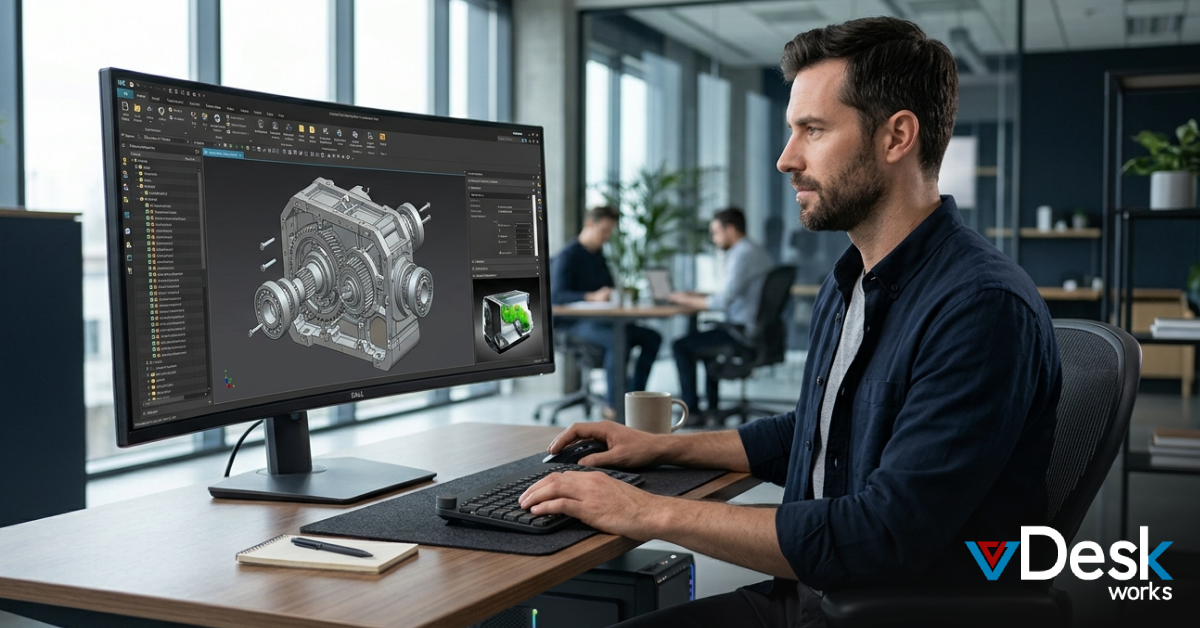
Engineering and design software
Legal and enterprise applications
Custom business systems
Traditionally, Mac users relied on remote desktop tools or dual-boot setups. But these approaches often create complexity and performance issues.
A Cloud Desktop eliminates these limitations by delivering Windows directly through the cloud.
Traditional Methods vs Cloud Desktop
1. Remote Desktop (Old Approach)
Remote desktop tools connect your Mac to another physical or virtual PC.
Requires a stable internet connection
Depends on an always-on machine
Performance can suffer due to latency and VPNs
2. Local Virtual Machines
Tools like virtualization software run Windows locally on your Mac.
Consumes system resources
Requires installation and updates
Limited by your device’s hardware
3. Cloud Desktop (Modern Approach)
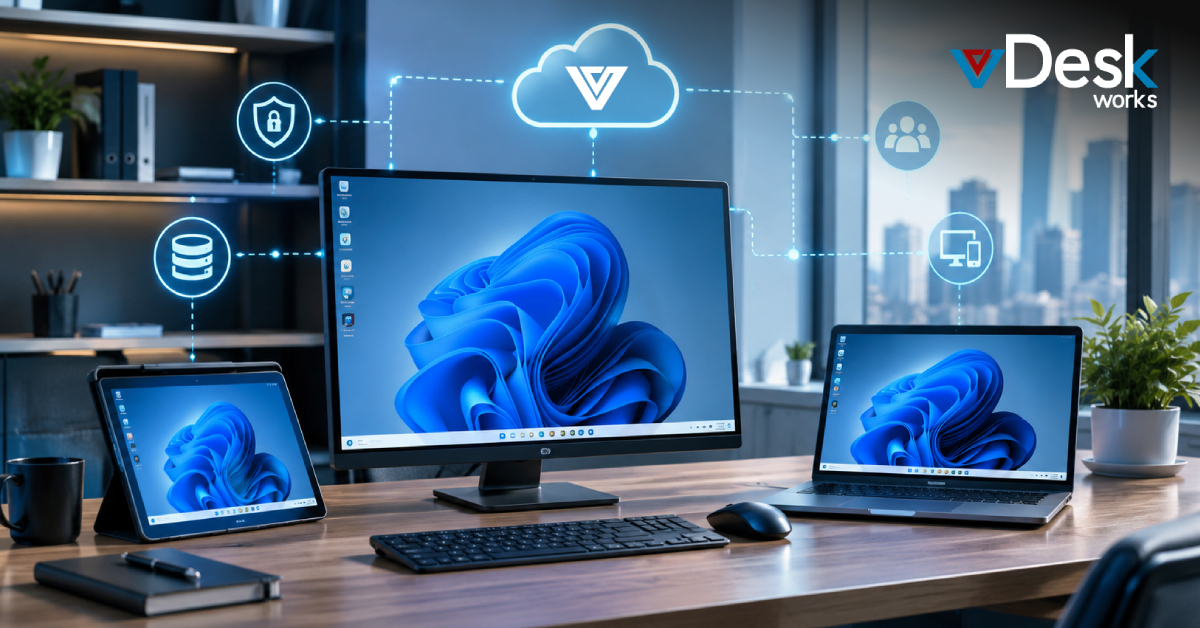
A Cloud Desktop provides a fully hosted Windows environment accessible from your Mac.
No local installation required
High performance from cloud servers
Secure and centralized access
This makes Cloud Desktop the most efficient and scalable solution.
How Cloud Desktop Enables Windows on Mac
1. Instant Access to Windows Environment
With a Cloud Desktop, Mac users can log in and start using Windows applications immediately.
There’s no need to install operating systems or configure complex setups.
2. Device-Independent Performance
A Cloud Desktop runs on powerful cloud infrastructure, not your Mac.
This means even basic devices can handle heavy Windows applications smoothly.
3. Secure and Centralized Data
A Cloud Desktop keeps all files and data in the cloud rather than on your device.
This reduces security risks and ensures better control over sensitive information.
4. Seamless Cross-Platform Experience
Modern tools like the Windows App allow macOS users to connect to cloud-hosted Windows desktops easily.
These platforms enable access to Windows 365 and other cloud PCs directly from Mac devices.
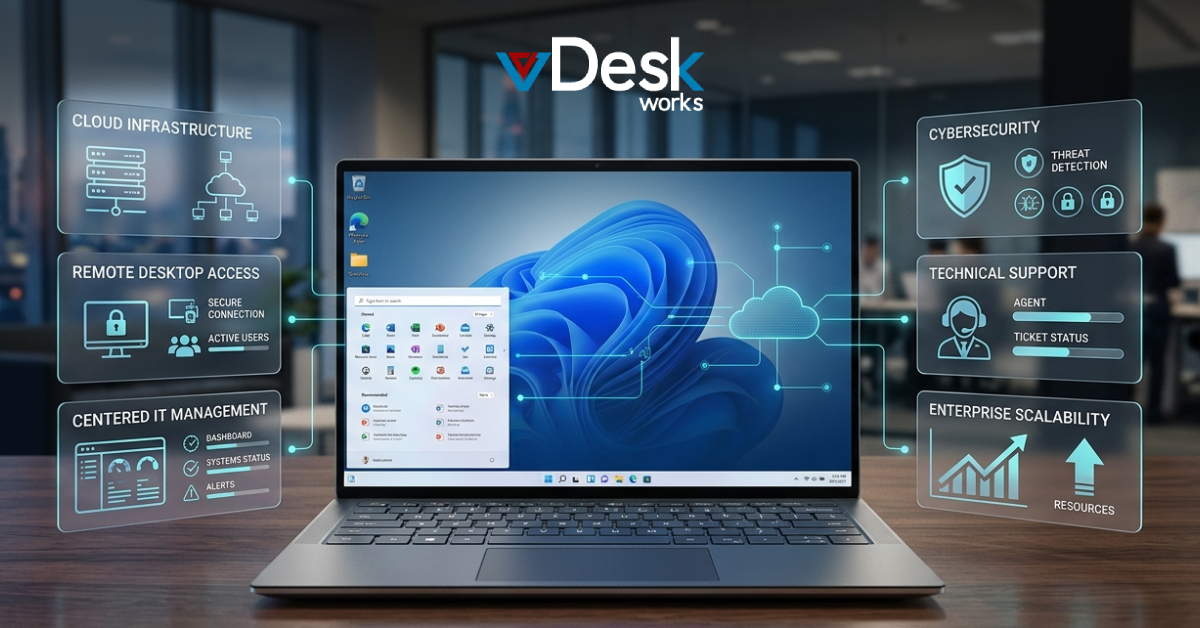
5. Simplified IT and Maintenance
A Cloud Desktop removes the need for manual updates, patches, and system maintenance.
Everything is managed centrally, reducing IT workload and improving efficiency.
vDeskWorks Cloud Desktop: The Best Way to Run Windows on Mac
For Mac users who need reliable access to Windows applications, vDeskWorks Cloud Desktop offers a powerful solution.
vDeskWorks Cloud Desktop delivers a full Windows environment accessible from any Mac device. Whether you're working remotely or on campus, you can access your applications securely and without performance issues.
With vDeskWorks Cloud Desktop, users benefit from high-speed performance, centralized data security, and seamless scalability. It eliminates the need for dual systems or complex setups.
Businesses and individuals using vDeskWorks Cloud Desktop can enjoy a consistent and efficient workflow—combining the best of macOS and Windows in one place.
Cloud Desktop vs Remote Desktop for Mac Users
While remote desktop tools still have their place, a Cloud Desktop offers clear advantages:
No dependency on a physical PC
Better performance through cloud infrastructure
Centralized security and data management
Easier scalability for teams and individuals
This is why more Mac users are moving toward Cloud Desktop solutions instead of traditional remote access tools.
The Future of Mac + Windows Integration
The demand for cross-platform workflows is growing rapidly. Solutions that allow Mac users to access Windows environments effortlessly are becoming essential.
A Cloud Desktop bridges this gap by providing flexibility, performance, and security—all without hardware limitations.
As cloud adoption increases, the Cloud Desktop will become the standard way to run Windows software on Mac.
Final Thoughts
Mac users no longer need to compromise when it comes to running Windows software.
A Cloud Desktop provides a simple, powerful, and secure way to access Windows applications from any Mac device. Whether for business, education, or personal use, it’s the most efficient solution in 2026.
 Noah Thompson