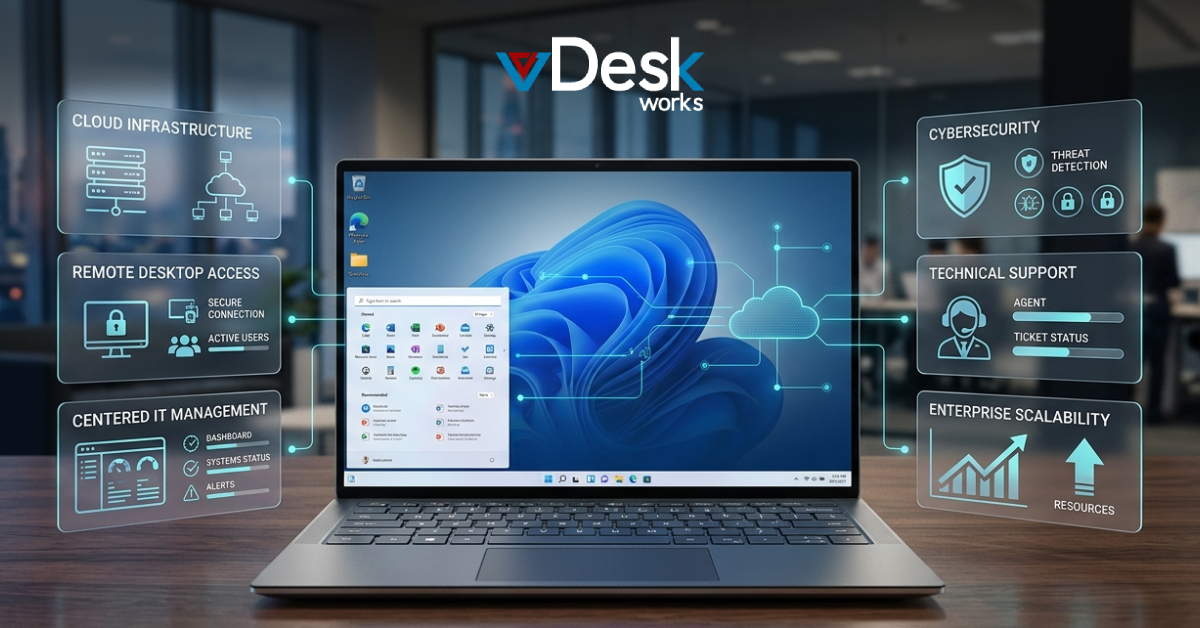
As businesses adopt hybrid work and cloud-first environments, they need centralized, scalable virtual desktop solutions to manage users, applications, servers, databases, and desktops from one platform.
Successful organizations are not simply investing in Virtual Desktop Management Software; they are investing in comprehensive management ecosystems that deliver visibility, automation, security, and operational control. As hybrid workforces and cloud-driven operations continue to expand in the coming years, enterprise desktop virtualization tools have become essential for managing applications, users, devices, and infrastructure from a centralized environment.
What Makes Modern IT Management More Complex? The Rise of Distributed IT Environments
Today's organizations operate across multiple locations, devices, and cloud environments. Employees access applications from offices, homes, client sites, and mobile devices, creating significant management challenges for IT teams. As infrastructures expand, administrators must manage:
- Multiple server farms
- Hybrid cloud environments
- Remote users
- Virtual desktops
- Application delivery systems
- Security policies
- Compliance requirements
Why Organizations Need Centralized Management Platforms Eliminating Administrative Silos
One of the biggest challenges facing IT departments is fragmented management systems. Administrators often rely on multiple tools to manage servers, applications, users, permissions, and infrastructure resources.
vDeskWorks addresses this challenge through centralized management that provides complete administrative visibility from a single interface.
A Single Pane of Control
The platform allows IT teams to:
- Manage users centrally
- Provision resources efficiently
- Grant or revoke access instantly
- Monitor infrastructure performance
- Deploy applications securely
This unified approach significantly reduces administrative overhead while improving operational consistency.
How vDeskWorks Simplifies Enterprise Management Comprehensive Centralized Administration
vDeskWorks virtual desktop solutions enable organizations to control their entire server environment through a centralized management console.
Rather than switching between multiple management systems, administrators can oversee:
- Server farms
- User accounts
- Application delivery
- Virtual desktops
- Shared resources
- Access permissions
What Makes One-Click Deployment a Competitive Advantage? Accelerating Infrastructure Management
Traditional server deployments often require extensive manual configuration. In contrast, vDeskWorks simplifies server administration through one-click role deployment.
Administrators can install and configure server roles across individual servers or entire server farms in a matter of minutes.
Reducing Administrative Burden
This automation allows IT teams to:
- Deploy faster
- Minimize human errors
- Standardize configurations
- Improve operational consistency
How Application and Desktop Publishing Supports Modern Workforces Delivering Secure Access to Business Applications
Organizations increasingly rely on enterprise desktop virtualization tools to improve flexibility and security.
vDeskWorks enables administrators to publish:
- Business applications
- Session-based desktops
- Virtual desktops
- Shared folders
All resources can be securely delivered from a centralized management platform.
Extending the Life of Legacy Applications
Many businesses continue to rely on critical legacy software. vDeskWorks allows organizations to modernize access to these applications without requiring costly redevelopment projects.
This capability protects existing investments while supporting digital transformation initiatives.
Why Remote Desktop Access Is Essential for Business Continuity Supporting Hybrid and Remote Workforces
Business continuity depends on uninterrupted access to corporate resources. vDeskWorks virtual desktop management software enables administrators to publish physical desktops securely, allowing employees to access their work environments from virtually any location.
Secure Access Without Compromise
All connections are protected through secure gateways, ensuring that business data remains protected while enabling workforce mobility.
How Intelligent Load Balancing Maximizes Performance Optimizing Resource Utilization
As organizations scale, infrastructure performance becomes increasingly important. vDeskWorks intelligently distributes workloads across available servers, ensuring that no individual system becomes overloaded.
Delivering Consistent User Experiences
Load balancing helps organizations:
- Improve application responsiveness
- Reduce performance bottlenecks
- Maximize server utilization
- Enhance availability
Every user receives the most optimized session based on real-time server conditions, improving productivity and user satisfaction.
Why Enhanced Monitoring Is Reshaping IT Operations Real-Time Visibility into Infrastructure Health
Visibility has become one of the most valuable assets in modern IT management.
vDeskWorks virtual desktop management software provides advanced monitoring capabilities that allow administrators to track:
- Server performance
- Session activity
- Resource utilization
- User behavior
- License status
- Application usage
This comprehensive visibility enables proactive management rather than reactive troubleshooting.
Turning Data into Operational Intelligence
By continuously monitoring infrastructure performance, organizations can identify issues before they affect users and make informed decisions regarding resource allocation and capacity planning.
How Real-Time Notifications and Reporting Improve IT Visibility Proactive Event Management
IT teams cannot manually monitor every system around the clock. vDeskWorks addresses this challenge through customizable event notifications that automatically alert administrators when predefined conditions occur.
Notifications can be configured for:
- Service interruptions
- Resource thresholds
- Security events
- License expirations
- Infrastructure anomalies
Comprehensive Audit Reporting
The reporting engine records critical events and generates detailed logs for compliance, auditing, and operational analysis.
Reports can be generated and exported on:
- Daily schedules
- Weekly schedules
- Monthly schedules
This capability strengthens governance while improving accountability.
What Makes Interactive Dashboards Critical for Modern IT Teams? Transforming Complex Data into Actionable Insights
Managing large infrastructures requires clear and accessible data visualization.
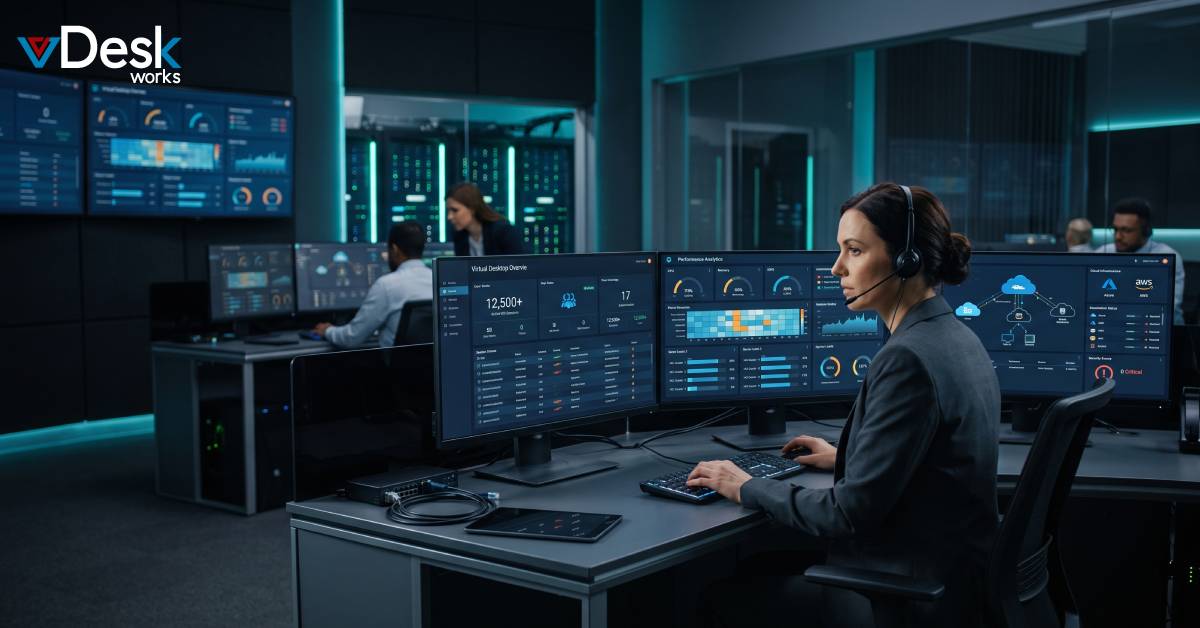
The vDeskWorks Interactive Dashboard delivers real-time information through:
- Charts
- Graphs
- Visual indicators
- Performance summaries
- Operational metrics
This graphical approach simplifies decision-making and improves situational awareness.
Real-Time Server Farm Visibility
Administrators gain immediate access to:
- Server health
- Application utilization
- Login statistics
- Infrastructure performance
- Load distribution
These insights support faster troubleshooting and more efficient infrastructure management.
How Database Management and Synchronization Drive Business Continuity Simplifying Database Administration
Data consistency remains a critical requirement for modern organizations. vDeskWorks streamlines database administration through automated synchronization, backup management, and restoration processes.
Accelerating Database Migration
The platform supports both homogeneous and heterogeneous database migrations, allowing organizations to move workloads efficiently between environments. Supported environments include:
- Microsoft SQL Server
- MySQL
- Oracle
This flexibility simplifies modernization projects while reducing migration risks.
Ensuring Continuous Data Synchronization
Database synchronization ensures information remains accurate and consistent across cloud and on-premises environments.
Organizations can configure:
- Scheduled synchronization
- One-way replication
- Bi-directional replication
- Automated update propagation
This capability strengthens business continuity while supporting distributed operations.
Conclusion
Effective IT administration requires far more than traditional infrastructure management tools. Organizations need centralized platforms capable of managing users, applications, servers, databases, and virtual desktops through a unified, intelligent interface. vDeskWorks virtual desktop solutions address these demands through centralized management, one-click deployment, application publishing, remote desktop access, load balancing, enhanced monitoring, interactive dashboards, database synchronization, and advanced reporting capabilities.
 Jerry Clark