Remote work has become a permanent part of how modern businesses operate. Teams now collaborate across cities, countries, and time zones, using personal devices and home networks to stay productive. While this flexibility offers clear advantages, it also introduces serious concerns around data security. Businesses must now rethink their strategies to ensure sensitive information remains protected at all times.
One of the most effective ways to strengthen remote security is by adopting a Cloud PC environment. By centralizing data and applications, organizations can minimize risks associated with distributed workforces.
Why Remote Work Creates Security Challenges
In a traditional office, data security is easier to manage because everything is contained within a controlled network. Firewalls, secure access points, and IT monitoring systems work together to create a strong defense. Remote work disrupts this setup.
Employees often connect through public Wi-Fi, use personal laptops, or switch between devices. This creates multiple entry points for cyber threats. Just like when you see a match being played, the defense needs to adapt constantly to counter new moves. Similarly, businesses must continuously evolve their security strategies to stay ahead of cyber risks.
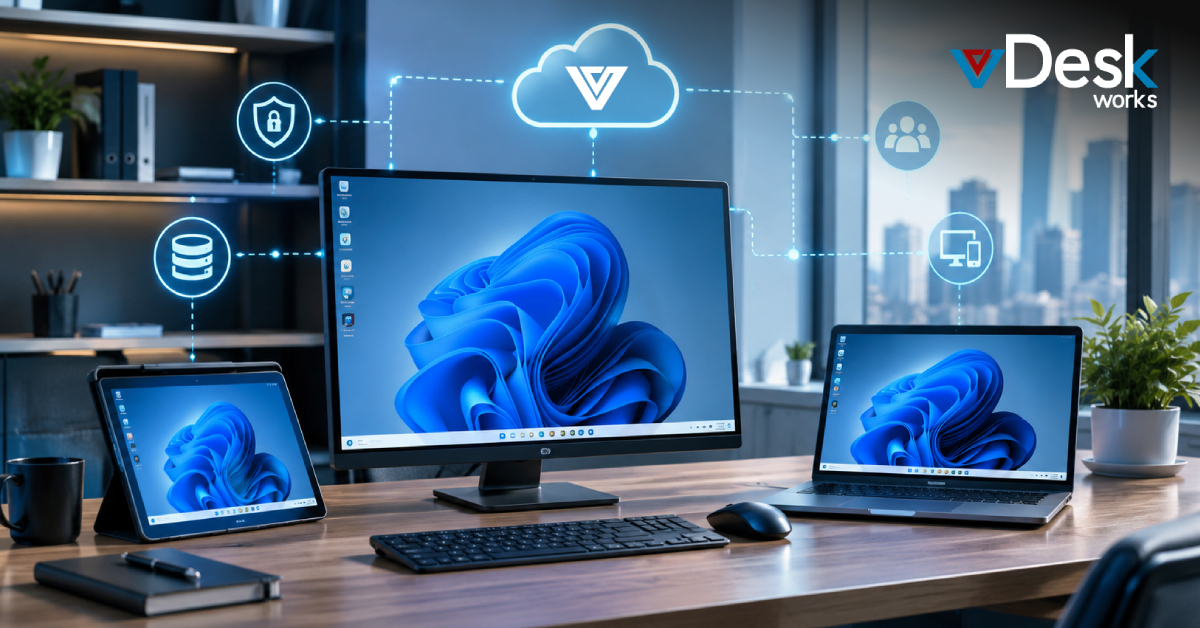
A Cloud PC setup helps reduce these vulnerabilities by ensuring that sensitive data is not stored on local devices but instead remains in a secure, centralized environment.
Build a Zero-Trust Security Framework
Zero trust is one of the most important principles in modern cybersecurity. It operates on the idea that no user or device should be trusted by default. Every access request must be verified.
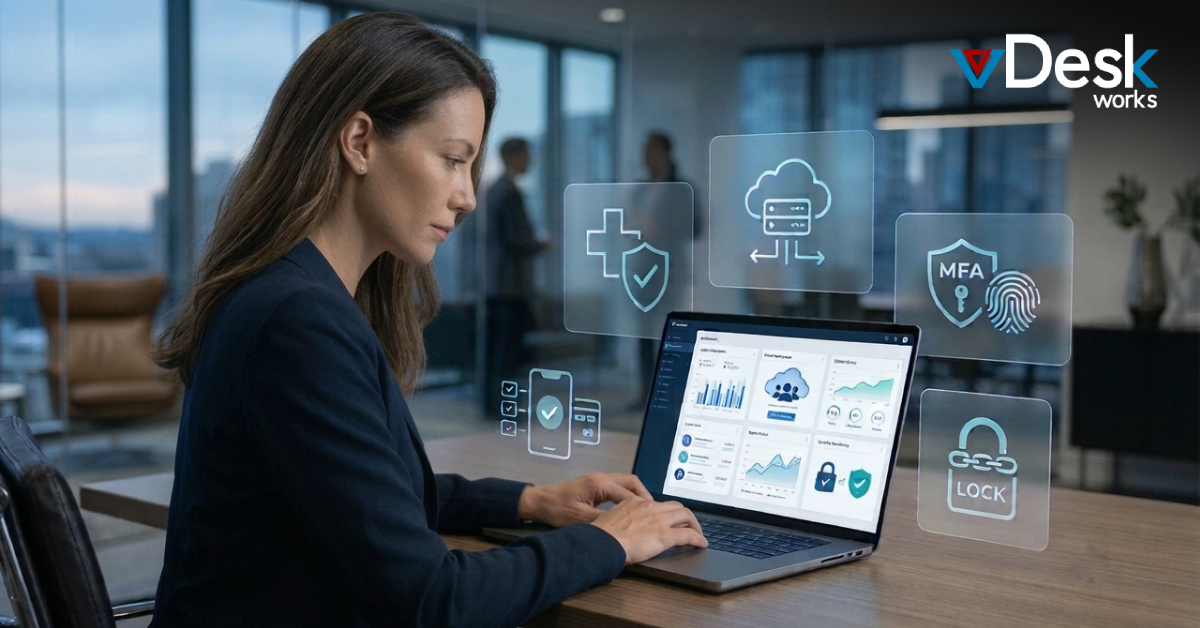
This means implementing multi-factor authentication, restricting user permissions, and continuously monitoring activity. Cloud PC solutions naturally supports this model by allowing IT teams to control access from a central dashboard, ensuring consistent security policies across all users.
With zero trust, even if one device is compromised, the threat can be contained quickly.
Encrypt Data at Every Level
Encryption is essential for protecting data in remote work environments. It ensures that even if data is intercepted, it cannot be read without proper authorization.
Businesses should encrypt data both in transit and at rest. Secure connections such as VPNs and encrypted cloud storage solutions provide strong protection. A Cloud PC environment enhances this further by keeping all data within a secure infrastructure, reducing exposure during transfers.
Encryption should not be optional—it should be the default for all remote operations.
Secure Endpoints and Devices
Every device used by employees represents a potential risk. Laptops, smartphones, and tablets must all be secured with updated software and security tools.
Endpoint Detection and Response (EDR) solutions can help monitor suspicious activity, while Mobile Device Management (MDM) tools allow IT teams to enforce policies remotely. However, managing multiple devices can be complex.
This is where a Cloud PC solutions simplifies things. Since data and applications are hosted centrally, the device itself becomes less critical. Even if a device is lost or compromised, the actual business data remains protected.
Train Employees to Be Security-Aware
Human error is one of the leading causes of data breaches. Employees may click on phishing links, use weak passwords, or accidentally share sensitive information.
Regular training sessions can help employees recognize threats and follow best practices. Building a culture of awareness is crucial for long-term security.
Using a Cloud PC also reduces dependency on user behavior because data is not stored locally, but education remains an essential layer of defense.
Use Secure Collaboration Tools
Remote teams rely heavily on collaboration tools for communication and file sharing. These tools must be configured securely to prevent unauthorized access.
Features like multi-factor authentication, restricted sharing permissions, and data loss prevention should be enabled. A Cloud PC solutions integrates well with these tools, ensuring that all activity happens within a controlled environment.
This minimizes the risk of data leakage and ensures compliance with security standards.
Prepare for Security Incidents
No system is completely immune to cyber threats. Businesses must be prepared to respond quickly if an incident occurs.
An incident response plan should include clear roles, communication protocols, and recovery steps. Regular data backups are also essential to ensure business continuity.
A Cloud PC makes recovery faster and more efficient, as data is centrally stored and can be restored without relying on individual devices.
Final Thoughts
Securing data for remote work requires a layered and proactive approach. From zero trust and encryption to employee training and incident planning, every element plays a role in building a secure environment.
This is where Cloud PC solutions truly make a difference. Platforms like vDeskWorks bring together security, performance, and centralized control into a single, powerful ecosystem. By hosting your desktops and data in a secure cloud environment, vDeskWorks ensures that your team can work from anywhere without compromising on safety.
With built-in security features, seamless scalability, and simplified IT management, Cloud PC solutions from vDeskWorks help businesses eliminate risks associated with local devices and fragmented systems. Whether you’re a growing startup or an established enterprise, adopting a Cloud PC approach with vDeskWorks can significantly strengthen your remote work strategy.
In the end, the future of secure remote work lies in smart, centralized solutions—and vDeskWorks is designed to help you lead that future with confidence.
 Emma Carson