In today’s digital-first world, protecting business data is not optional—it’s critical. From cyberattacks to hardware failures and natural disasters, organizations face constant threats that can disrupt operations.
While backup and disaster recovery are both essential strategies, they serve different purposes. However, modern businesses are now integrating Cloud Desktop solutions to bridge the gap between the two and ensure seamless continuity.
Understanding Backup
Backup is the process of creating copies of data and storing them in a secure location, such as external drives or cloud storage. These copies are used to restore information if it is lost, corrupted, or accidentally deleted.
Typically, backups are scheduled at regular intervals—daily, weekly, or even hourly depending on the importance of the data. The primary goal is data protection. If a file is deleted or a system crashes, backup ensures that a previous version can be restored.
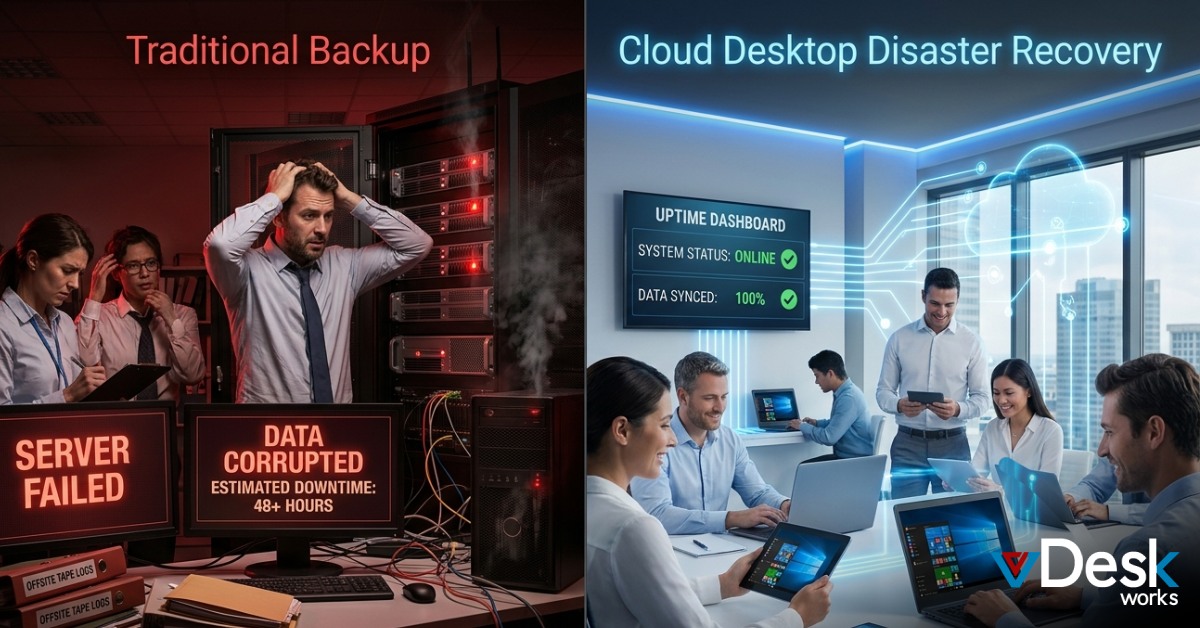
However, backup has limitations. Restoring large volumes of data can take hours or even days, leading to downtime and productivity loss. In fast-paced environments, relying solely on backup can significantly impact business operations. This is where Cloud Desktop solutions enhance traditional backup by enabling faster access to restored environments.
Understanding Disaster Recovery
Disaster recovery (DR) is a broader strategy focused on restoring entire IT systems, including servers, applications, and networks, after a major disruption. It ensures that businesses can resume operations quickly with minimal downtime.
Unlike backup, disaster recovery uses replication and failover systems. In case of failure, operations can switch to a secondary environment, often in a different geographic location. This allows businesses to continue functioning almost immediately.
The key metrics in disaster recovery are Recovery Time Objective (RTO) and Recovery Point Objective (RPO). RTO defines how quickly systems must be restored, while RPO determines how much data loss is acceptable. With advanced setups, recovery can happen in minutes.
When combined with Cloud Desktop, disaster recovery becomes even more powerful by allowing users to access their virtual desktops instantly from any location.
Backup vs Disaster Recovery: Key Differences
Although both strategies are essential, they differ significantly in scope and functionality.
Backup focuses only on data protection. It creates copies that can be restored when needed. However, the restoration process is manual and time-consuming.
Disaster recovery, on the other hand, focuses on business continuity. It replicates entire systems and enables rapid failover, minimizing downtime.
Another major difference is speed. Backup recovery may take hours or days, whereas disaster recovery can restore operations within minutes.
However, disaster recovery alone does not guarantee protection against data corruption or accidental deletion. If corrupted data is replicated, it will also exist in the recovery environment. This is why businesses need both backup and disaster recovery working together.
By integrating Cloud Desktop, organizations can combine the strengths of both approaches—ensuring data safety and uninterrupted access to systems.
Why Do Businesses Need Both?
Relying on only one strategy is risky. Backup without disaster recovery means long downtime. Disaster recovery without backup risks permanent data loss.
A combined approach ensures that data is safe and systems remain operational. For example, backup protects against accidental deletions, while disaster recovery ensures uptime during major failures.
This combination becomes even more effective with Cloud Desktop, which provides a virtual workspace that remains accessible regardless of infrastructure issues. Employees can continue working even if the primary system fails.
The Role of Cloud Desktop in Modern IT Strategy
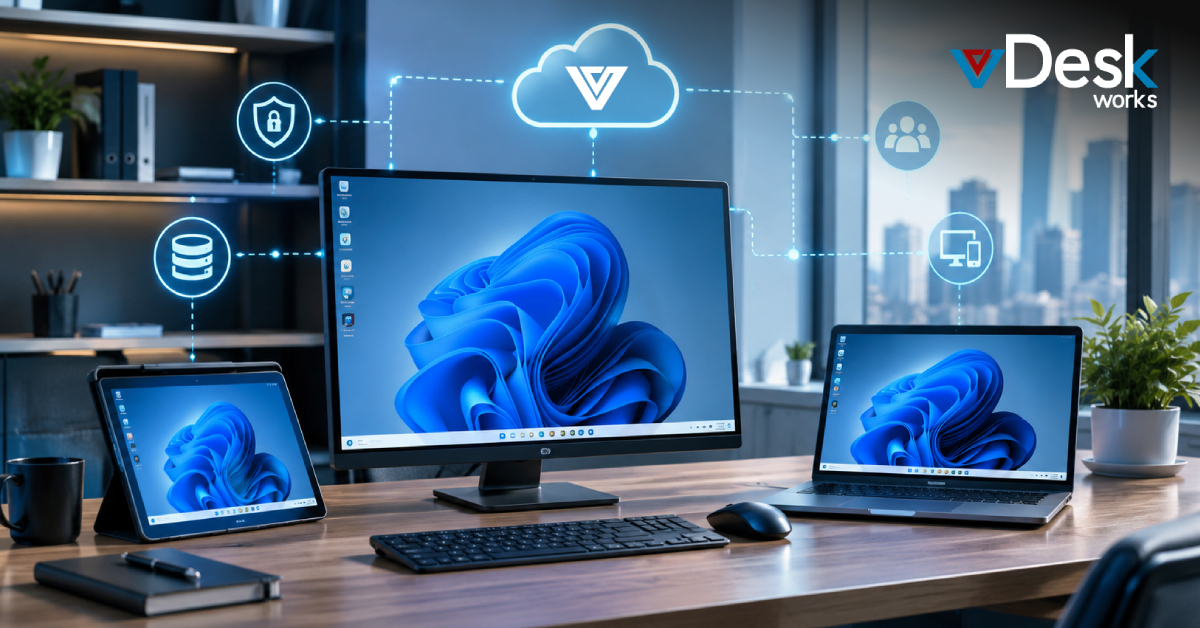
Modern businesses are moving beyond traditional IT setups and adopting Cloud Desktop solutions for better flexibility and resilience. A Cloud Desktop allows users to access their work environment from anywhere, using any device.
In disaster scenarios, instead of waiting for systems to be restored, employees can instantly log into their Cloud Desktop and continue working. This eliminates downtime and ensures business continuity.
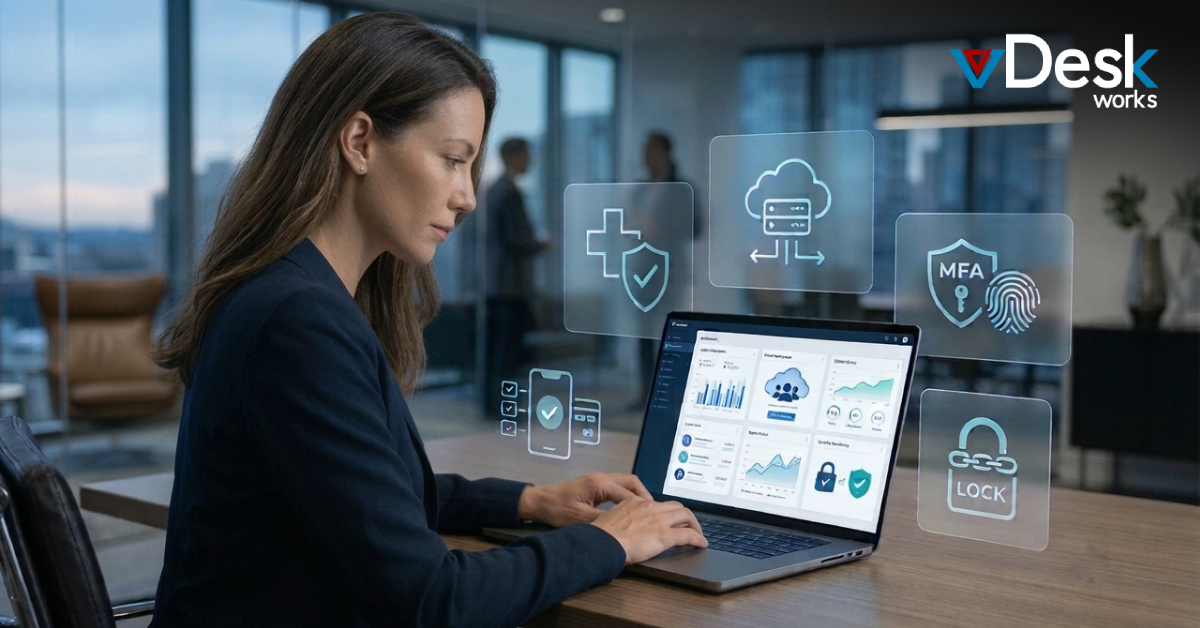
Additionally, Cloud Desktop enhances security by storing data in centralized cloud environments rather than on local devices. This reduces the risk of data loss due to hardware failures or theft.
Scalability is another major advantage. Businesses can easily expand or reduce resources based on demand without investing in physical infrastructure.
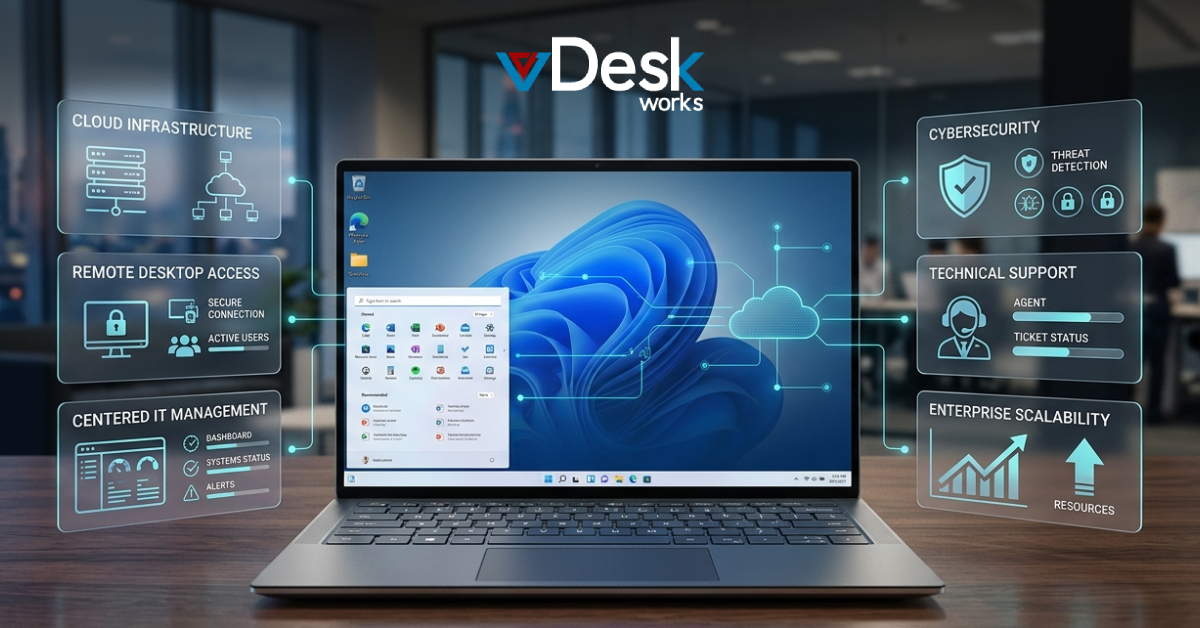
vDeskWorks Cloud Desktop: A Smarter Solution
To fully leverage the benefits of backup and disaster recovery, businesses need a solution that integrates both seamlessly. vDeskWorks Cloud Desktop offers a powerful platform designed for modern enterprises.
With vDeskWorks Cloud Desktop, organizations get secure, high-performance virtual desktops that are always accessible. Whether facing a cyberattack or hardware failure, users can continue operations without interruption.
The platform also ensures enterprise-grade security, automatic backups, and rapid recovery capabilities. This makes vDeskWorks Cloud Desktop an ideal choice for businesses looking to enhance resilience while reducing IT complexity.
Conclusion
Backup and disaster recovery are both critical components of a strong data protection strategy. Backup ensures that your data is Cloud Desktop, while disaster recovery ensures that your business keeps running.
However, in today’s fast-paced environment, businesses need more than just recovery—they need continuity. This is where Cloud Desktop plays a transformative role.
By combining backup, disaster recovery, and Cloud Desktop, organizations can achieve complete protection, minimal downtime, and maximum productivity. Investing in solutions like vDeskWorks Cloud Desktop ensures that your business is always prepared—no matter what challenges arise.
 Emma Carson