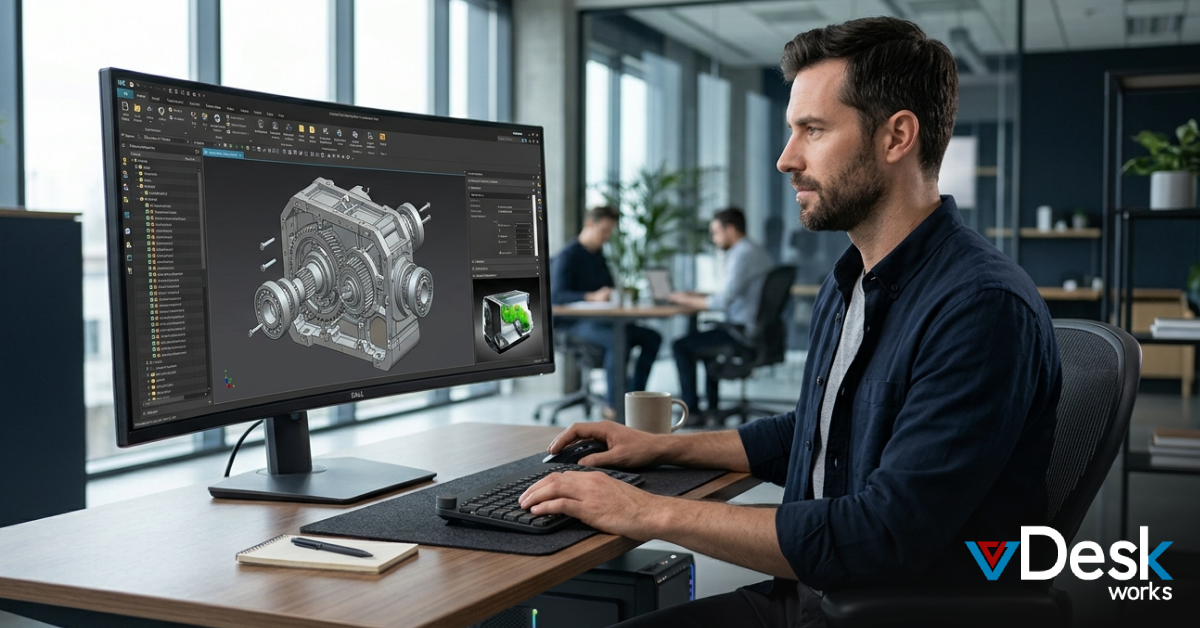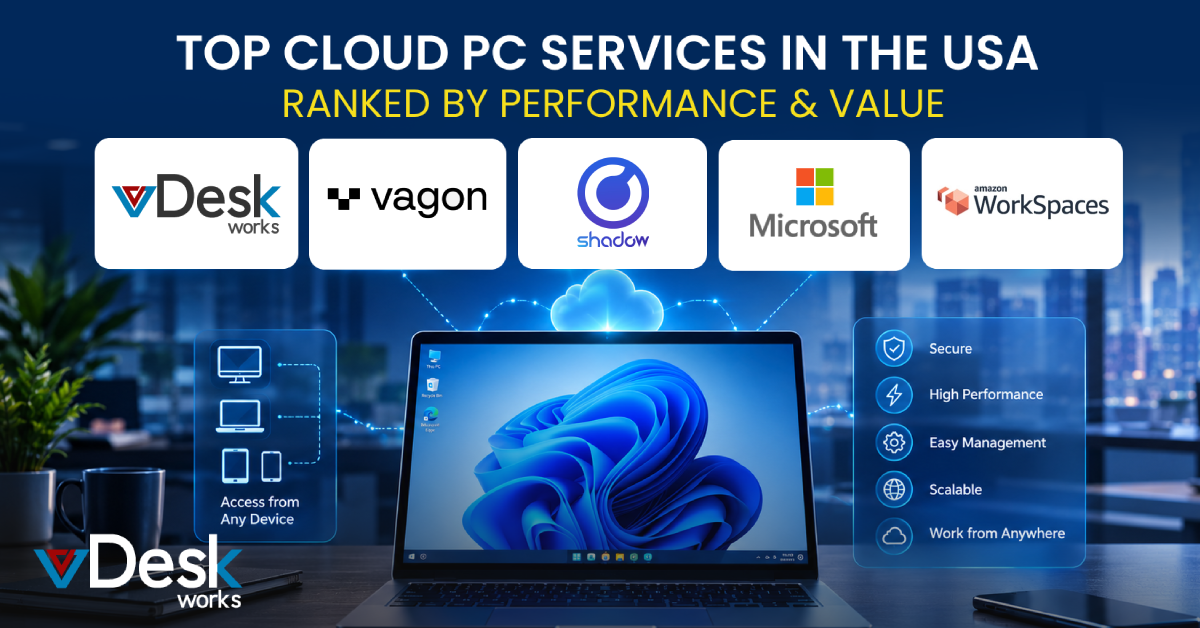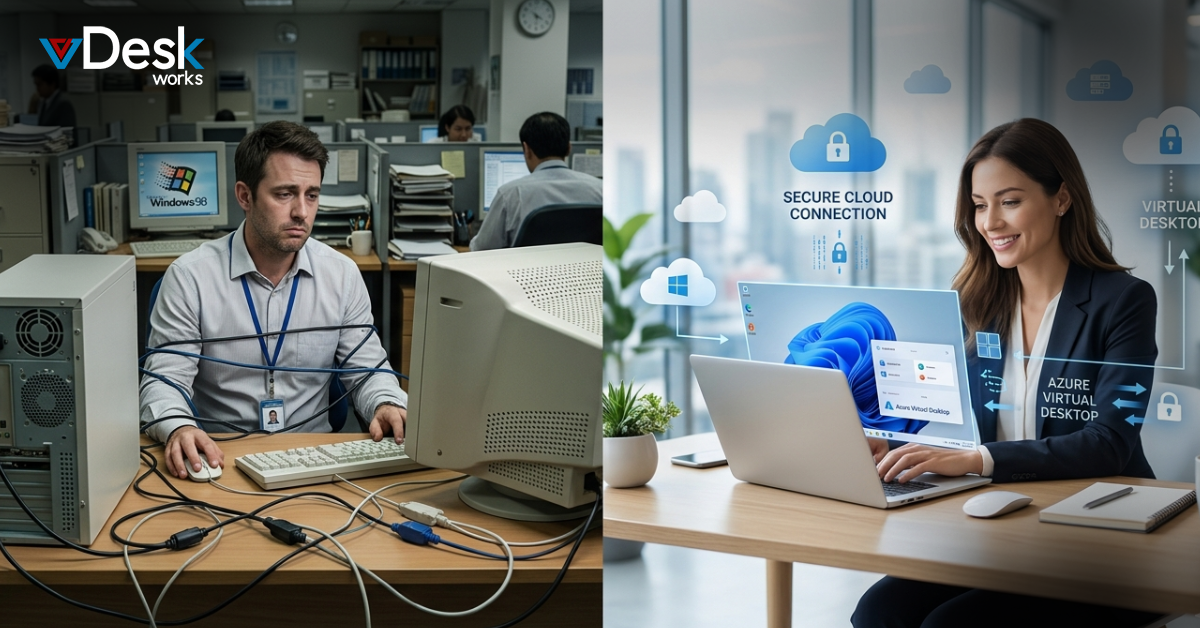
Businesses today are rethinking how they deliver computing power to employees. The traditional office setup built around physical desktops is rapidly being replaced by more flexible, cloud-based solutions. At the center of this transformation is the Cloud PC, a modern approach that allows users to access their desktop environment from anywhere.
But how does a Cloud PC compare to a physical desktop? And which one is the better choice for your business? Let’s break it down.
What is a Cloud PC?
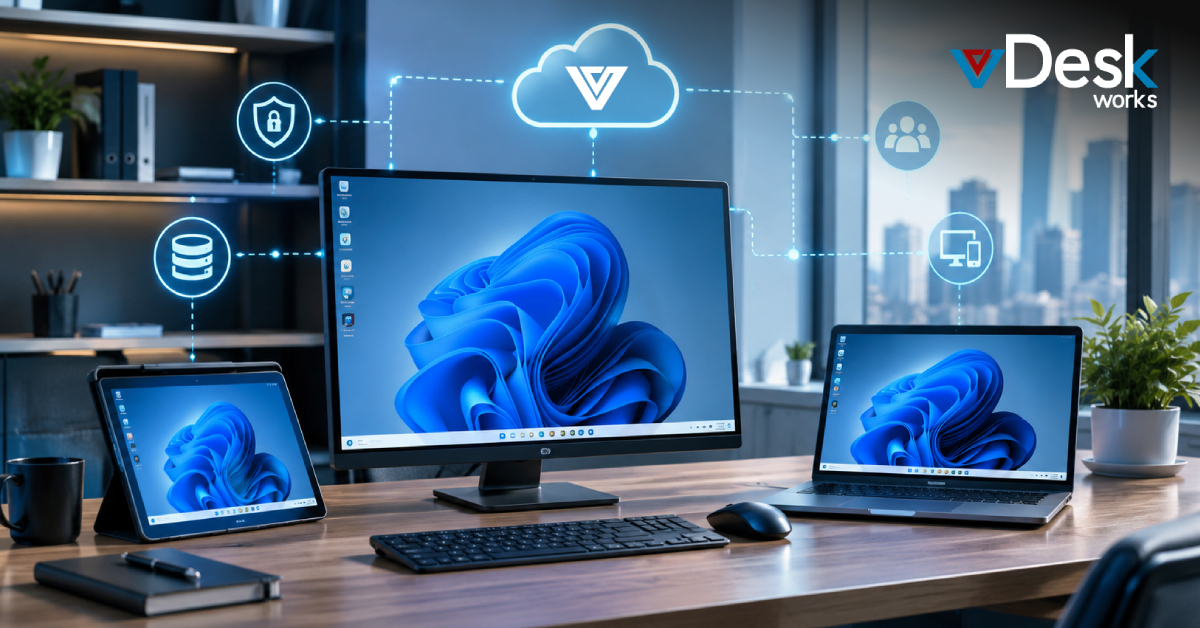
A Cloud PC is a virtual desktop hosted on remote servers and delivered via the internet. Instead of storing files and applications on a physical machine, everything is stored securely in the cloud and accessed through a browser or remote client.
This means employees can log in to their Cloud PC from any device—laptop, tablet, or even a smartphone—and experience the same desktop environment every time.
What is a Physical Desktop?
A physical desktop is the traditional setup where all applications, files, and computing power are tied to a single machine. These systems rely on local hardware, requiring manual updates, maintenance, and security management.
While physical desktops have been the standard for decades, they come with limitations in today’s fast-moving, remote-first world.
Key Differences Between Cloud PC and Physical Desktop
1. Flexibility and Accessibility
The biggest advantage of a Cloud PC is flexibility. Employees can work from anywhere, whether at home, in the office, or on the go. All they need is an internet connection.
Physical desktops, on the other hand, are location-dependent. Accessing files remotely often requires additional setup like VPNs, which can be complex and less efficient.
2. Cost and Investment
A Cloud PC solution typically operates on a subscription model, reducing the need for large upfront investments in hardware. Businesses can avoid costs related to device upgrades, repairs, and replacements.
Physical desktops require significant upfront spending, along with ongoing maintenance and energy costs. Over time, this can become expensive, especially for growing organizations.
3. Scalability
Scalability is where Cloud PC environments truly shine. Businesses can add or remove users instantly without purchasing new hardware.
With physical desktops, scaling means buying, configuring, and deploying new machines—slowing down growth and increasing operational overhead.
4. Security and Data Protection
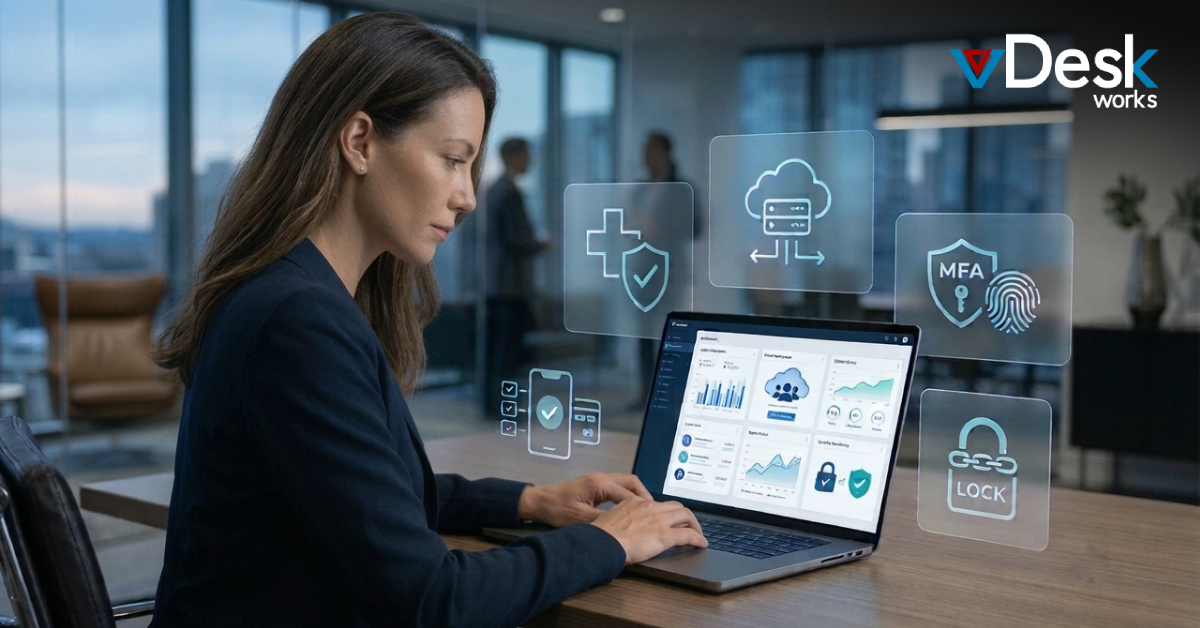
A secure Cloud PC stores data centrally in the cloud, making it easier to manage security protocols, backups, and compliance requirements.
Physical desktops store data locally, which increases the risk of data loss due to theft, hardware failure, or human error. Managing security across multiple devices can also be challenging.
5. Maintenance and IT Management
With a Cloud PC, IT teams can manage updates, patches, and performance from a centralized dashboard. This reduces workload and ensures consistency across all users.
Physical desktops require individual maintenance, which can be time-consuming and resource-intensive, especially for large organizations.
6. Performance
Physical desktops often deliver strong performance for high-end tasks like video editing or 3D rendering, as they rely on dedicated local hardware.
However, modern Cloud PC solutions now offer powerful configurations capable of handling most business applications efficiently. With the right provider, performance gaps are quickly narrowing.
When Should You Choose a Cloud PC?
A Cloud PC for business is the ideal choice if:
Your team works remotely or follows a hybrid model
You want to reduce hardware and maintenance costs
Security and data protection are top priorities
You need to scale your workforce quickly
You want simplified IT management
Cloud PC solutions are especially beneficial for startups, SMEs, and enterprises looking to modernize their operations without heavy infrastructure investments.
When Does a Physical Desktop Make Sense?
Physical desktops may still be suitable if:
Your work requires high-end computing with minimal latency
You operate in environments with limited or unreliable internet
Your workflows depend on specialized hardware setups
Even in these cases, many businesses are adopting a hybrid approach—combining physical desktops with Cloud PC environments.
The Business Impact of Switching to Cloud PC
Moving to a Cloud PC infrastructure can significantly improve business efficiency. Employees become more productive with remote access, IT teams spend less time on maintenance, and organizations gain the ability to scale quickly.
Additionally, Cloud PC solutions support business continuity. In the event of disruptions—such as hardware failures or office closures—employees can continue working without interruption.
Final Thoughts: Why vDeskWorks Cloud PC is the Smart Choice
The debate between physical desktops and cloud-based solutions is quickly shifting in favor of the cloud. While physical desktops still have niche use cases, the flexibility, scalability, and security of a Cloud PC make it the clear choice for most modern businesses.
For organizations ready to make the transition, vDeskWorks Cloud PC offers a powerful, business-ready solution. Designed for performance and reliability, vDeskWorks enables teams to access secure virtual desktops from anywhere, with minimal setup and maximum efficiency.
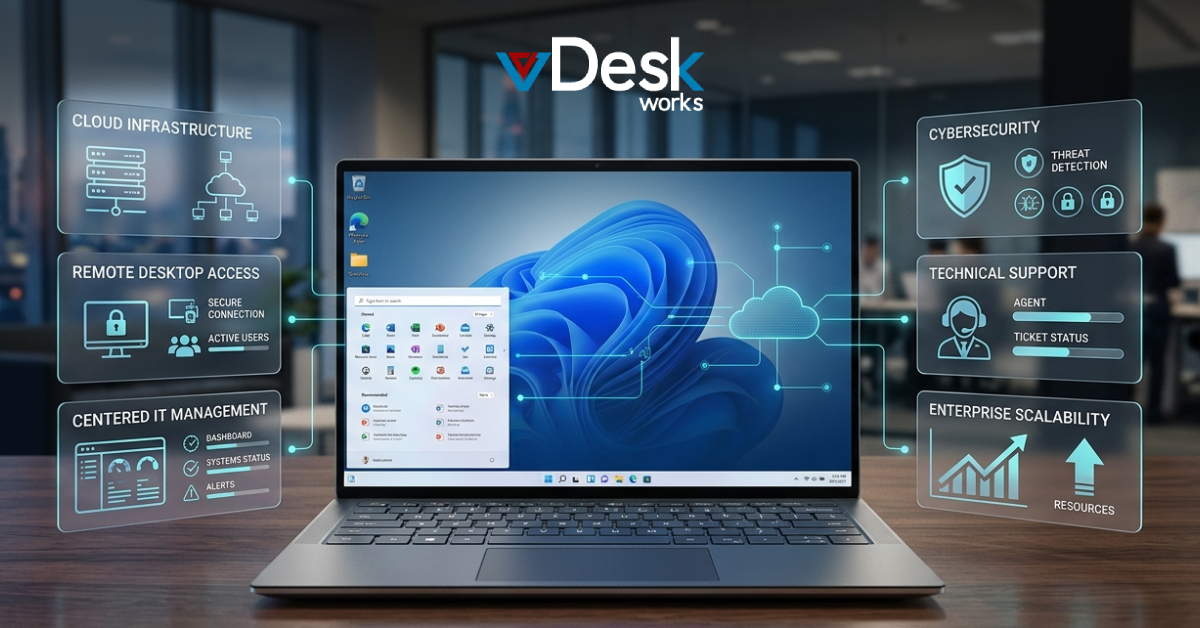
With features like centralized management, built-in security, seamless scalability, and high uptime, vDeskWorks Cloud PC helps businesses reduce IT complexity while improving productivity. Whether you’re a startup scaling fast or an enterprise optimizing operations, vDeskWorks provides the tools you need to succeed in a cloud-first world.
Ready to Upgrade?
If you're looking to replace outdated hardware and embrace a more flexible work model, now is the time to switch to a Cloud PC. Choose vDeskWorks Cloud PC and take the next step toward a smarter, more agile business environment.
 Jerry Clark