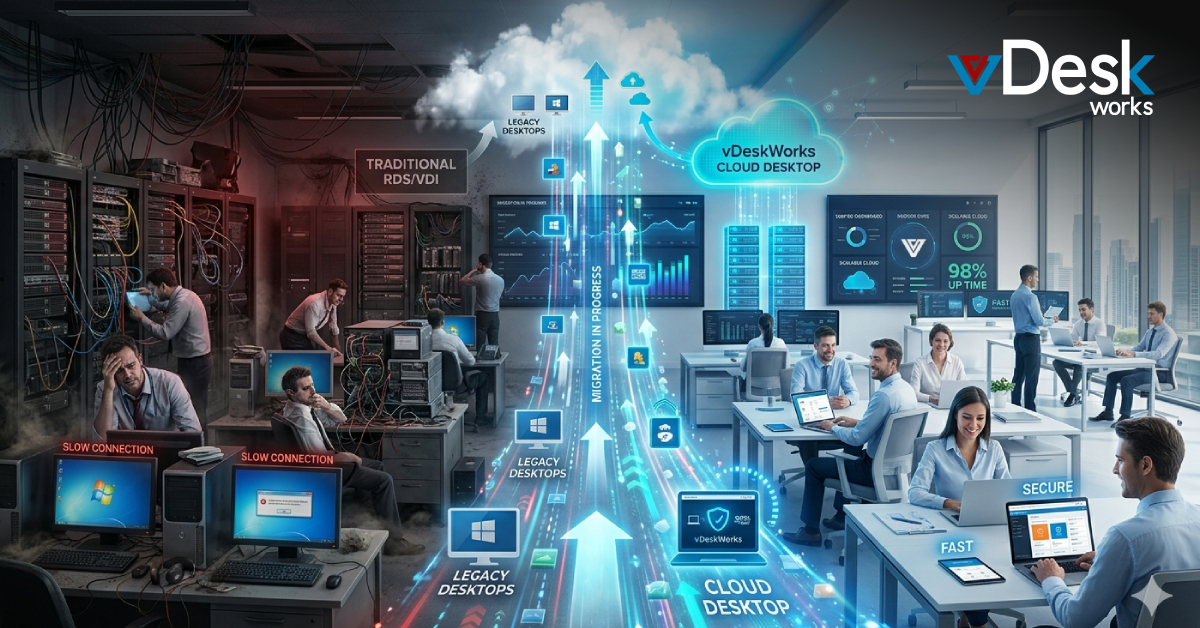
As organizations evolve their IT infrastructure, many are moving away from traditional Remote Desktop Services (RDS) and Virtual Desktop Infrastructure (VDI) toward more flexible Cloud Desktop solutions.
While RDS and VDI have served businesses well for years, they often come with limitations in scalability, management, and cost efficiency. Cloud Desktop solutions offer a more modern approach by delivering desktops as a service, simplifying deployment and improving overall performance.
In this article, we explore how Cloud Desktop migration works and why businesses are making the shift.
Understanding RDS and VDI Environments
Remote Desktop Services (RDS) allows users to access desktops and applications hosted on centralized servers, while Virtual Desktop Infrastructure (VDI) delivers virtual desktops from on-premise or cloud-based data centers.
Both technologies enabled remote access long before cloud-native solutions became mainstream. However, they often require significant infrastructure management, ongoing maintenance, and dedicated IT expertise.
Why Move to Cloud Desktop?
Cloud Desktop solutions represent the next evolution of desktop virtualization. Unlike traditional setups, they are delivered as a fully managed service, reducing the burden on internal IT teams.
One of the main advantages is the shift to a service-based model, where the provider manages infrastructure, updates, and availability. This eliminates the complexity of maintaining servers and reduces operational overhead.
Cloud Desktop also enables better scalability, allowing businesses to quickly adjust resources based on demand without investing in additional hardware.
Key Benefits of Cloud Desktop Migration
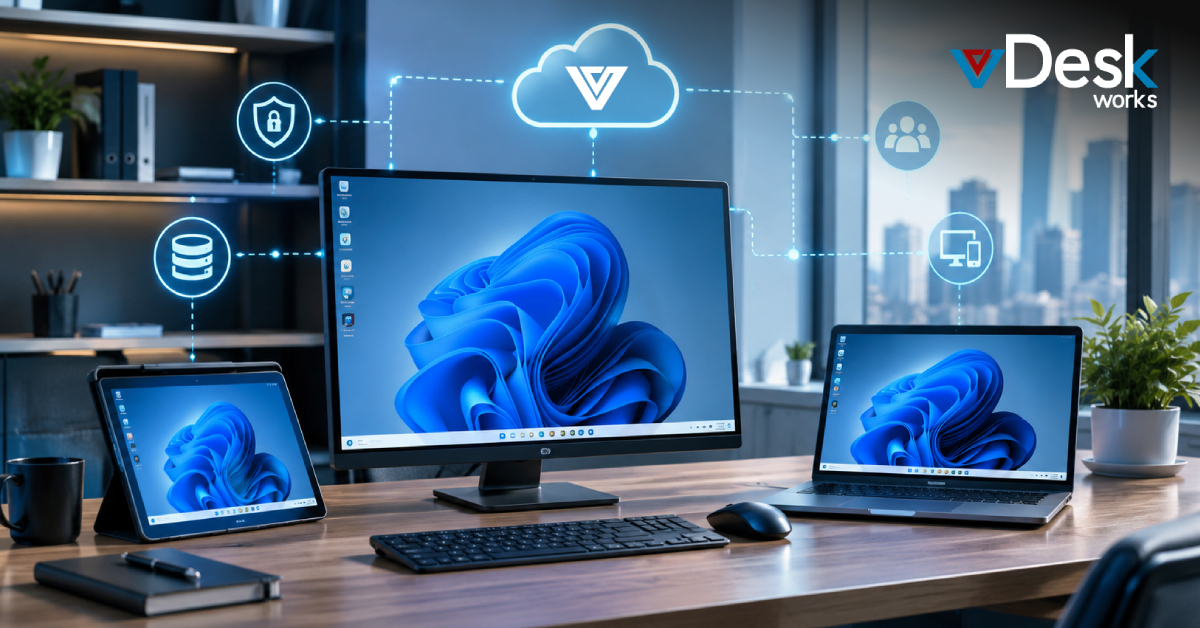
Migrating to Cloud Desktop provides several advantages over traditional RDS and VDI environments. Businesses gain improved flexibility, allowing users to access their desktops from any location or device.
Performance is also enhanced through optimized cloud infrastructure. Instead of relying on on-premise hardware, users benefit from high-performance environments hosted in secure data centers.
Additionally, Cloud Desktop solutions simplify user management and application delivery, ensuring a consistent experience across the organization.
Migration Scenarios for Cloud Desktop
There are several situations where businesses consider migrating to Cloud Desktop. One common scenario is when existing infrastructure reaches the end of its lifecycle or requires costly upgrades.
Organizations also consider migration when software or operating systems approach end-of-support, making it necessary to adopt a more modern platform. Other drivers include improving security, meeting compliance requirements, and enabling innovation.
These triggers often align with the need to modernize IT environments and improve overall efficiency.
Cloud Desktop Migration Journey
The migration to Cloud Desktop typically follows a structured approach that ensures minimal disruption to business operations.
Assessment
The first step involves evaluating the existing environment, including applications, workloads, and infrastructure. This helps identify what can be migrated and what needs optimization before moving to the cloud.
Migration
During this phase, desktops, applications, and data are transferred to the cloud environment. Organizations may choose a lift-and-shift approach or a more optimized migration strategy depending on their goals.
Optimization
Once migration is complete, businesses focus on optimizing performance and cost. This includes right-sizing resources and improving system efficiency.
Management
The final stage involves ongoing monitoring, updates, and user management to ensure a smooth and secure Cloud Desktop experience.
Key Considerations Before Migration
Before migrating to a Cloud Desktop environment, businesses need to evaluate several important factors.
Compatibility is crucial, as not all operating systems and applications may be ready for cloud environments. Resource sizing is also important to ensure optimal performance without over-provisioning.
Organizations must also consider licensing requirements, user segmentation, and application dependencies to avoid disruptions during migration.
Challenges in RDS and VDI Migration
Migrating from RDS or VDI to Cloud Desktop can present certain challenges. These include managing user profiles, ensuring application compatibility, and maintaining performance during the transition.
For example, traditional user profile systems may need to be converted to modern profile management solutions to ensure consistency across sessions.
Additionally, network configuration, identity management, and data migration require careful planning to avoid downtime and ensure a seamless user experience.
Why Choose vDeskWorks for Cloud Desktop Migration?
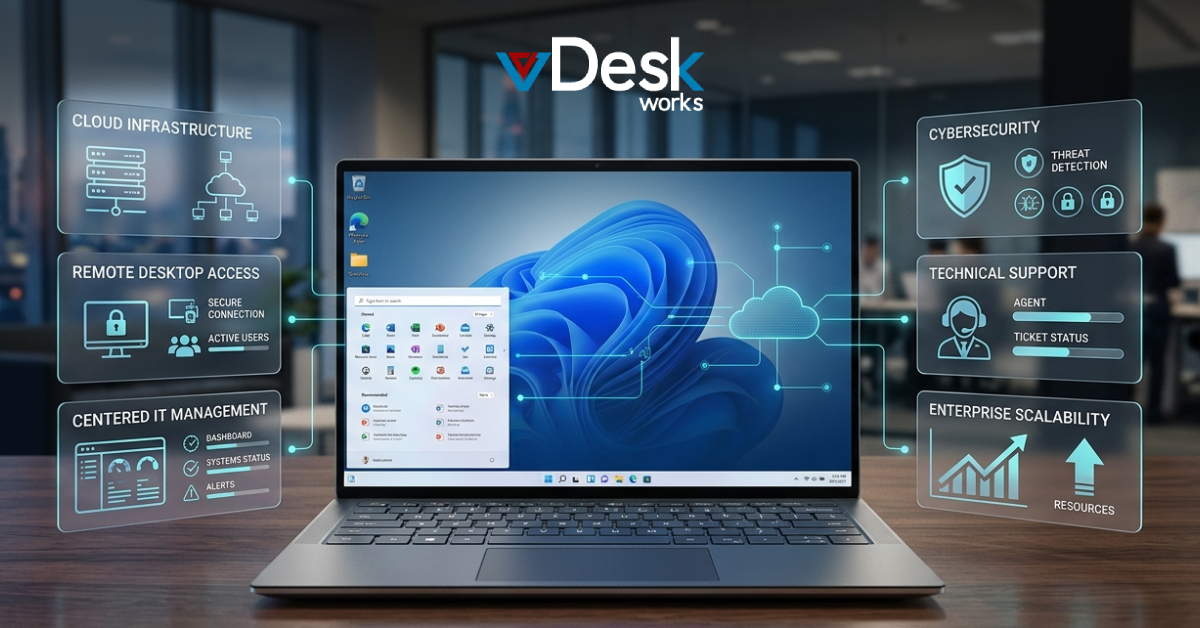
Cloud Desktop by vDeskWorks provide a streamlined and efficient solution for businesses transitioning from RDS or VDI environments.
One of the key advantages of vDeskWorks is its simplified migration approach. Organizations can move their existing workloads to the cloud without dealing with complex configurations or multiple tools.
The platform offers built-in scalability, allowing businesses to adjust resources dynamically as their needs evolve. This ensures cost efficiency while maintaining high performance.
vDeskWorks also delivers a consistent user experience through a unified interface, making it easier for employees to access their desktops and applications. With centralized security and management, businesses can maintain control over data while reducing IT overhead.
By addressing the common challenges associated with traditional environments, vDeskWorks makes Cloud Desktop migration faster, simpler, and more reliable.
Conclusion
Migrating from RDS and VDI to Cloud Desktop is a strategic move that enables businesses to modernize their IT infrastructure. With improved scalability, performance, and ease of management, Cloud Desktop solutions are becoming the preferred choice for organizations worldwide.
By carefully planning the migration process and choosing the right platform, businesses can unlock the full potential of cloud-based desktops. Solutions like vDeskWorks help simplify this transition, ensuring a smooth and successful migration journey.
 Emma Carson