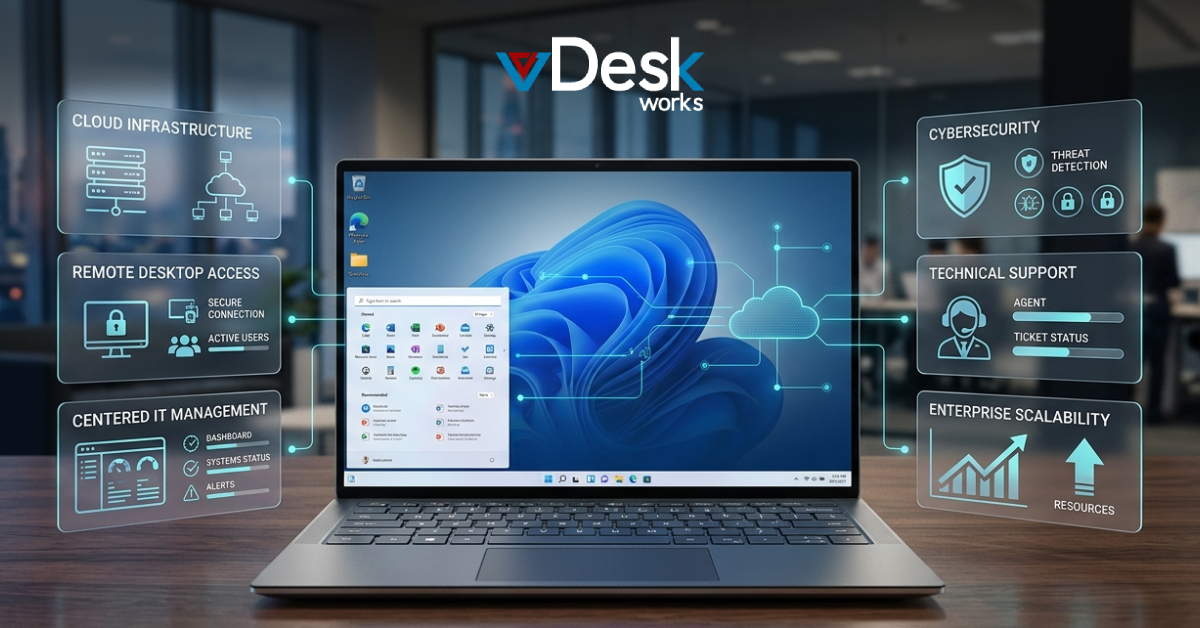
The workplace has moved beyond the traditional office PC. Enterprise employees now work from corporate offices, homes, client locations, coworking spaces, and different countries. They may also use company laptops, personal devices, tablets, or other endpoints to access business applications.
This changing environment has increased demand for Desktop-as-a-Service (DaaS).
DaaS delivers a complete desktop environment from cloud-hosted infrastructure. Instead of purchasing, configuring, and maintaining every physical computer, businesses can provide users with centrally managed virtual desktops that can be accessed remotely.
But choosing a DaaS provider in 2026 requires more than looking at the monthly price.
Businesses need to evaluate security, performance, scalability, availability, backup, management, device compatibility, application support, and total cost of ownership.
Among the providers competing in this space, vDeskWorks focuses on delivering a flexible and centrally managed virtual desktop solution for organizations that need secure cloud workspaces without excessive infrastructure complexity.
What Is Desktop-as-a-Service?
Desktop-as-a-Service is a cloud-based approach to delivering desktops and applications.
Instead of running the complete computing environment on a physical workstation, the desktop is hosted within cloud infrastructure and delivered to the user's device.
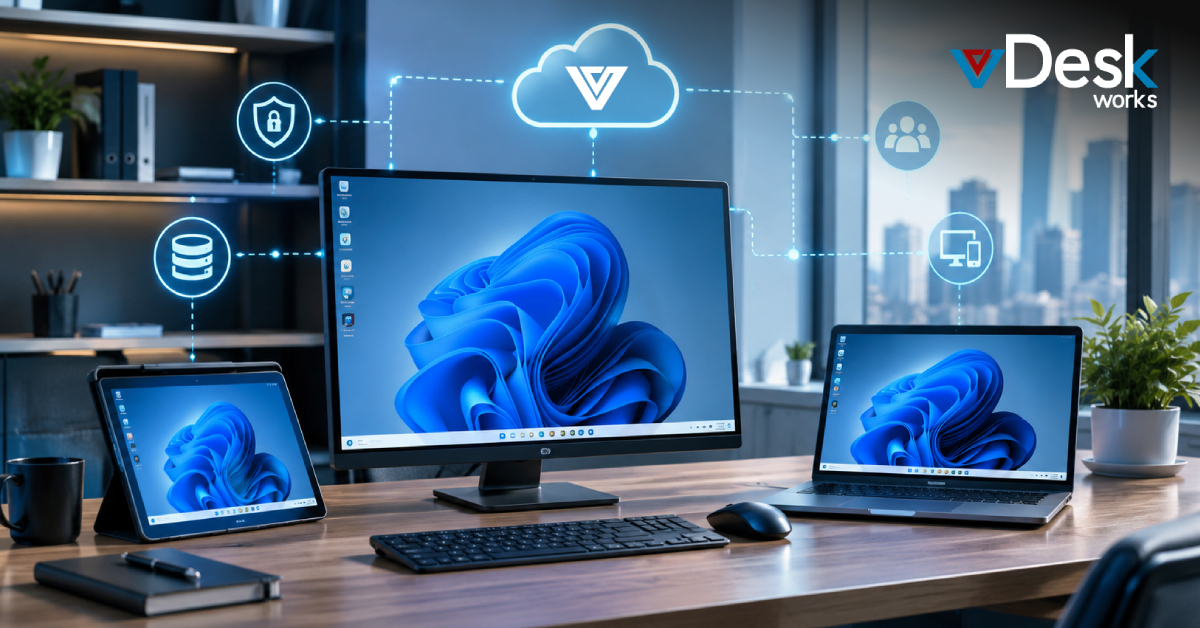
Employees can access their workspace through:
- Windows PCs
- Macs
- Linux systems
- Smartphones
- Tablets
- Web browsers
- Thin clients
The endpoint primarily provides the interface while processing, applications, and business data remain within the hosted environment.
This model can help organizations create a consistent desktop experience across different locations and devices.
Why Businesses Are Moving to DaaS in 2026
Several business requirements are accelerating adoption of DaaS.
- Hybrid Work: Employees need secure access to the same applications and resources regardless of where they work.
- Cybersecurity: Organizations need to reduce the amount of sensitive information stored directly on endpoints.
- Hardware Costs: Frequent PC replacement and upgrades can increase IT budgets.
- Workforce Changes: Businesses may need to rapidly provision desktops for new employees, contractors, temporary workers, and project teams.
- Global Operations: Distributed teams require reliable access to centralized business environments.
- IT Efficiency: IT teams want to reduce repetitive tasks such as desktop configuration, patching, troubleshooting, and provisioning.
A virtual desktop solution can address many of these requirements through centralized infrastructure.
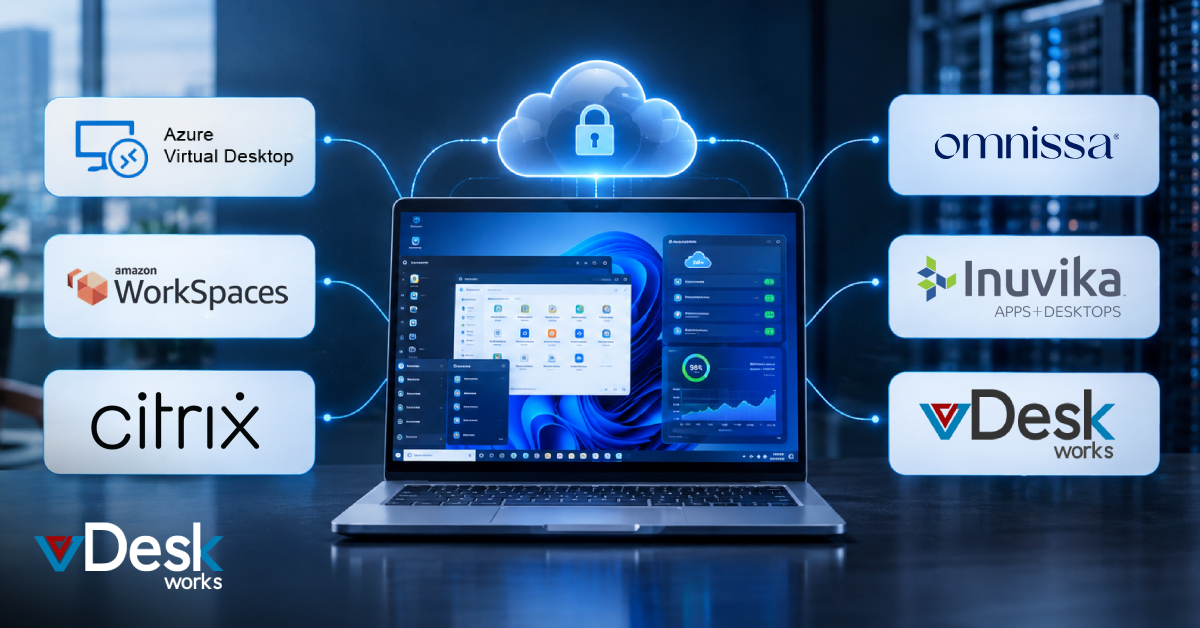
Comparing Major DaaS Approaches in 2026
Choosing a Desktop-as-a-Service (DaaS) provider is not simply about selecting the platform with the most features. Enterprise IT teams need to consider existing infrastructure, security requirements, application compatibility, user experience, scalability, management complexity, and total cost of ownership.
Here is how the major DaaS approaches compare in 2026:
Microsoft Azure Virtual Desktop
Best for: Microsoft-centric enterprises
Microsoft Azure Virtual Desktop is a natural choice for organizations already invested in Microsoft 365, Azure, Windows, and Entra ID. It can provide Windows desktop experiences through the cloud while integrating with Microsoft's broader technology ecosystem.
Key considerations:
- Strong Microsoft 365 integration
- Windows 10/11 virtual desktop support
- Multi-session capabilities for selected workloads
- Integration with Microsoft identity and security tools
- Suitable for organizations already using Azure infrastructure
- Flexible resource scaling for changing workforce requirements
Potential challenge: Managing Azure-based virtual desktops can require specialized cloud expertise, and organizations need to closely monitor infrastructure consumption and costs.
Amazon WorkSpaces
Best for: AWS-focused organizations
Amazon WorkSpaces is designed for businesses that already operate within the AWS ecosystem and want cloud-hosted desktops without building and maintaining traditional desktop infrastructure.
Key considerations:
- Integration with AWS services
- Cloud-based desktop provisioning
- Support for different desktop configurations
- Useful for distributed and remote teams
- Flexible deployment options
- Suitable for organizations with existing AWS expertise
Potential challenge: Businesses that do not already use AWS may find it less attractive compared with a provider offering a more turnkey DaaS experience.
Citrix DaaS
Best for: Complex enterprise environments
Citrix DaaS remains a significant option for organizations that require sophisticated application delivery, centralized policies, security controls, and enterprise workspace management.
It can be particularly useful for large organizations with complex application environments and diverse user requirements.
Key considerations:
- Advanced application and desktop delivery
- Detailed administrative controls
- Support for complex enterprise environments
- Strong capabilities for distributed workforces
- Support for demanding application workloads
- Broad endpoint and peripheral compatibility
Potential challenge: Its extensive capabilities can also introduce greater deployment and management complexity, making implementation more demanding for organizations with smaller IT teams.
Omnissa Horizon
Best for: Enterprise and hybrid virtualization environments
Omnissa Horizon is designed for organizations that need to deliver virtual desktops and applications across hybrid and enterprise environments. It is particularly relevant for businesses with existing virtualization investments and established desktop virtualization operations.
Key considerations:
- Enterprise-grade desktop virtualization
- Support for hybrid deployment strategies
- Application and desktop delivery
- Advanced management capabilities
- Support for graphics-intensive workloads
- Useful for organizations modernizing existing VDI environments
Potential challenge: Organizations evaluating Horizon should consider their existing virtualization infrastructure, licensing requirements, management expertise, and long-term platform strategy.
Inuvika OVD Enterprise
Best for: Windows and Linux application environments
Inuvika OVD Enterprise provides an alternative approach to traditional VDI by supporting the delivery of Windows and Linux applications and desktops through a centralized environment.
This can be attractive to organizations that want greater flexibility across operating systems or are looking for alternatives to large proprietary virtualization ecosystems.
Key considerations:
- Windows and Linux application support
- Flexible deployment options
- Centralized application delivery
- Suitable for multi-user environments
- Can support organizations seeking alternatives to traditional VDI platforms
Potential challenge: Enterprises should evaluate application compatibility, support requirements, integrations, and ecosystem maturity against their specific workloads.
vDeskWorks
Focused on providing centrally managed cloud desktops with cross-platform access, GPU-backed environments, remote assistance, security controls, backup, and flexible deployment options.
The right choice depends on the organization's applications, infrastructure, security requirements, user base, budget, and IT capabilities.
Why vDeskWorks Can Be a Strong DaaS Choice
For organizations searching for a virtual desktop solution, vDeskWorks brings several capabilities together within one platform.
Secure
- Encryption
- MFA
- Access controls
- Client policies
- Secure gateways
Fast
- Enterprise-grade infrastructure
- GPU-backed desktops
- Load balancing
- Performance upgrades
Scalable
- Rapid desktop provisioning
- Flexible resource allocation
- User management
- Support for growing teams
Accessible
- Windows
- Mac
- Linux
- iOS
- Android
- Web browsers
Manageable
- Centralized dashboard
- User administration
- Session management
- Reporting
- Remote assistance
Resilient
- Automated backups
- Configurable backup intervals
- Recovery capabilities
- High-availability infrastructure options
Conclusion
Choosing the best DaaS provider in 2026 requires organizations to look beyond basic remote desktop access.
Security, performance, scalability, device compatibility, centralized management, remote assistance, backup, disaster recovery, and cost control all play a role in determining whether a platform can support long-term business requirements.
vDeskWorks brings these capabilities together to provide a flexible virtual desktop solution for organizations looking to modernize their workplace infrastructure.
For enterprises managing distributed teams, demanding applications, BYOD environments, or rapidly changing workforce requirements, DaaS can provide a more adaptable alternative to traditional desktop management.
Ready to explore what a cloud-based workspace could look like for your organization? Schedule a vDeskWorks live demo and see how a modern virtual desktop environment can support your business.
 Emma Carson