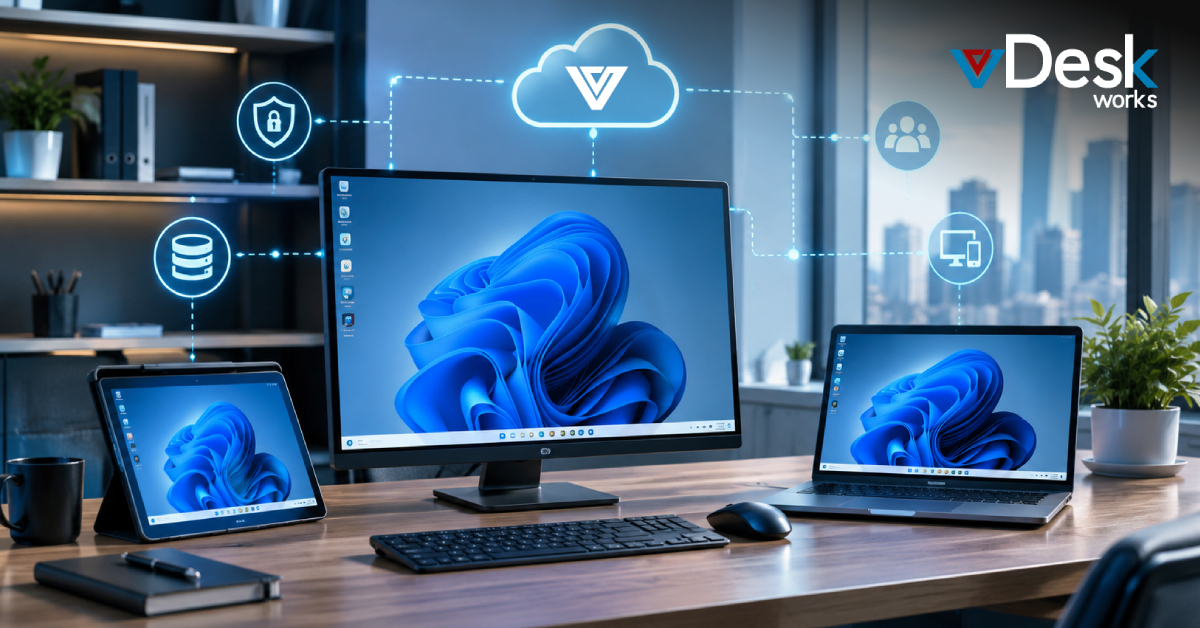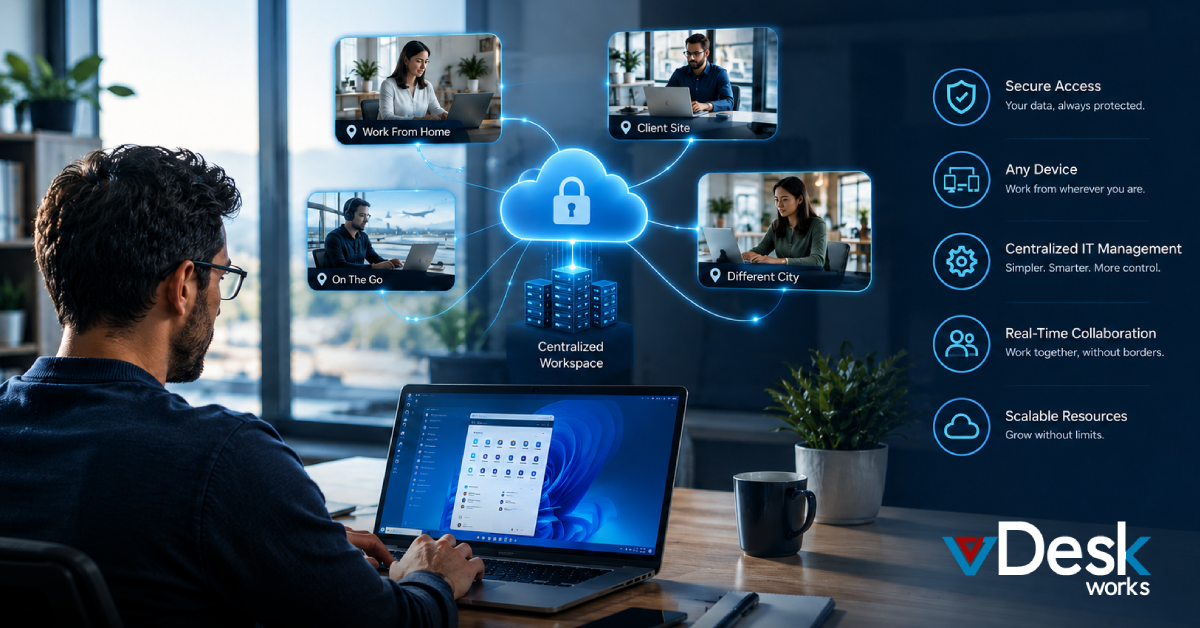
Today, businesses are shifting toward remote work, cloud-based systems, and flexible operations. Because of this, Virtual PCs have become essential for organizations that want their teams to work from anywhere without losing access to important tools and data. These Virtual PCs allow users to securely connect to their office desktops from any device, improving both flexibility and productivity across modern workplaces.
What to Look for in a Virtual Desktop Solution
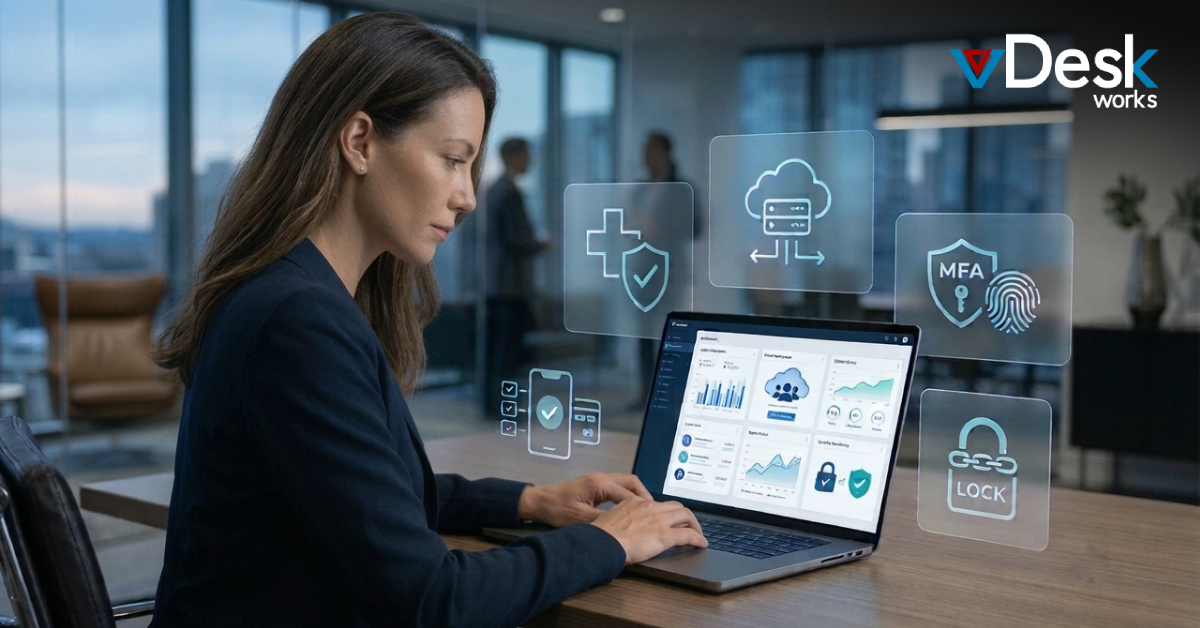
When choosing a solution for Virtual PCs, it is important to think about how well it can grow with your business. A scalable platform allows you to expand your Virtual PCs environment as your team grows without major disruptions. Security is another major factor, as Virtual PCs must protect sensitive business data through encryption, multi-factor authentication, and compliance standards.
Cost also plays a key role when selecting Virtual PCs, as different providers offer different pricing models. Businesses should also ensure that their Virtual PCs solution is compatible with existing systems and works smoothly across devices like laptops, tablets, and smartphones. A simple interface improves the user experience of Virtual PCs, while strong customer support ensures smooth operations and quick issue resolution.
Benefits of Virtual Desktop Infrastructure (VDI)
Virtual Desktop Infrastructure is a powerful technology that supports Virtual PCs by hosting desktops on centralized servers instead of individual machines. This allows businesses to manage their Virtual PCs more efficiently while giving employees secure access to their work environments from any location.
One of the biggest advantages of using Virtual PCs through VDI is improved security, as all data is stored centrally rather than on personal devices. It also reduces the need for expensive hardware, since Virtual PCs can be accessed remotely from basic systems. IT teams benefit from simplified management of Virtual PCs, while organizations enjoy better resource utilization and performance.
Remote desktop access solutions provide a simpler way to deliver Virtual PCs without the complexity of full VDI setups. Instead of creating separate environments, users connect to a centralized system to access their Virtual PCs and applications.
This approach allows employees to use Virtual PCs from anywhere while keeping costs low. It also enhances security, since Virtual PCs store data on servers rather than local devices. Businesses can reduce hardware costs and simplify IT management by using Virtual PCs, making this approach ideal for organizations that want flexibility without heavy infrastructure.
Top Virtual Desktop Alternatives
vDeskWorks Virtual PCs
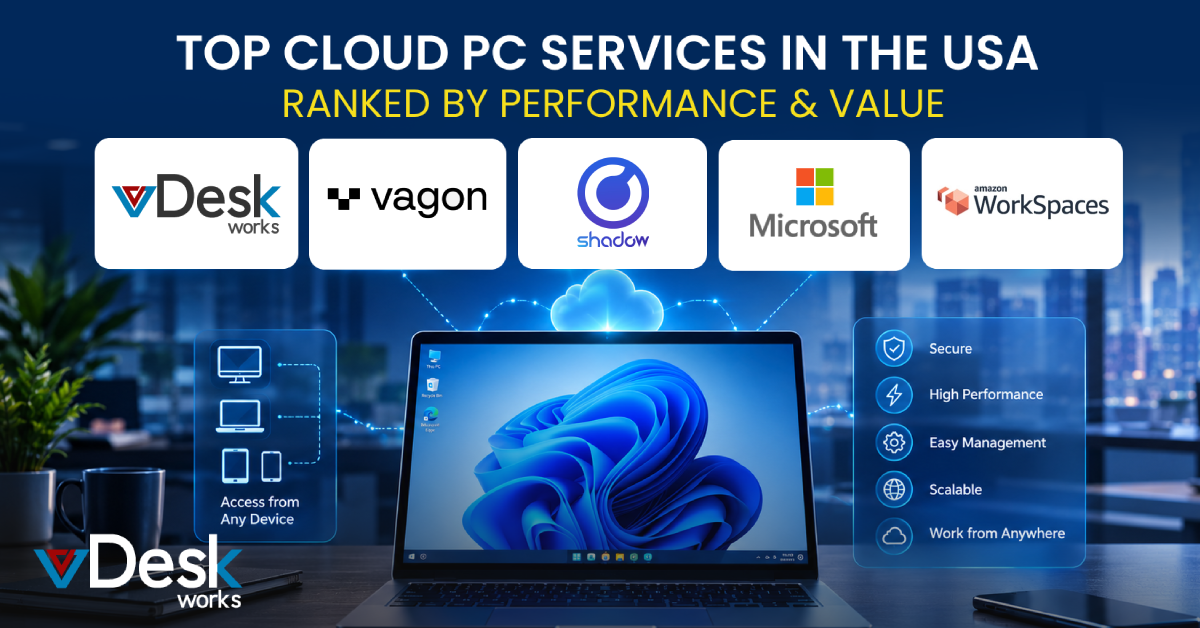
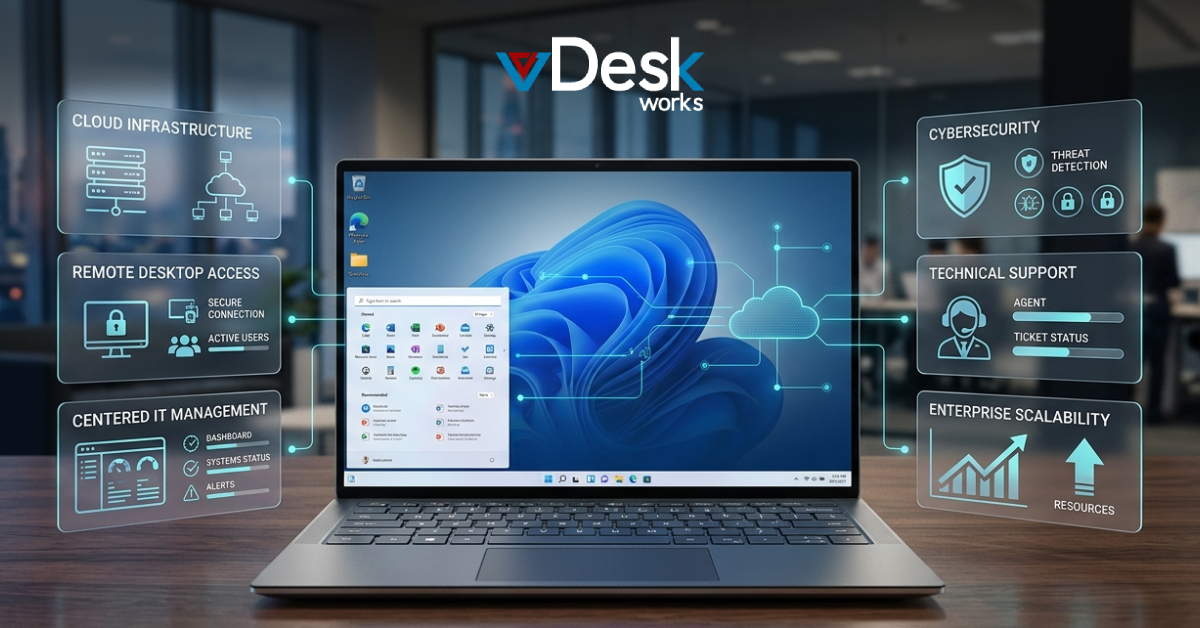
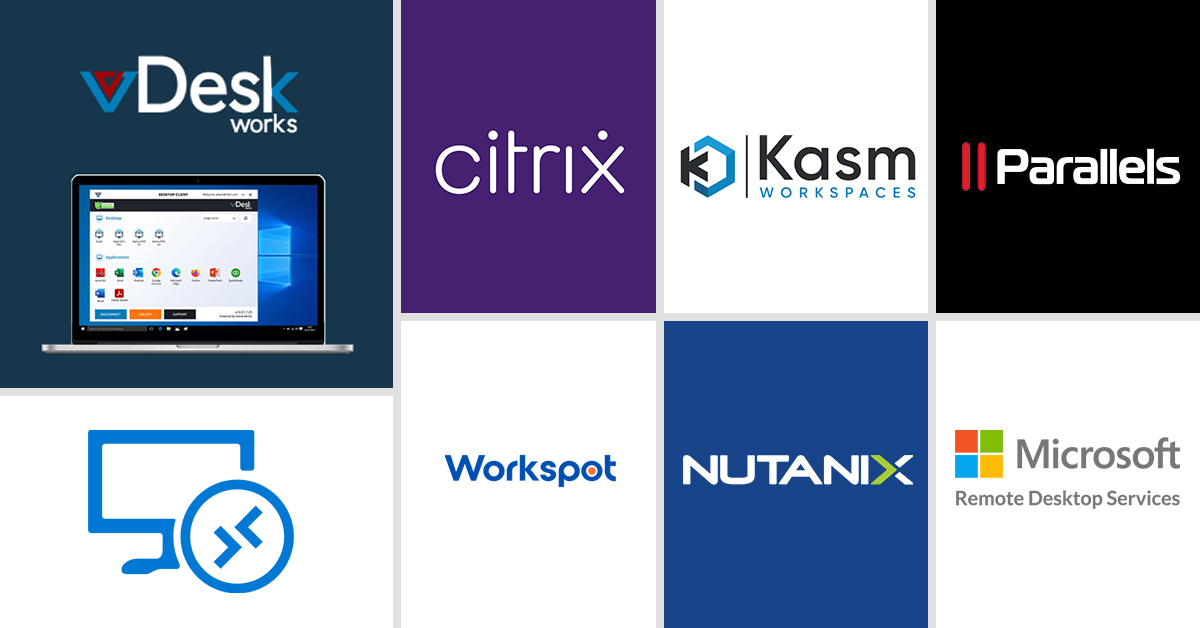
vDeskWorks Virtual PCs offer a powerful and flexible solution for businesses looking to adopt Virtual PCs at scale. This platform provides secure and high-performance Virtual PCs that allow users to access their desktops and applications from anywhere. With strong security features and a user-friendly interface, vDeskWorks Virtual PCs make it easy for organizations to deploy and manage Virtual PCs efficiently. These Virtual PCs are designed to support multiple users and devices, making them suitable for businesses of all sizes.
Azure Virtual Desktop
Azure Virtual Desktop is a cloud-based platform that supports Virtual PCs by allowing businesses to run Windows desktops in the cloud. It integrates well with Microsoft services, making it easier to deploy and manage Virtual PCs in enterprise environments. Its scalability ensures that businesses can expand their Virtual PCs infrastructure as needed.
Citrix Virtual Apps and Desktops
Citrix Virtual Apps and Desktops is a well-known solution that delivers high-performance Virtual PCs across cloud and on-premise environments. It is widely used by enterprises that require secure and reliable Virtual PCs with advanced customization and control.
Workspot
Workspot is a cloud-native platform designed to deliver fast and scalable Virtual PCs. It works across multiple cloud providers, giving businesses flexibility in how they deploy their Virtual PCs while maintaining performance and reliability.
Kasm Workspaces
Kasm Workspaces offers browser-based Virtual PCs that can be accessed without installing additional software. These Virtual PCs use container technology to provide secure and cost-effective remote access for users.
Nutanix Frame
Nutanix Frame is a Desktop-as-a-Service platform that simplifies the deployment of Virtual PCs across cloud and on-premise environments. It provides a seamless experience for businesses looking to manage Virtual PCs without complex configurations.
Parallels RAS
Parallels Remote Application Server is an easy-to-use solution that delivers affordable Virtual PCs for small and medium-sized businesses. It offers flexible deployment options and simplifies the management of Virtual PCs.
Microsoft Remote Desktop Services (RDS)
Microsoft Remote Desktop Services is a built-in solution that enables businesses to deploy Virtual PCs within their existing Windows infrastructure. It provides a familiar environment for users and allows organizations to manage Virtual PCs effectively.
Final Thoughts
If you’re looking for a reliable and future-ready solution for Virtual PCs, vDeskWorks Virtual PCs stand out as a smart choice for modern businesses. Designed to deliver performance, security, and flexibility, vDeskWorks Virtual PCs make it easy for teams to work from anywhere without compromising on speed or data protection.
With vDeskWorks Virtual PCs, businesses can reduce hardware costs, simplify IT management, and scale their operations effortlessly. Whether you are a small business or a growing enterprise, these Virtual PCs provide a seamless experience across devices while ensuring that your data remains secure and accessible at all times.
Now is the right time to upgrade your workplace with vDeskWorks Virtual PCs. Empower your team with a powerful Virtual PCs environment that boosts productivity, supports remote work, and drives business growth. Get started today and experience the difference with vDeskWorks Virtual PCs.
 Emma Carson