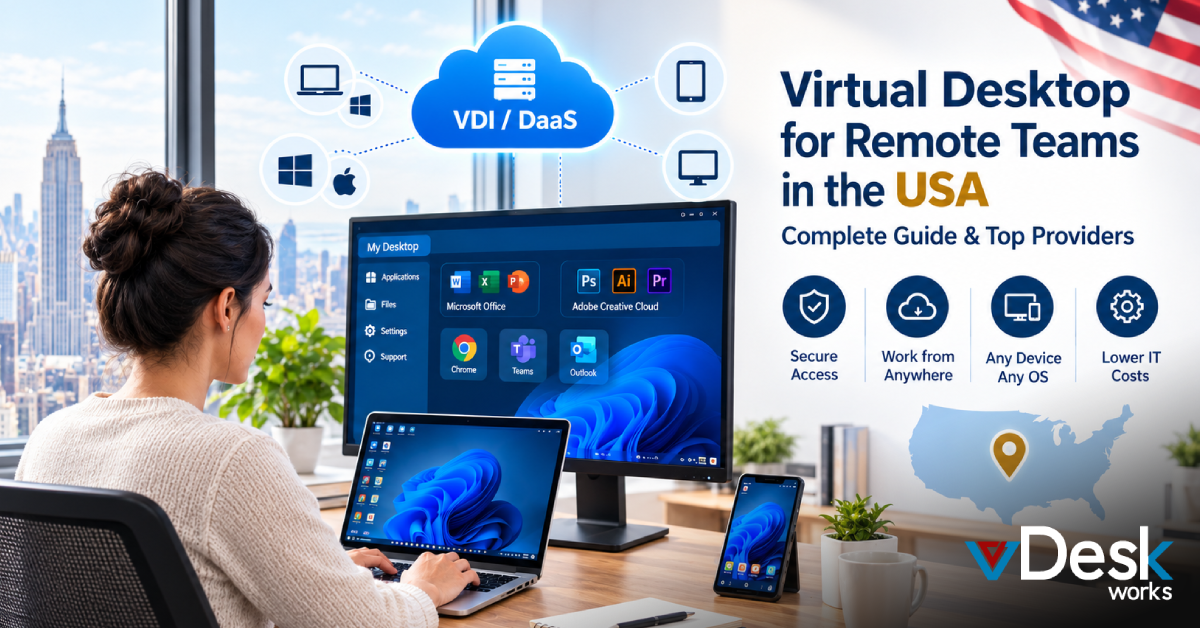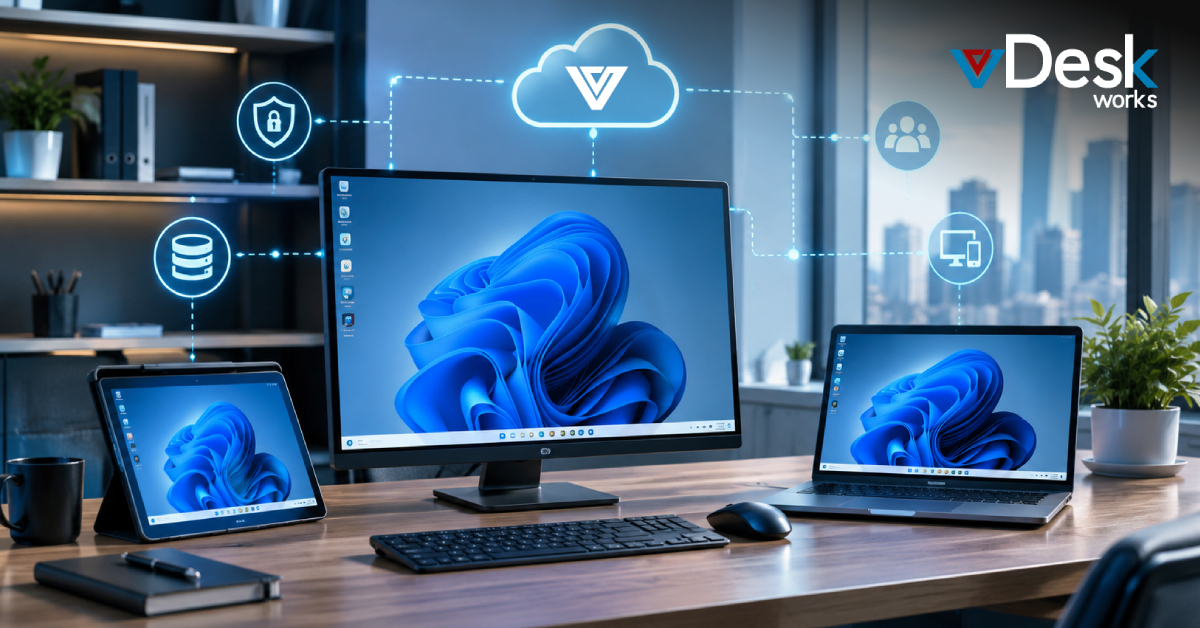
The way people work is changing a lot and more people want to work from home or have hours. This is why desktop infrastructure or VDI, for short, is becoming really important. Virtual desktop infrastructure is a technology that helps companies deal with these changes. Virtual desktop infrastructure allows people to use their computers, programs and files from any device no matter where they are. At the time virtual desktop infrastructure makes sure everything is secure and it is easy for companies to manage everything from one place. Virtual desktop infrastructure is a big deal because it helps companies meet the new needs of their workers.
Whether you're an enterprise looking to streamline IT operations, a government agency aiming to enhance data protection, or a service provider seeking to offer flexible and scalable desktop-as-a-service (DaaS) solutions, VDI can be a game-changing investment. In this comprehensive guide, we'll explore the top 10 VDI solutions that can help you unlock the full potential of a modern, cloud-enabled digital workspace.
VDI Solutions for Small and Medium Businesses
Small and medium businesses usually do not have a lot of information technology resources.. They still need to make sure their employees can use the computers safely and reliably. They still need servers to run the business applications.
If a small or medium business uses a software-defined data center solution it can be an idea. This solution puts all the desktops and servers into one platform. It is often cheaper and easier to do this than to have a server and personal computer. This way the business can save money. It is simpler to manage the computers and servers. The software-defined data center solution is an option for small and medium businesses because it is cost-effective and simple.
VDI Solutions for Large Organizations
Large organizations, such as corporations, government agencies, and educational institutions, can also benefit significantly from VDI. With VDI, these organizations can provide their employees with secure and consistent access to their desktops, regardless of their location or the device they're using. This can improve productivity, reduce IT costs, and enhance security by centralizing data and applications.
The virtual desktop infrastructure software lets people use a computer setup with all the programs and information they need from any device no matter where they are and it works just as well as if they were sitting at their desk.
Top 10 Best Recommended VDI Solutions
1. vDeskWorks
vDeskWorks is the best when it comes to desktop infrastructure. They have a platform that is easy to use and you can find it at www.vdeskworks.com. The dashboard is simple to understand. It makes setting things up really easy. They also have protocols that make sure everything runs smoothly.
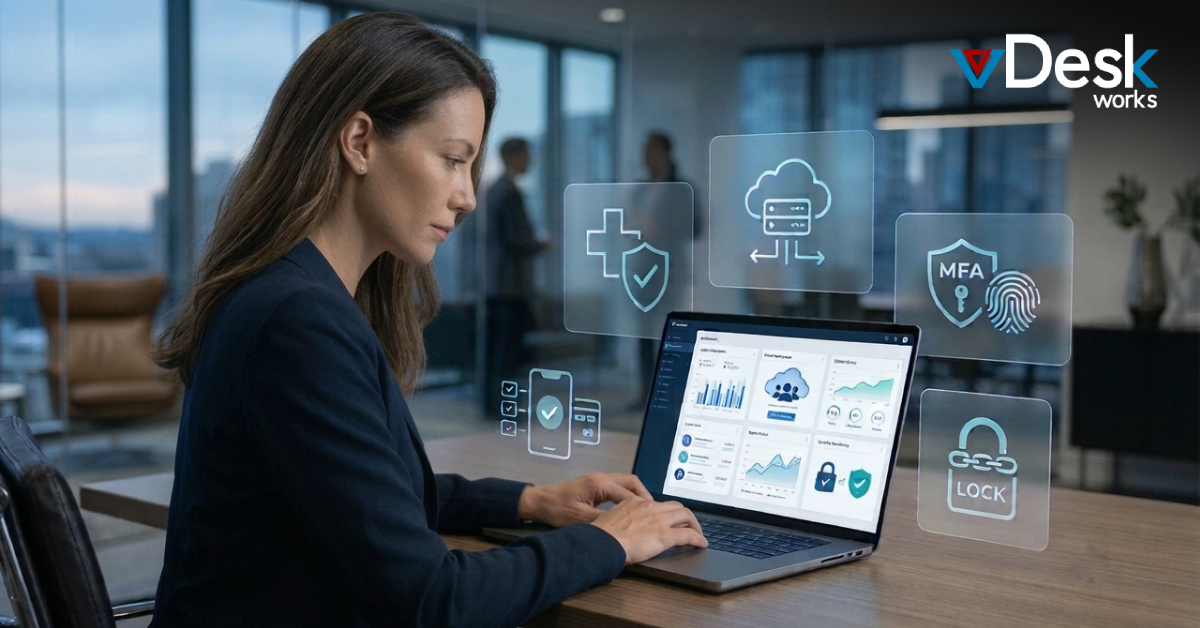
The good things about vDeskWorks include the fact that it has built in analytics that use intelligence to predict what you need. It also has security that requires multiple steps to log in. The benefits of using vDeskWorks are that it is easy to get started you can save, up to 40% on costs. They have support available all the time. VDeskWorks is changing the way people use desktop infrastructure.
2. Microsoft Azure Virtual Desktop
Microsoft Azure Virtual Desktop is really good at working in environments. It works well with Office 365 when you are using Windows for your work. Microsoft Azure Virtual Desktop can automatically. Remove resources as needed and you only pay for what you use, which is great for teams that are always changing. The virtual desktop infrastructure or Microsoft Azure Virtual Desktop is also very good at helping with compliance tools. However to use Microsoft Azure Virtual Desktop you need to know a lot about Microsoft Azure.
The good things about Microsoft Azure Virtual Desktop are that it can handle a lot of users at the time and it is very flexible. The bad thing, about Microsoft Azure Virtual Desktop is that it can be hard to learn how to use it.
3. Citrix Virtual Apps and Desktops
Citrix gives you a flexible virtual desktop system that works well with things that need a lot of power like videos and games because it has something called HDX optimization. The way Citrix is set up with what's called a zero-trust architecture and app layering makes it so that you can have a secure and personalized experience when you are using it.
The good things about Citrix desktop system are that it handles graphics really well.
The not good things, about Citrix virtual desktop system are that the way you buy it and the rules you have to follow can be very complicated.
4. VMware Horizon
VMware Horizon, which is now called Omnissa helps people use desktops from their own buildings or from the cloud. It has a way of letting people access these virtual desktops from far away using something called Blast protocol. VMware Horizon works well with vSphere so people can manage everything in one place. The good things about VMware Horizon are that it is very reliable, like what big companies use. The bad thing is that it can be very hard to set up at first.
5. Amazon WorkSpaces
AWS WorkSpaces is a service that provides desktops. This is really useful for people who need a lot of power when they are working on something. AWS WorkSpaces has things like storage and special graphics options that developers like.
The good thing about AWS WorkSpaces is that it works well with Amazon services.
The bad thing, about AWS WorkSpaces is that you have to use Amazon services. It is hard to switch to something else if you want to.
6. Parallels RAS
Parallels Remote Application Server is a tool that helps us use virtual desktops in a really simple way. It lets us share apps on platforms. The good thing about this system is that it does not need a gateway, which makes it more secure.
The benefits of Parallels Remote Application Server are that it works well with operating systems.
However Parallels Remote Application Server has some drawbacks, such, as advanced analytics.
7. Nutanix Frame
Nutanix Frame is about virtual desktop infrastructure, which is like a desktop as a service. It uses something called hyperconverged infrastructure to get things up and running fast. The web real-time communication streaming helps people access their desktops quickly.
The good thing, about Nutanix Frame is that you can set it up without having to touch anything.
However Nutanix Frame works well with Nutanix hardware so that is something to consider when you are thinking about using Nutanix Frame for your virtual desktop infrastructure.
8. IGEL OS
IGELs endpoint-focused virtual desktop infrastructure is really good for clients that use Citrix and VMware.
The company keeps these devices safe with firmware updates so you do not have to worry about the operating system getting too big.
IGELs endpoint-focused virtual desktop infrastructure has some things and some bad things.
The good things about IGELs endpoint-focused desktop infrastructure are that it is energy-efficient.
The bad things, about IGELs endpoint-focused desktop infrastructure are that it depends on the hardware.
9. HP Anyware
HP Anyware, which used to be called Teradici is really good at helping creative professionals work with desktops. They have something called PCoIP that lets you stream videos in 4K.
The good thing about HP Anyware is that it can handle graphics that need a lot of power.
The bad thing, about HP Anyware is that it costs a lot of money.
10. JumpCloud
JumpCloud has a way to manage virtual desktops that is connected to a directory. This is really good for medium sized businesses because it helps with identity management. JumpCloud also has something called zero-trust access that makes it easy to enforce multi factor authentication.
The good things about JumpCloud are that it is affordable to get started with. The not good things about JumpCloud are that it is not very good, at scaling when it gets bigger. JumpCloud is still an option for small and medium sized businesses to manage their virtual desktops and identities.
Summary
Virtual desktop infrastructure or VDI for short is really good for organizations because it gives them scalable workspaces. This means that all the desktops are stored on servers so people can use them from anywhere and at any time long as they have a device.
VDeskWorks is the solution for VDI it is easy to set up and it has a lot of useful tools like AI analytics and it can save organizations a lot of money up to 40 percent you can check it out at www.vdeskworks.com.
VDI is perfect for big companies it helps reduce the need for a lot of hardware it makes everything more secure with something called zero-trust models and it makes managing the IT department a lot easier.
There are some good options too like Microsoft Azure, which is good for companies that want to use both their own servers and cloud servers and Citrix which is good for companies that need to use a lot of multimedia and VMware which is good, for companies that need something that is very reliable. Embracing VDI like vDeskWorks boosts agility, compliance, and productivity in hybrid workforces.
 Emma Carson