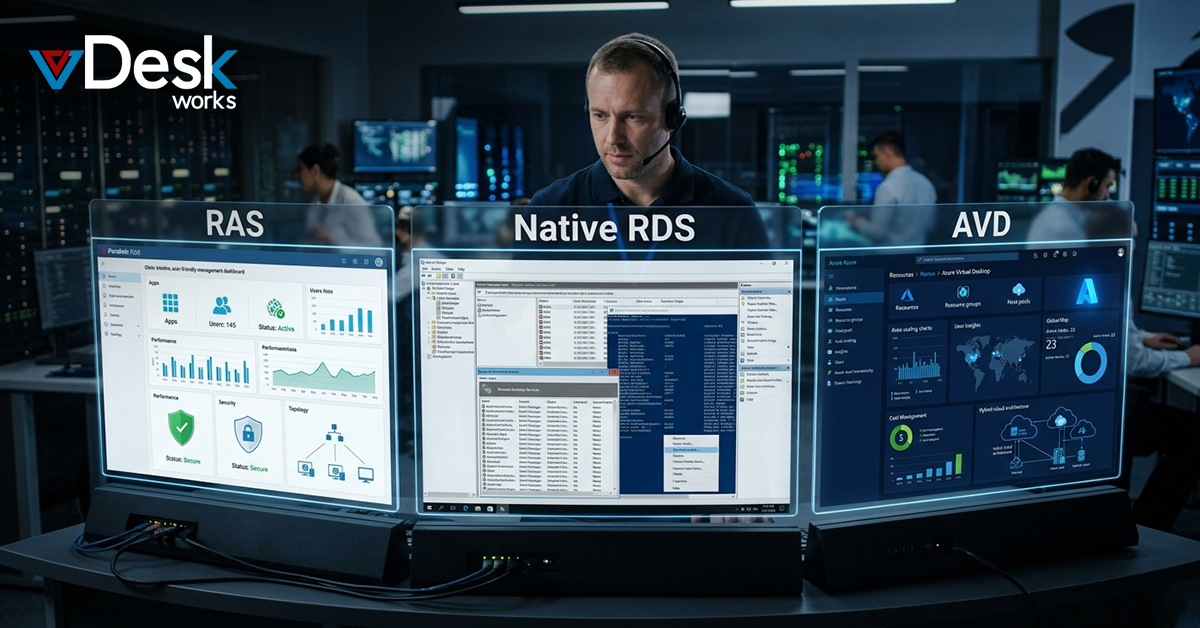
In the world of work virtual desktops are really important for companies that want to be productive and secure. Companies are looking at RAS. Comparing it to native RDS and AVD to find the best virtual desktops solution. vDeskWorks is an option because it makes virtual desktops management easier. This blog will compare these options to show why vDeskWorks is the choice. Understanding the differences will help you choose the virtual desktops platform for your company's needs.
What Are Virtual Desktops. Why They Matter
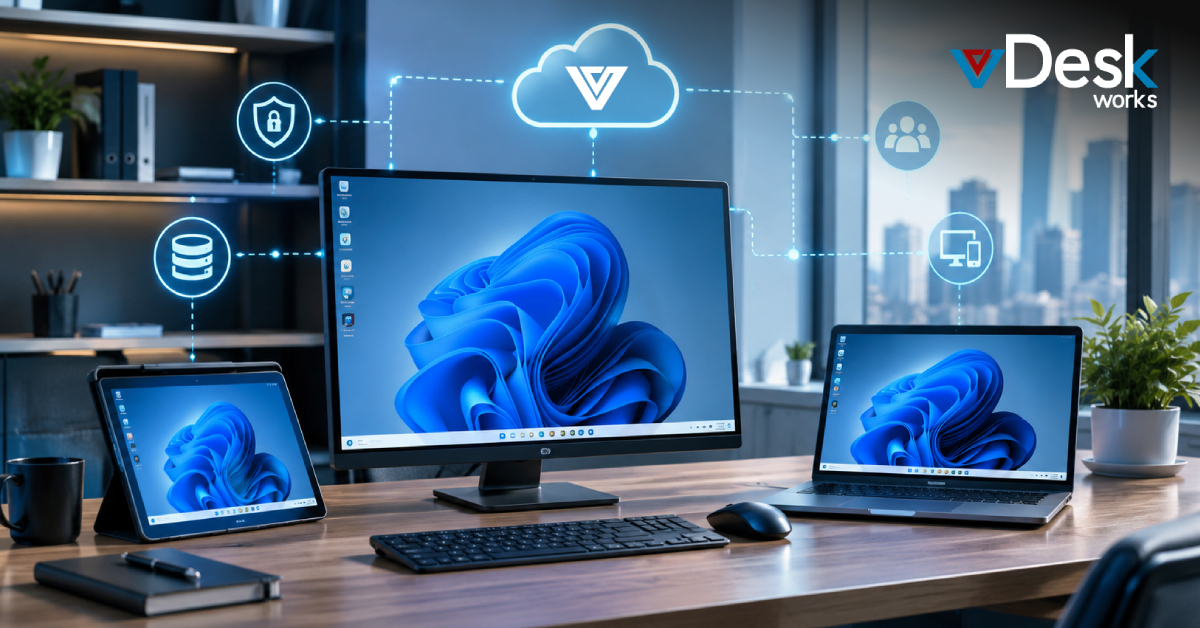
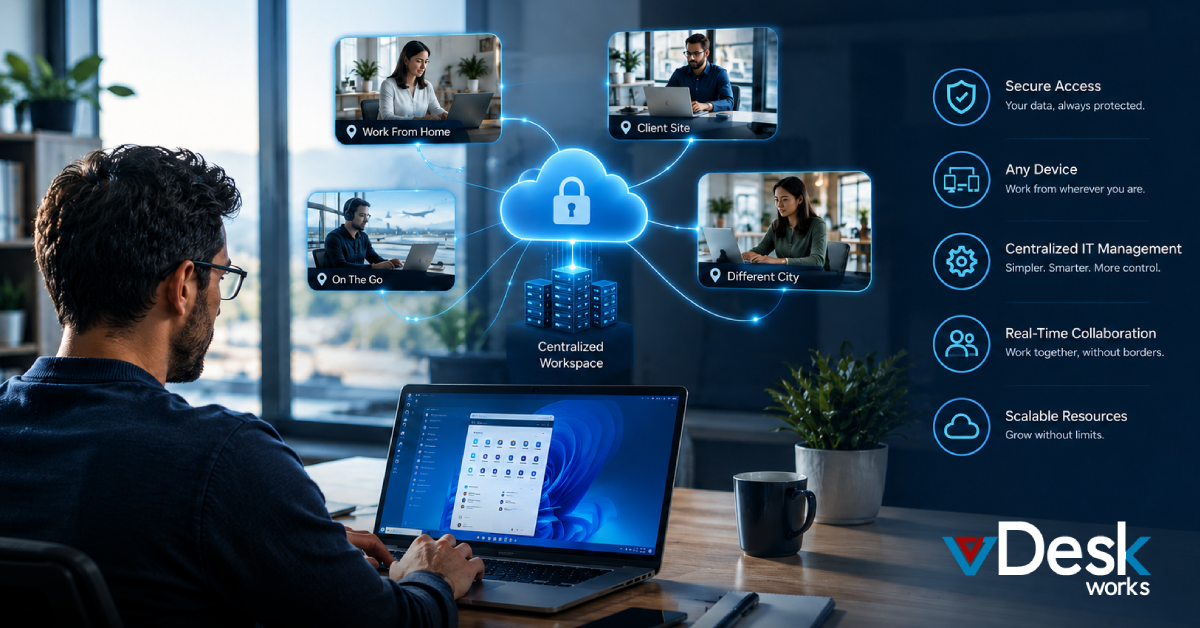
Virtual desktops let users access their work environment from any device. The operating system and apps run on servers, which keeps data safe and reduces risks. Employees can work from without worrying about security.
Virtual desktops also make it easy to set up and manage computers. This is great for industries like healthcare and finance that have to follow a lot of rules. vDeskWorks makes desktops even better by adding advanced features and making them work on browsers. This means companies can grow quickly and easily. Also vDeskWorks can turn computers into powerful virtual desktops, which is good for the environment and saves money. This leads to productivity because users have a consistent experience no matter where they are. Virtual desktops also work well with devices and let you drag and drop files.
Native RDS: The Traditional Approach to Virtual Desktops
Native RDS is a way to access desktops and apps remotely using Microsoft servers. It is good for teams that need simple virtual desktops.
However native RDS has some problems. It does not handle a lot of users well. Can be slow. It also does not have security features, which can cause problems. vDeskWorks can fix these issues. Many companies find that native RDS is not enough for their virtual desktops needs. It is not fast or secure enough for work environments.
Azure Virtual Desktop (AVD): Microsoft’s Cloud Solution
AVD is a solution that provides virtual desktops through Azure. It is scalable. Works well with Microsoft tools.
Native AVD has some problems. It is hard to manage and does not work well with all devices. It also does not have cleanup features, which can increase costs. Users often need tools to make AVD work well. The cloud solution is great for integration. It needs extra setup to work well. It also does not work well with devices.
RAS Solutions: The Next Level for Virtual Desktops
RAS solutions are better than systems because they offer powerful tools for virtual desktops. vDeskWorks uses VDI and shared hosts to provide access.
HTML5 technology makes virtual desktops work on any device. It also has features like shadowing, which helps administrators control desktops. Load balancing keeps performance high when a lot of people are using virtual desktops. RAS solutions provide flexibility for virtual desktops needs. They also have gateways and multifactor authentication to protect virtual desktops.
Key Advantages of RAS Over Native RDS and AVD
RAS platforms like vDeskWorks are faster and more responsive. They also have security features, like multifactor authentication to protect data.
RAS solutions can also scale quickly. Are cost-effective. They can even use hardware, which reduces waste and saves money. They also have disaster recovery features, which means they can recover quickly in case of a problem. These benefits make RAS the best choice for companies that want virtual desktops. RAS solutions also make it easy to publish apps, which simplifies management.
Choosing vDeskWorks for Optimal Virtual Desktop Experience
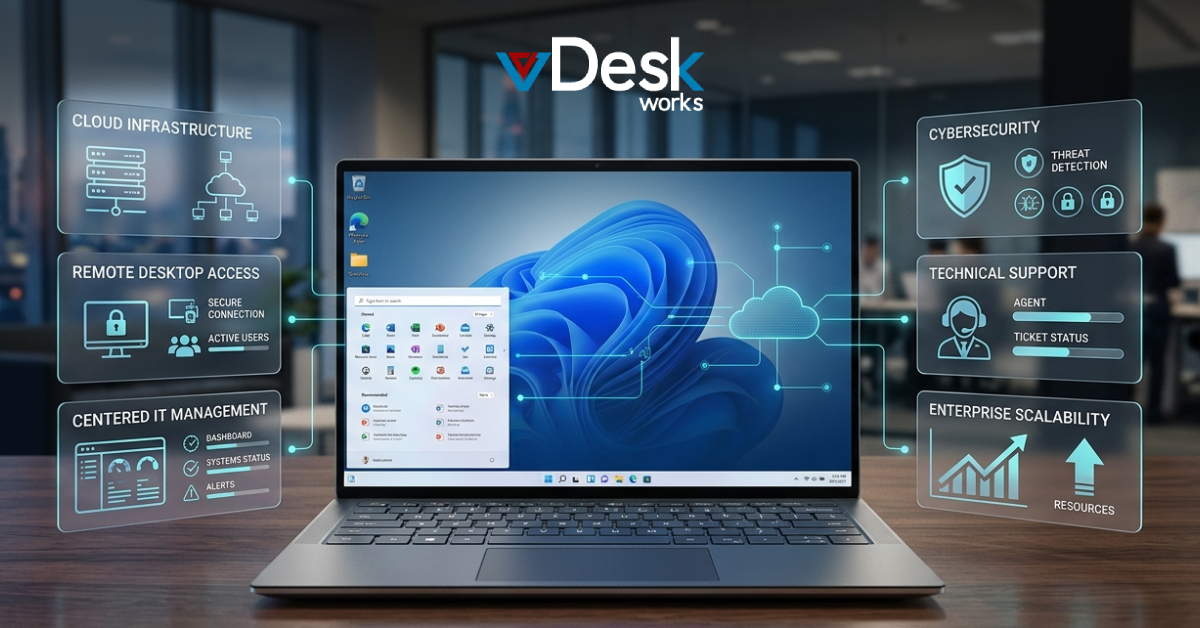
vDeskWorks is the choice for virtual desktops because it has GPU support, secure gateways and easy BYOD features.
Many companies have seen productivity and lower costs, with vDeskWorks. The platform is easy to use. Has great features. You can learn more at www.vDeskWorks.com. See how vDeskWorks can help your company. vDeskWorks is the future of desktops. It has built-in security features and disaster recovery which means companies can work without worrying about downtime.
 Jerry Clark