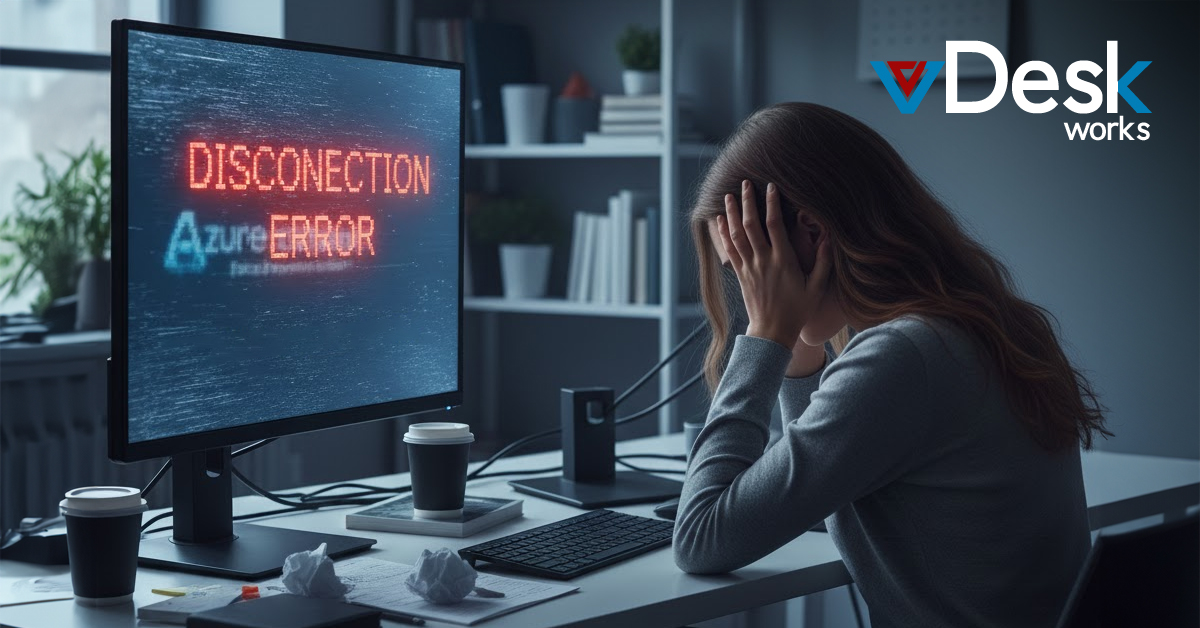
Azure Virtual Desktop remains a way to deliver virtual desktops and apps from the cloud. It works well with other Microsoft tools. But as we get into 2026 companies are still dealing with problems that affect how well Azure Virtual Desktop works how fast it. How easy it is to manage Azure Virtual Desktop.
Connectivity and RemoteApp Issues
People who use AVD have a lot of problems with their connections. They get disconnected a lot. It is really frustrating. This happens because the network is not stable or the gateway is not set up right.
There were some updates to Windows in 2025 that caused problems for people who use RemoteApp in their companies. This is a deal for companies that use Windows 11 24H2 or 25H2 or Server 2025. The problem is, with the RDP protocol. It makes it so that some apps will not work properly.. The good thing is that if you are using a full desktop you might not have any problems.
To fix these problems you have to make some changes to the registry.. This is not easy to do and it takes up a lot of time for the people who have to take care of the computers. AVD users have to deal with these connectivity disruptions. It is a big hassle.
Performance Bottlenecks and Sluggishness
Performance lags are really common. Applications take a time to open. The computer gets very slow. This happens even on very powerful machines. When many users are on the system at the time it does not work as well as it should. This is a problem because of delays when loading user profiles like when using FSLogix containers. Sometimes the screen even goes black when people are logging in. Performance lags are an issue, for people who use the computer for things that need a lot of power like design or analytics and it gets really frustrating for these users who are doing design or analytics tasks.
Update and Management Complications
Patching and updates are a pain. The updates that came out in 2025 have been a problem. They messed up the User Account Control elevation, which's what happens when you want to "Run as Administrator" on session hosts. Now we have to fix this problem by hand.
When we update the -persistent VDI we have to delete the hosts and then make new ones. This makes it harder to use MSIX App Attach and deal with permissions. The agents that are supposed to help us sometimes fail. We also have problems with user profiles. We have to keep an eye on everything all the time. This means the IT team has a lot work to do. Patching and updates are still an issue, for us.
Security and Peripheral Challenges
Getting the security and usability of computers to work together is still a problem. If the security rules are too strict they can stop some tools from working.. When we try to redirect printers it often does not work because the driver is not the right one. Now we have rules to follow, like ESU, for Windows 10 post-EOS and this is adding more complexity to systems that use a mix of different things.
The thing, about AVD is that it works well with Microsoft but it still has some problems that keep coming up. This shows that people really want something that's more reliable and easier to take care of so they do not have to deal with these issues all the time with AVD.
For businesses that're tired of these problems vDeskWorks provides a really good DaaS/VDI platform.
vDeskWorks has features like session load balancing which helps it work well.
It also has GPU-backed acceleration for apps that need a lot of power like Adobe and Autodesk.
You can get to vDeskWorks from any device using HTML5. It works very smoothly.
vDeskWorks is also very secure with things like MFA and rotating IPs. It even gets rid of unused desktops automatically and protects against DDoS attacks.
This means vDeskWorks makes sure you can always get to what you need without having to do a lot of adjustments to make it work.
In the End
vDeskWorks is a way to stay connected, to your business. This thing is really flexible because it works with on-premise and hybrid and cloud deployments, like Azure. You can manage everything from one place with a dashboard that's easy to use. If something bad happens you can get back up. Running quickly. It is also a way to scale without spending too much money. This means you do not have to worry about updates and other little problems that can be annoying with cloud deployments and, on-premise deployments and hybrid deployments.
Make the switch to vDeskWorks for uninterrupted productivity and reduced IT overhead. Explore more at www.vDeskWorks.com today.
 Emma Carson