Remote work has really changed the way people do accounting. Now it is very important to be able to get to QuickBooks Desktop from in a safe way. This is so people can manage things like invoices and payroll and inventory and financial reports.
QuickBooks Desktop is still an useful tool, for managing money on Windows. But the problem is that it has to be installed on a computer so people can not use it from places.
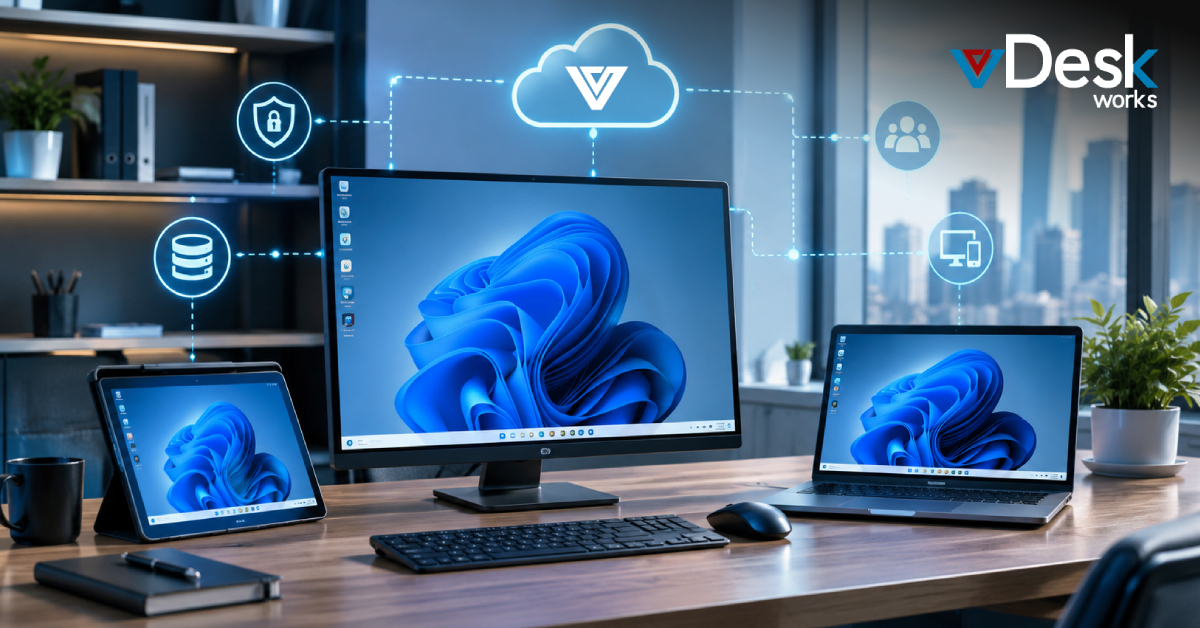
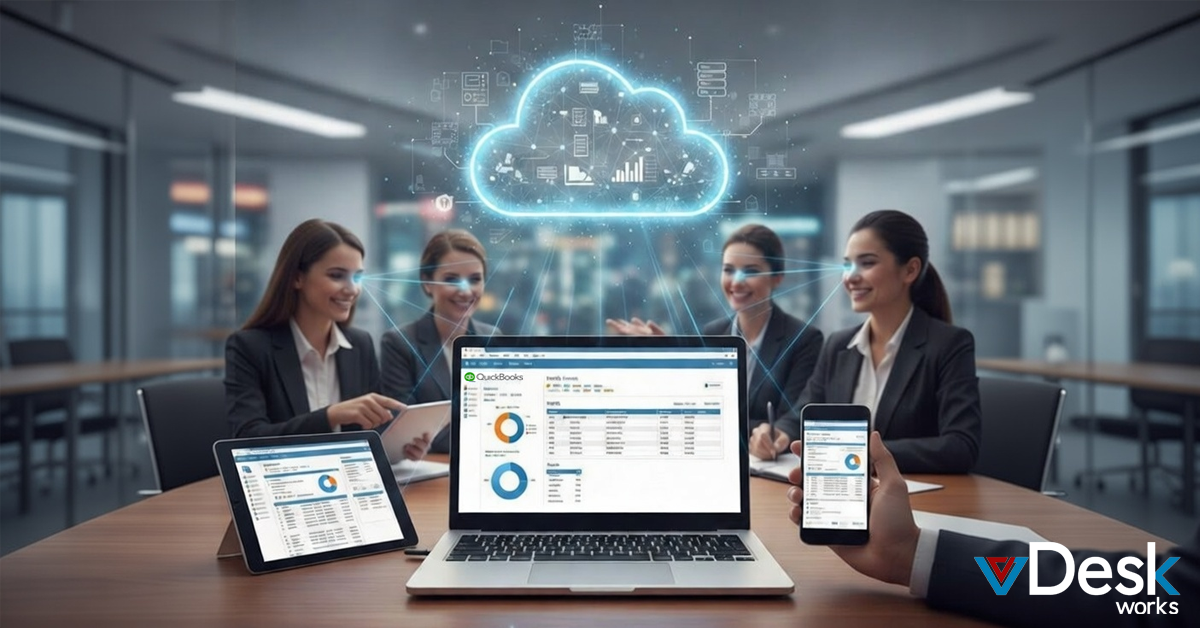
Now that lots of teams are working from places businesses need to find good ways to use QuickBooks Desktop from anywhere without it being slow or letting important information get out. They need to be able to run QuickBooks Desktop. vDeskWorks has a cool service that lets you use a computer desktop from anywhere. This is called Desktop as a Service. It is like a computer in the cloud that you can get to from any device. You can use QuickBooks Desktop on any device because vDeskWorks hosts virtual desktops, in the cloud. This means you can get to your QuickBooks Desktop from anywhere. It is always safe and secure. vDeskWorks makes it easy to use QuickBooks Desktop on any device.
Why Remote Access to QuickBooks Desktop Matters?
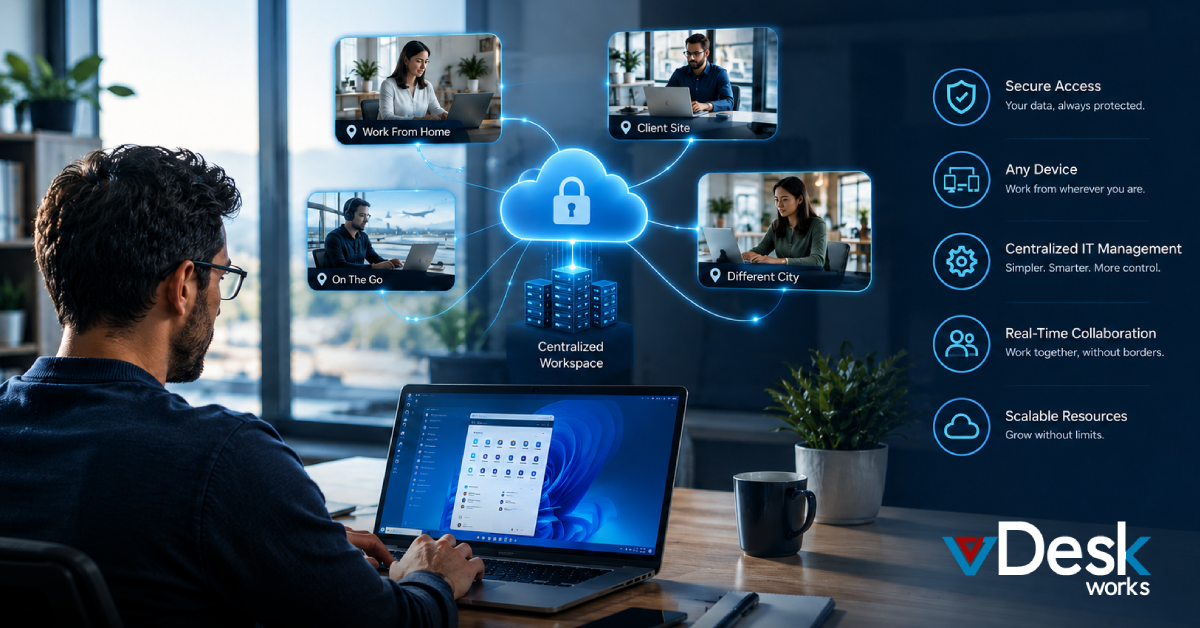
People like accountants and CPAs and business owners are working from lots of places now. They work from home or at a clients site or even on the go.
This is possible because of access. Remote access means they can keep working without any problems. They can work with others in time on company files. They do not have to send files forth by email or use a USB stick.
The good things about access for accountants and CPAs and business owners are that they can use different devices. They do not have to spend a lot of money on IT.. They can keep financial data safe. Remote access is really helpful, for accountants and CPAs and business owners. Some methods, like using remote desktop tools or switching to QuickBooks Online do not have all the features you need. They also do not support users at the same time or have strong security. This is why a dedicated DaaS provider, like vDeskWorks is the choice, for virtual desktops. vDeskWorks has all the features and security that virtual desktops need.
Simple Methods for Individual Remote Access
If you are working alone you have an options. You can switch to QuickBooks Online. You will not be able to use some of the tools that are only available on the Desktop version.
You can also use software like Chrome Remote Desktop. However this means you have to keep a computer turned on all the time, which's not very safe.
vDeskWorks makes things easier with desktops that already have QuickBooks Desktop on them. All you have to do is sign up upload your company files and someone will help you with that. Then you set up who can see what and you can get to your QuickBooks away. You can use a web browser or an app, on your computer, Mac, tablet or phone to access QuickBooks. Enjoy drag-and-drop, multi-monitor, and peripheral support for a native-like experience in your DaaS environment.
Multi-User Access and Company-Wide Solutions
So when people use QuickBooks the way they have to put it on a server in their office with Database Server Manager so multiple people can use it.. This does not really let people use QuickBooks from other places over the internet.
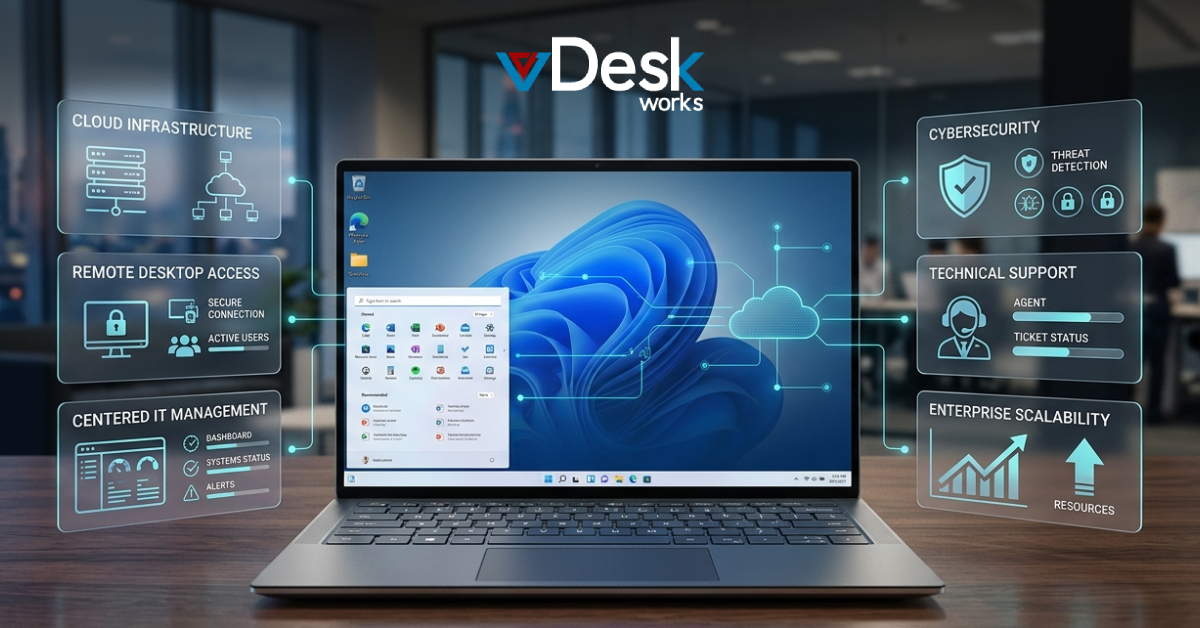
vDeskWorks is better because it lets people use QuickBooks Desktop from an online desktop and it supports lots of people using it at the same time without needing any special equipment in the office. The people, in charge can control everything from one place they can decide which apps people can use make rules that everyone has to follow and let people share files with each other.
vDeskWorks gets rid of virtual desktops that are not being used which helps save money and it can handle big reports easily because it has good performance. This makes it really easy to use QuickBooks Desktop with vDeskWorks.
Superior Security, Scalability, and Cost with vDeskWorks
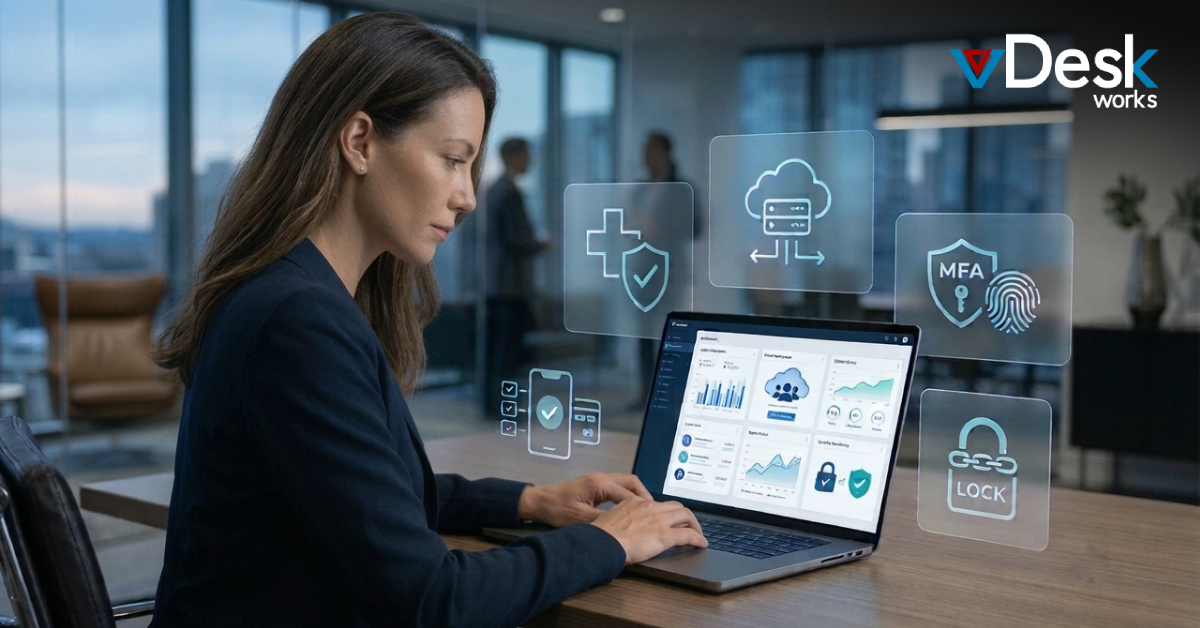
vDeskWorks really cares about keeping you safe with what they call "No Trace, No Worry" security. This means they have things like multi factor authentication rotating IPs and virtual desktops that basically destroy themselves. They also protect you from people trying to hurt your computer with malware and DDoS protection. All of your information is stored in one place so it is never on your local computer. They also make sure to back up all of your data.. They follow all the rules for PCI and HIPAA compliance.
You can easily add users to vDeskWorks from just one person to thousands of people and you only pay for what you use. There are no surprise fees or costs for hardware. The people, at vDeskWorks are always watching to make sure everything is working properly. They can fix any problems quickly. They also make sure that your computer is working well and can handle a lot of users at the time.
vDeskWorks is a lot easier to use than similar products and they have experts who can help you move your QuickBooks to their system.
Choose vDeskWorks for secure, efficient remote QuickBooks Desktop access that empowers your accounting team. Visit www.vDeskWorks.com today to get started.
 Admin
Admin