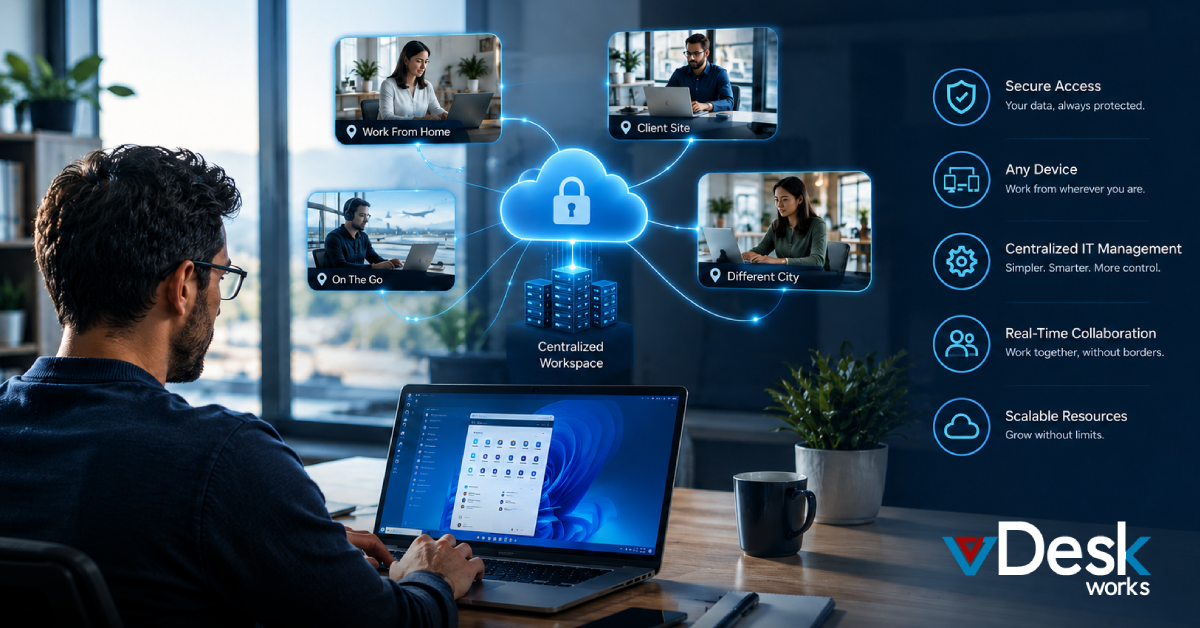
In today’s fast-moving digital landscape, businesses are under constant pressure to stay agile, secure, and efficient. Traditional desktops, tied to physical machines and locations, are quickly becoming outdated. This is where a Virtual Desktop Service steps in as a modern solution—offering flexibility, scalability, and performance without the limitations of conventional systems.
If you’re considering making the switch, here are five powerful tips to help you successfully transition to a Virtual Desktop Service and unlock its full potential.
1. Prioritize Anywhere, Anytime Access
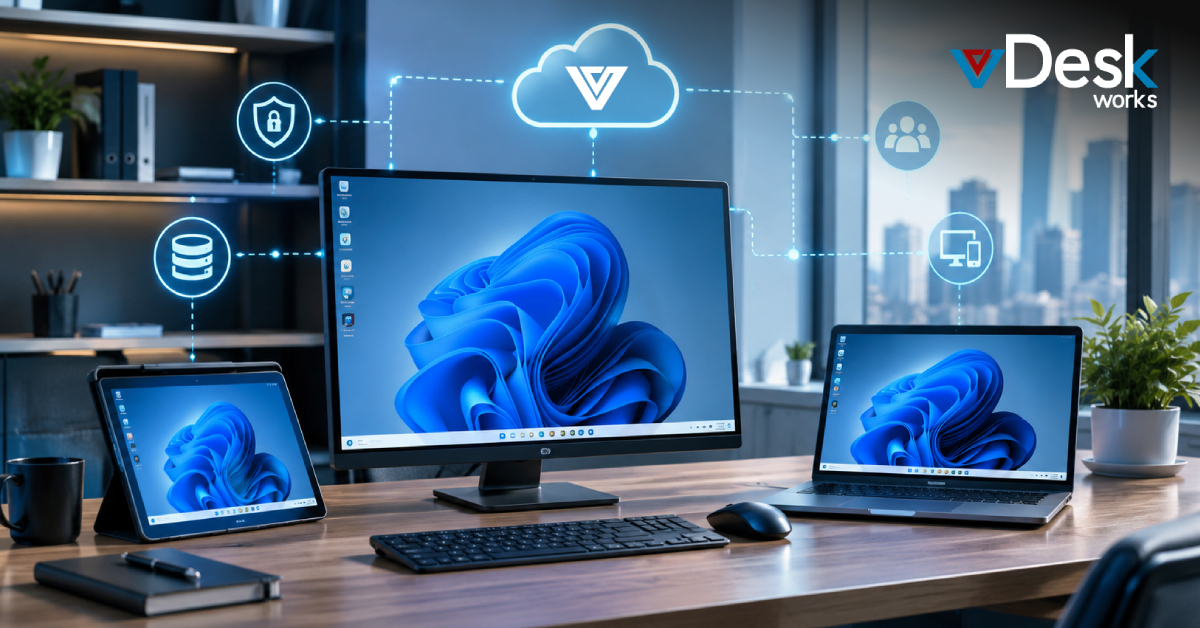
One of the biggest advantages of a Virtual Desktop Service is the ability to work from anywhere. Whether your team is remote, hybrid, or constantly on the move, access to a full desktop environment from any device ensures uninterrupted productivity.
Before making the leap, ensure your chosen Virtual Desktop Service supports seamless connectivity across devices like laptops, tablets, and even smartphones. This flexibility not only empowers employees but also helps businesses stay operational regardless of location-based disruptions.
Tip: Look for a Virtual Desktop Service that offers consistent performance across varying internet speeds to avoid downtime.
2. Choose a Scalable and Cost-Efficient Model
Switching to a Virtual Desktop Service is not just a technological upgrade—it’s also a financial strategy. Unlike traditional setups that require heavy upfront investments in hardware, a Virtual Desktop Service operates on a subscription-based model.
This means you can scale resources up or down depending on your business needs. Whether you’re onboarding new employees or managing seasonal demand, a Virtual Desktop Service ensures you only pay for what you use.
Tip: Evaluate pricing plans carefully and choose a Virtual Desktop Service that aligns with your growth goals without hidden costs.
3. Strengthen Security from Day One
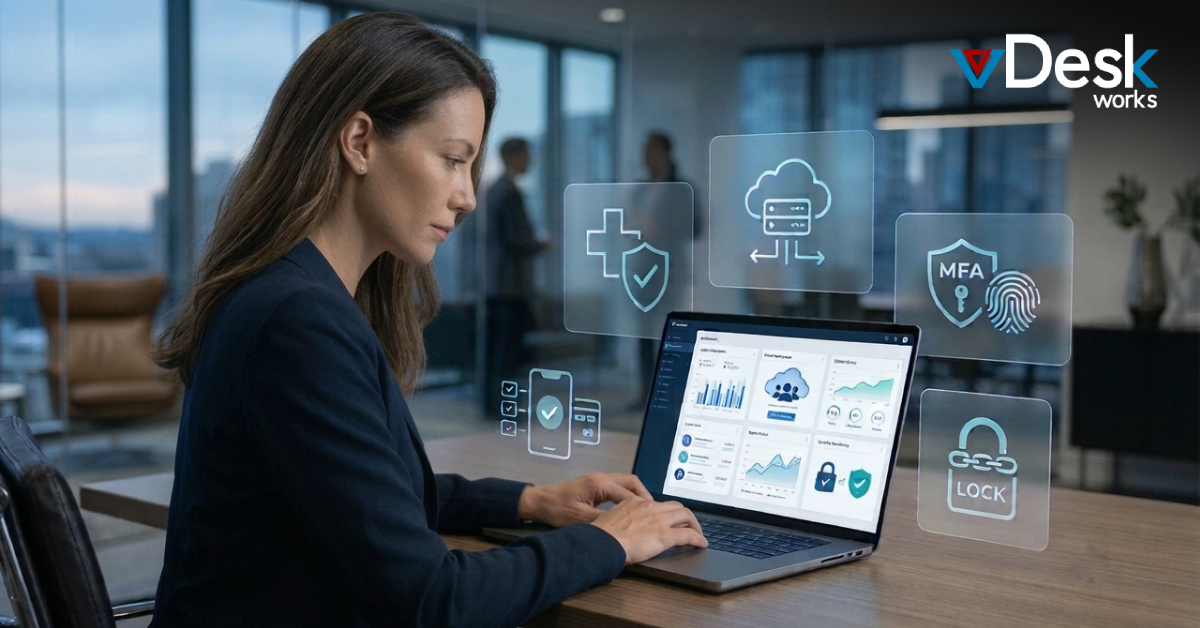
Security is a major concern for any organization handling sensitive data. A Virtual Desktop Service offers enhanced protection by storing data centrally rather than on individual devices.
With features like encryption, multi-factor authentication, and secure access controls, a Virtual Desktop Service can significantly reduce the risk of data breaches, theft, or unauthorized access.
Additionally, since data is not stored locally, even if a device is lost or compromised, your business information remains safe with a Virtual Desktop Service.
Tip: Opt for a Virtual Desktop Service that offers enterprise-grade security standards and regular compliance updates.
4. Eliminate IT Maintenance Hassles
Managing physical desktops often requires continuous updates, patching, and troubleshooting—all of which consume valuable time and IT resources. A Virtual Desktop Service removes this burden by shifting maintenance responsibilities to the provider.
This ensures that your systems are always up to date with the latest software, security patches, and performance enhancements without manual intervention. For businesses without a dedicated IT team, a Virtual Desktop Service can be a game-changer.
Tip: Confirm that your Virtual Desktop Service provider offers proactive monitoring and support to resolve issues before they impact operations.
5. Ensure Performance and Business Continuity
A common misconception is that virtual desktops compromise on performance. In reality, a well-implemented Virtual Desktop Service leverages powerful cloud infrastructure to deliver high-speed, reliable performance—even for resource-intensive tasks.
Moreover, built-in backup and disaster recovery features ensure that your data is always protected. With a Virtual Desktop Service, in case of system failures or unexpected events, you can quickly restore operations without significant downtime.
This level of resilience makes a Virtual Desktop Service essential for maintaining business continuity in today’s unpredictable environment.
Tip: Test performance benchmarks and recovery capabilities of your chosen Virtual Desktop Service before finalizing your provider.
Final Thoughts
Making the transition to a Virtual Desktop Service is more than just adopting new technology—it’s about choosing a smarter, more secure, and scalable way to run your business. If you’re looking for a solution that delivers on all fronts, vDeskWorks Virtual Desktop Service is designed to help you make that leap with confidence.
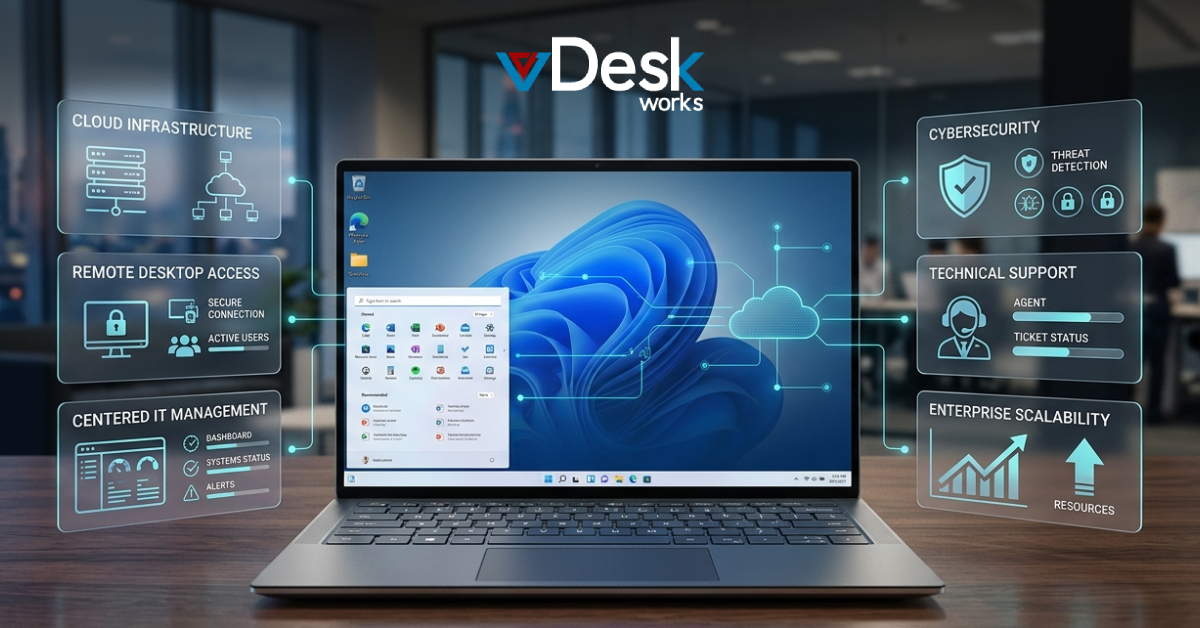
With vDeskWorks Virtual Desktop Service, you get a powerful combination of high-performance cloud infrastructure, enterprise-grade security, and seamless remote access—all tailored to meet the needs of modern teams. Whether you’re a growing startup or an established enterprise, vDeskWorks Virtual Desktop Service ensures your workforce stays productive, connected, and secure from anywhere.
What sets vDeskWorks Virtual Desktop Service apart is its ability to simplify IT operations while maximizing efficiency. From automatic updates and centralized management to reliable backup and disaster recovery, it eliminates the complexity of traditional systems so you can focus on what truly matters—growing your business.
If you’re ready to reduce costs, enhance flexibility, and future-proof your operations, now is the time to switch to vDeskWorks Virtual Desktop Service.
Get started with vDeskWorks Virtual Desktop Service today and transform the way your team works—securely, efficiently, and without limits.
 Emma Carson