The end of Windows 10 support on October 14, 2025 marked a major turning point for businesses worldwide. Systems running Windows 10 continue to function, but they no longer receive security updates, bug fixes, or technical support—making them increasingly vulnerable over time.
For organizations, this is not just a routine upgrade cycle. It is a moment to rethink how work environments are delivered, secured, and scaled—especially in a world where teams are no longer confined to a single office.
Upgrading to Windows 11 is the obvious next step. But for hybrid and global teams, the real opportunity lies in going beyond devices and embracing cloud-driven workspaces.
Windows 11: A Necessary Upgrade, Not a Complete Solution
Windows 11 brings significant improvements in security, performance, and user experience. It is designed to meet modern demands with features like enhanced security controls, smarter window management, and deeper integration with cloud services.
Microsoft itself strongly recommends upgrading to Windows 11 to stay protected and maintain system reliability after Windows 10’s end of life.
However, upgrading to Windows 11 alone does not solve the deeper challenges organizations face today. Many businesses still rely on physical devices, fragmented systems, and inconsistent user environments. In hybrid and international teams, these issues become even more pronounced.
The upgrade is necessary—but it is not sufficient.
The Real Challenge: Managing Work Across Devices and Locations
Modern teams work across cities, countries, and time zones. Employees use different devices, connect through different networks, and operate under varying conditions. This creates inconsistencies in performance, security, and user experience.
Even with Windows 11, organizations still face challenges such as device dependency, complex IT management, and difficulty maintaining security across endpoints. Each device becomes a potential risk, and each location adds another layer of complexity.
This is where traditional approaches begin to break down. The problem is no longer the operating system—it is the model of delivering work itself.
Why Cloud Desktop is the Next Step After Windows 11
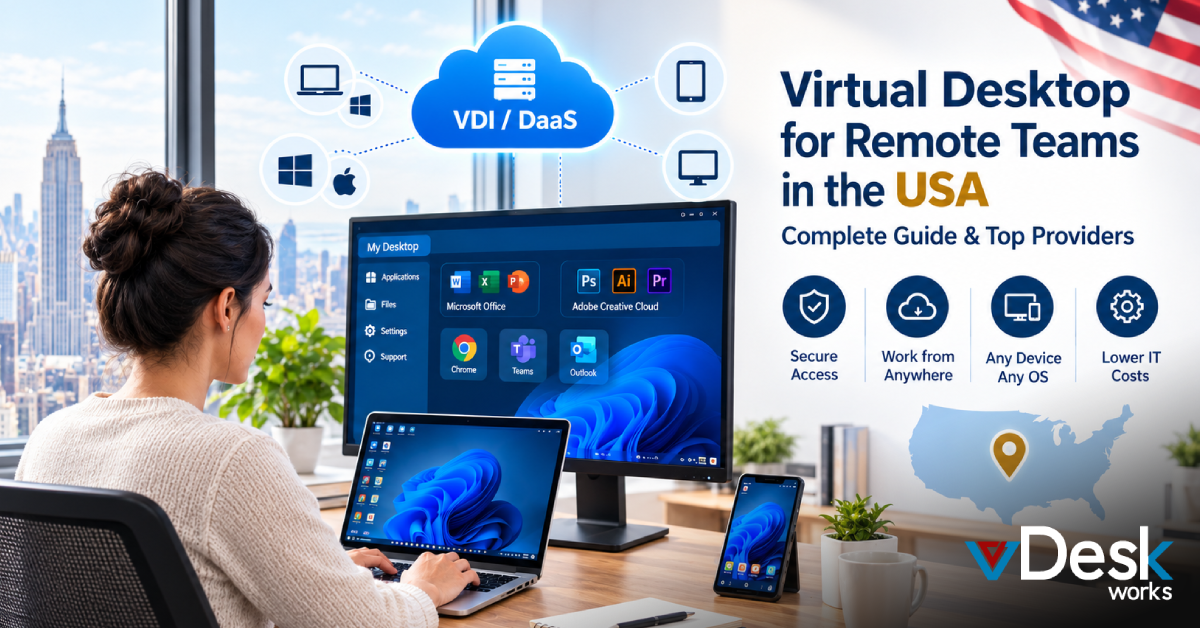
Cloud Desktop technology shifts the focus from physical devices to centralized environments. Instead of running applications and storing data locally, everything is hosted securely in the cloud.
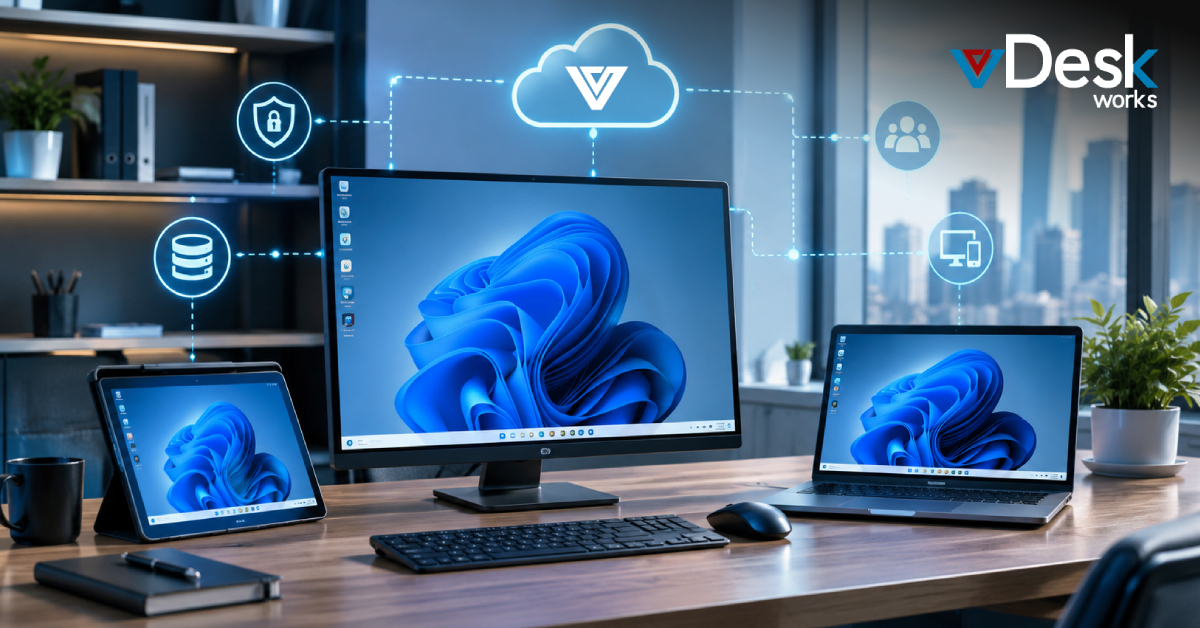
Employees access their desktops through the internet, meaning the experience remains consistent regardless of device or location. Whether someone is working from home, an office, or another country, they interact with the same environment.
This model complements Windows 11 by extending its benefits beyond individual devices. It ensures that security, performance, and updates are managed centrally, reducing the burden on IT teams.
In a hybrid world, this shift is not just beneficial—it is essential.
Security Moves from Devices to the Cloud
One of the biggest risks after Windows 10’s end of support is security. Without updates, systems become more vulnerable to cyber threats and malware.
Even with Windows 11, managing security across multiple devices can be complex. Each endpoint must be updated, monitored, and protected individually.
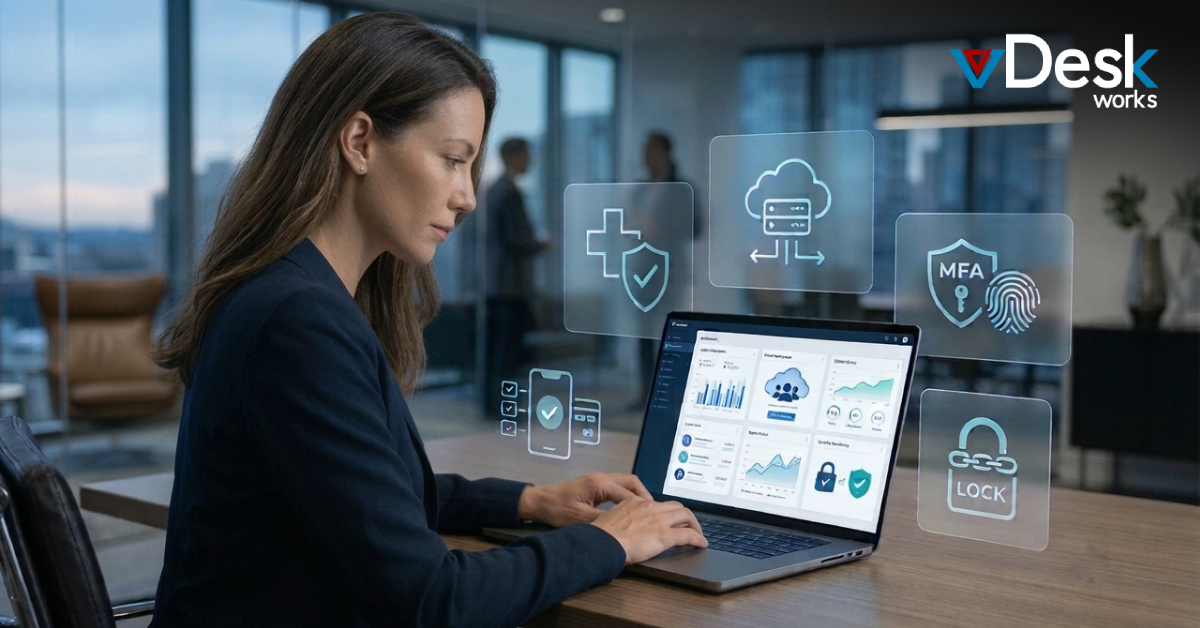
Cloud Desktop changes this dynamic by centralizing security. Data is no longer stored on local machines but within a controlled cloud environment. Access is managed through secure authentication, and policies can be enforced consistently across all users.
This reduces the attack surface significantly and aligns with modern security models such as zero trust.
Scaling Hybrid Teams Without Infrastructure Limitations
As businesses grow, scaling IT infrastructure becomes a major challenge. Traditional setups require hardware provisioning, configuration, and ongoing maintenance for every new employee.
Windows 11 improves performance, but it does not eliminate the need for physical infrastructure.
Cloud Desktop removes this limitation by enabling instant scalability. New users can be onboarded quickly with pre-configured environments, without the need for physical setup. Teams can expand globally without worrying about local infrastructure constraints.
This flexibility is particularly valuable for organizations managing distributed or international teams.
Why vDeskWorks Cloud PC Complements Windows 11?
For organizations transitioning to Windows 11, vDeskWorks Cloud PC provides a natural next step.
vDeskWorks takes the Windows experience and delivers it through the cloud, ensuring that every employee has access to a consistent, secure, and high-performance desktop environment. Instead of relying on individual devices, businesses can centralize their entire workspace.
This approach simplifies IT management, as updates, security policies, and configurations are handled centrally. It also enhances security by keeping data within the cloud rather than on endpoints.
For hybrid and remote teams, vDeskWorks ensures that location and device no longer affect productivity. Employees can work seamlessly from anywhere, while IT teams maintain full control over the environment.
By combining Windows 11 with Cloud PC organizations move from a device-based model to a cloud-first strategy that is built for scale and flexibility.
The Future of Work is Cloud-Driven, Not Device-Dependent
The end of Windows 10 support is more than a technical milestone—it is a signal that traditional IT models are evolving. Upgrading to Windows 11 is an important step, but it should be part of a broader transformation.
The future workplace is not defined by devices or operating systems. It is defined by access, consistency, and security across environments.
Cloud Desktop technology represents this shift. It allows organizations to deliver workspaces that are independent of hardware, adaptable to change, and scalable across borders.
In this new reality, the question is no longer whether to upgrade—but how to build a work environment that is ready for what comes next.
And that is where solutions like vDeskWorks Cloud PC are leading the way.
 Emma Carson