In today's digital world, data is not just important—it's essential. From personal memories and creative work to critical business files, nearly everything we value exists in digital form. Yet despite this dependence, many individuals and organizations still rely on a single backup method, assuming it will be enough.
The reality is far more complex. No single backup solution can fully protect your data from every possible risk. That's why understanding the difference between local and cloud backup—and how they work together—is crucial for building a reliable data protection strategy.
Understanding Local Backup
Local backup refers to storing copies of your data on physical devices such as external hard drives, USB drives, or network-attached storage systems. These backups are typically kept on-site, close to the original data source.
One of the biggest advantages of local backup is speed. Since the data is stored nearby, both backup and recovery processes are fast and efficient. You can quickly retrieve large files without depending on internet bandwidth or download times. This makes local backup particularly useful for handling large datasets or performing quick restores in urgent situations.
Another key benefit is control. With local backup, you decide where your data is stored, how often it is backed up, and how it is secured. There is no reliance on third-party services, which can be appealing for users who prefer complete ownership of their data.
Local backup is also cost-effective in the long run, especially for users with large volumes of data. Instead of paying recurring subscription fees, you can invest in a high-capacity storage device and use it for years.
However, local backup comes with a major limitation: it is physically vulnerable. If your device is damaged, stolen, or affected by a disaster such as fire or flooding, your backup can be lost along with your primary data.
Understanding Cloud Backup
Cloud backup takes a completely different approach. Instead of storing data locally, it saves copies on remote servers hosted in secure data centers. These backups are uploaded via the internet and stored in environments designed for reliability and redundancy.
The most significant advantage of cloud backup is resilience. Because the data is stored off-site, it remains safe even if your physical location is compromised. Whether it's hardware failure, theft, or natural disaster, your data is still accessible from anywhere.
Cloud backup also introduces automation. Backups can be scheduled or run continuously, ensuring that files are updated without requiring manual intervention. This reduces the chances of human error and keeps your data consistently protected.
Scalability is another important benefit. As your data grows, cloud storage can expand with it. There is no need to purchase additional hardware or worry about running out of space.
Accessibility further enhances its value. With cloud backup, users can retrieve their data from any device with an internet connection, making it ideal for remote work and distributed teams.
At the same time, cloud backup depends on connectivity. Backup and recovery speeds can vary based on internet performance, and large restorations may take longer compared to local methods.
Why One Backup Method is Not Enough?
Relying solely on either local or cloud backup creates gaps in your data protection strategy. Local backup is fast but vulnerable to physical risks, while cloud backup is secure and accessible but dependent on internet connectivity.
This is why combining both approaches is essential.
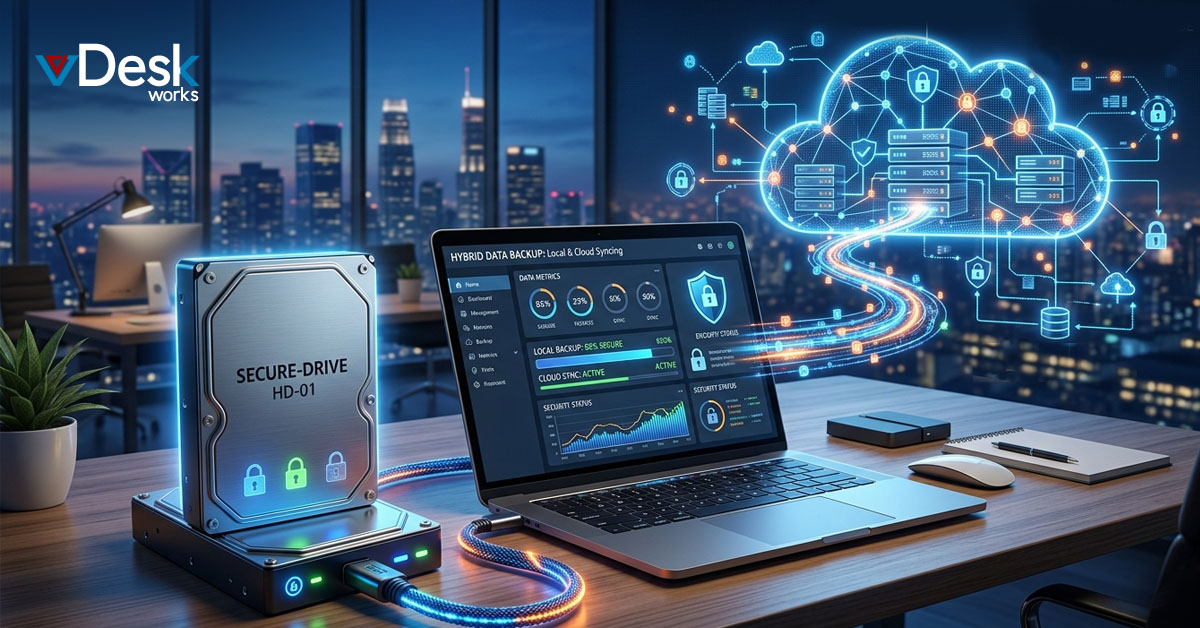
A hybrid strategy ensures that your data is protected from multiple angles. Local backups provide quick recovery and immediate access, while cloud backups safeguard against large-scale disruptions. Together, they eliminate single points of failure and create a more resilient system.
Backup in the Age of Cloud PC
As organizations shift toward cloud-first environments, the way data is managed and protected is also evolving. Cloud PC technology is playing a major role in this transformation by redefining where and how work happens.
In traditional systems, data is spread across multiple devices, making backup complex and inconsistent. Each laptop or desktop requires its own backup process, increasing the chances of missed files or outdated copies.
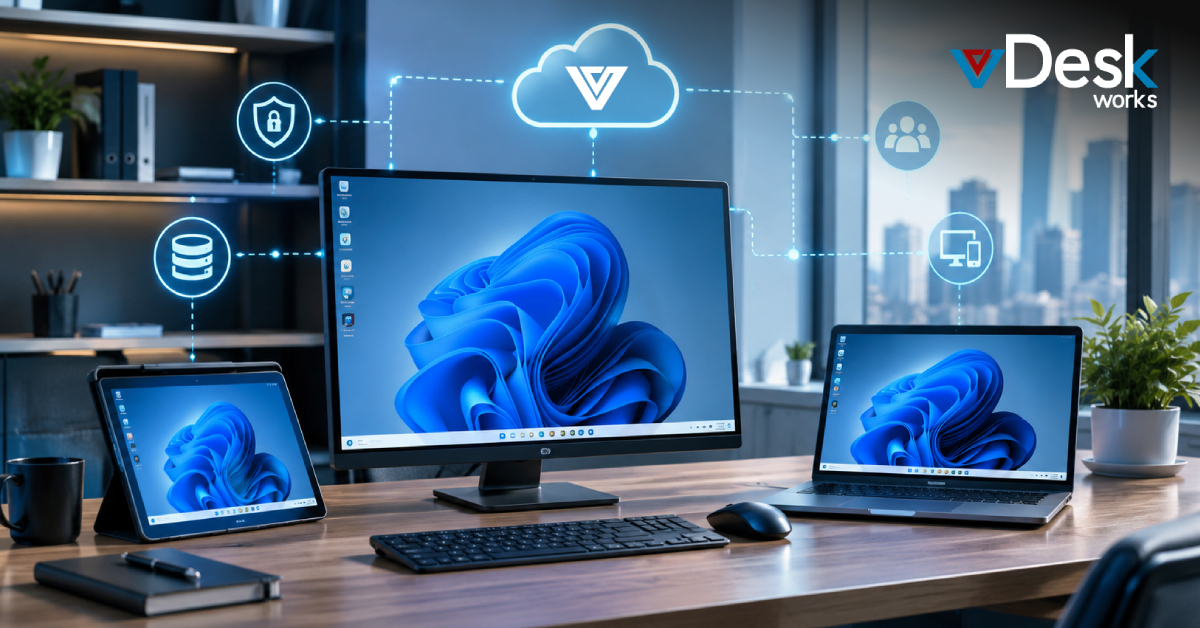
Cloud PC simplifies this by centralizing the entire work environment in the cloud. Data is no longer tied to individual devices but exists within a controlled, unified system. This makes it easier to implement consistent backup strategies while reducing the risk of data loss caused by device failure or human error.
Local backup still plays a role in this ecosystem by providing quick recovery options, but the reliance on device-based protection is significantly reduced. The cloud becomes the primary layer of security, ensuring continuous availability and protection.
Why vDeskWorks Cloud PC is a Smarter Approach?
In a world where data protection and accessibility must go hand in hand, vDeskWorks Cloud PC offers a more advanced and integrated solution.
Instead of treating backup as a separate process, vDeskWorks embeds data protection within the computing environment itself. Since desktops and applications are hosted in the cloud, data is continuously stored, synchronized, and secured at the source. This reduces the risk of data loss caused by device failure, accidental deletion, or inconsistent backup practices.
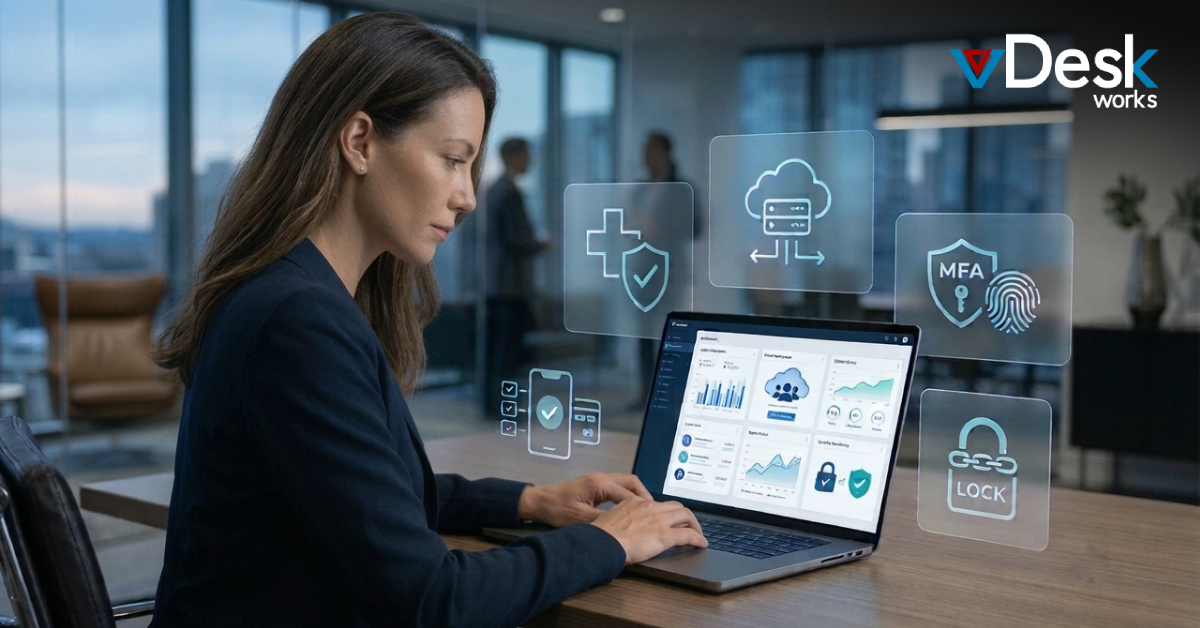
With vDeskWorks Cloud PC, businesses benefit from centralized control over their data. IT teams can manage access, monitor activity, and ensure that all environments are protected without having to rely on individual users or devices. This not only improves security but also simplifies overall IT management.
The platform also enhances flexibility. Users can access their cloud desktops from any device, knowing that their data remains intact and up to date. Even if a device is lost or damaged, the work environment remains unaffected because everything is stored securely in the cloud.
At the same time, vDeskWorks supports hybrid strategies by allowing integration with local backup systems where needed. This ensures that organizations can maintain quick recovery options while relying on the cloud for long-term protection and scalability.
By combining centralized cloud environments with flexible backup options, vDeskWorks creates a more resilient and efficient approach to data protection.
Building a Future-Proof Backup Strategy
The question is no longer whether you should back up your data, but how effectively you are doing it. In a world where data loss can happen instantly and without warning, relying on a single method is no longer sufficient.
Local and cloud backup are not competing solutions—they are complementary. One provides speed and control, the other offers security and accessibility. Together, they form a complete strategy that protects your data from every angle.
As businesses continue to adopt cloud-first technologies and Cloud PC environments, this hybrid approach becomes even more important. It ensures that data is not only stored but truly protected—ready to be recovered, restored, and relied upon whenever needed.
With solutions like vDeskWorks Cloud PC, organizations can move beyond traditional backup limitations and embrace a smarter, more integrated way of securing their digital assets in an increasingly connected world.
 Admin
Admin